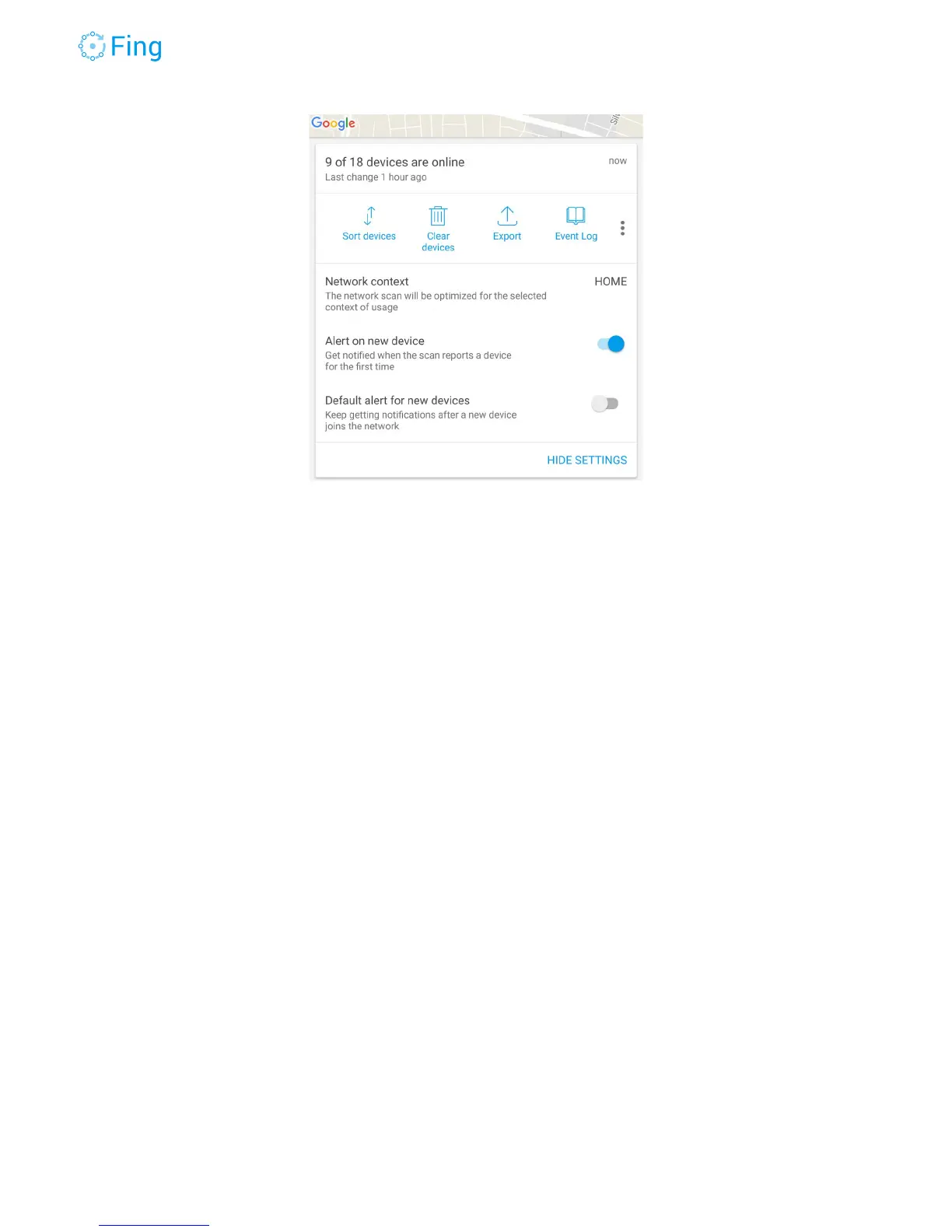
The other setting “Default alert for new devices” determines the state change alert setting for
new devices. If it’s ON, then the new devices will automatically generate alerts on a status
change (i.e. when they go offline or back online).
TIP - To avoid being submerged by status change notifications, we recommend to keep this
setting to OFF and manually activate status change alerts for each important device that
should always stay up and active (like a surveillance camera, a WiFi access point or a baby
monitor).
See an example from a Device Details screen in the picture below. The “Alert me when state
changes” setting is set to ON.
Fingbox User’s Guide - App v6.2.1 Page 13



 To Next Page