17
CONTRAST SETTING
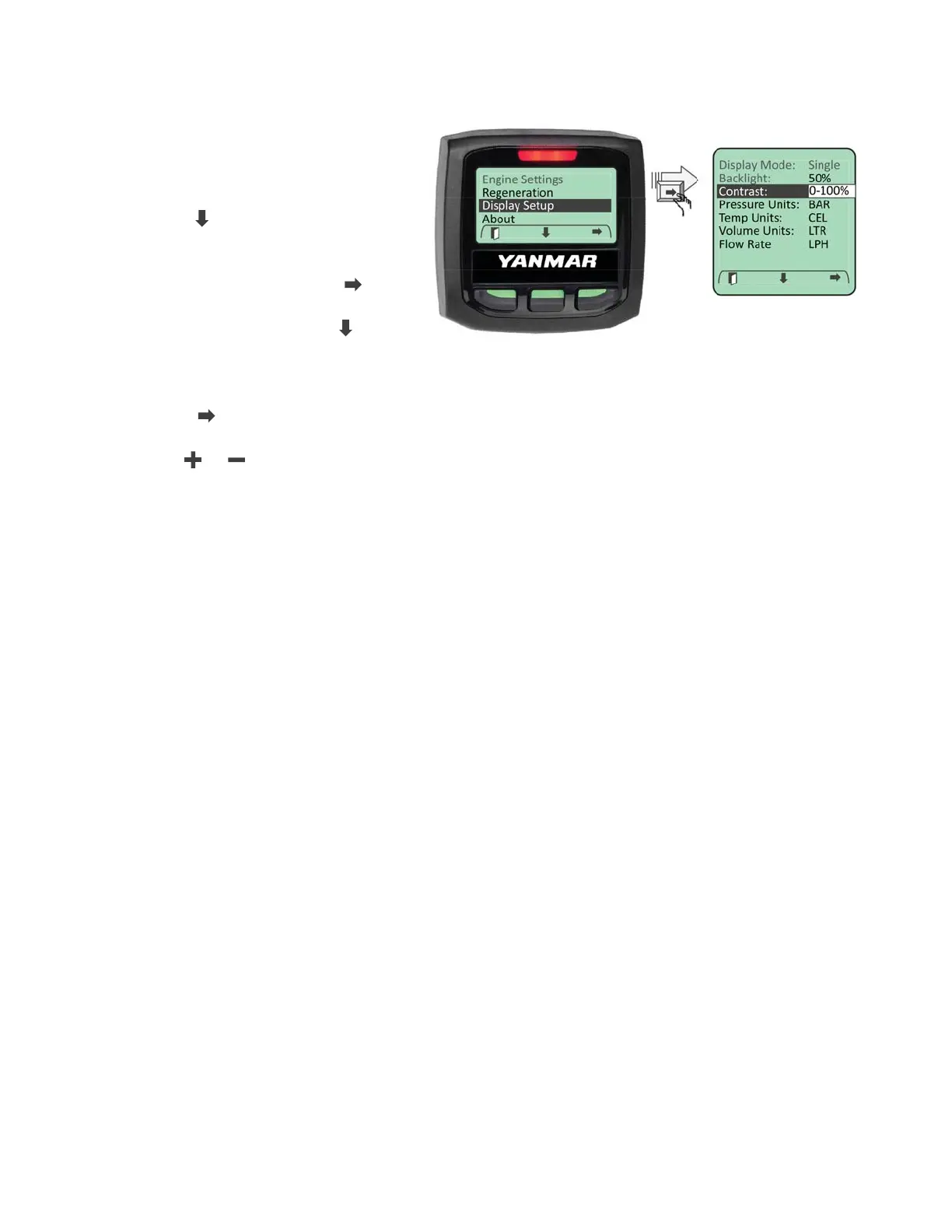
The LCD contrast is adjustable
from 0 to 100%. To adjust the LCD
contrast enter the Main Menu and
navigate to the “Display Setup” menu
using the “
” softkey.
When highlighted enter the Display
Setup menu by selecting the “
”
softkey. Navigate through the
“Display Setup” menu using “
”
softkey until the “Contrast” entry is
highlighted.
Press the “
” softkey to select the contrast parameter setting.
Use the “
” / “ ” softkeys to set the contrast value.
Note: Setting the contrast value below 30 may render the display to be unreadable.



 To Next Page