© FJDynamics. All rights reserved.17
FJDynamics AT2 Auto Steer System Hardware Installation Manual
4.6 Installing the SIM Card
4.6.1 Components
No. Name Qty. Remarks
1 SIM card 1 Micro-SIM
Notes:
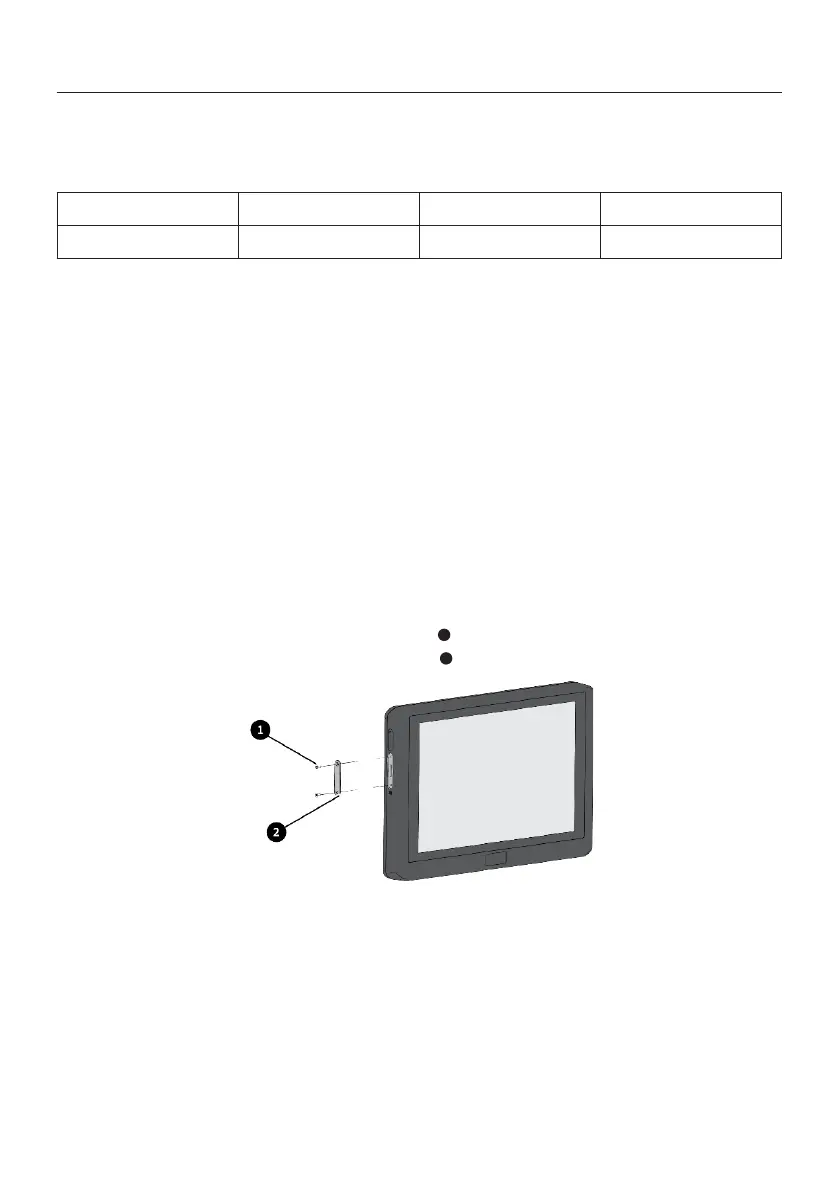
1. Use a cross screwdriver to remove the screws of the SIM card cover on the left of the
control terminal and remove the SIM card cover .
1. Purchase a SIM card that supports the frequency bands of the 4G communication
module of the control terminal.
Ensure that the SIM card supports the following 4G frequency bands:
LTE-FDD: B1/B2/B3/B4/B5/B7/B8/B12/B13/B18/B19/B20/B25/B26/B28
LTE-TDD: B38/B39/B40/B41
UMTS: B1/B2/B4/B5/B6/B8/B19
GSM: B2/B3/B5/B8
2. Ensure that you have data service with your SIM card.
3. After installing the SIM card, turn on the control terminal and set the APN and network
type in the Android system settings if it is required according to the SIM card manual.
2.Slowly insert the SIM card into the slot with the chip facing the screen side, and use an
ejector pin and tweezers when necessary.
3.Install the SIM card cover with a cross screwdriver.
1
2
4.6.2 Installation Steps



 To Next Page