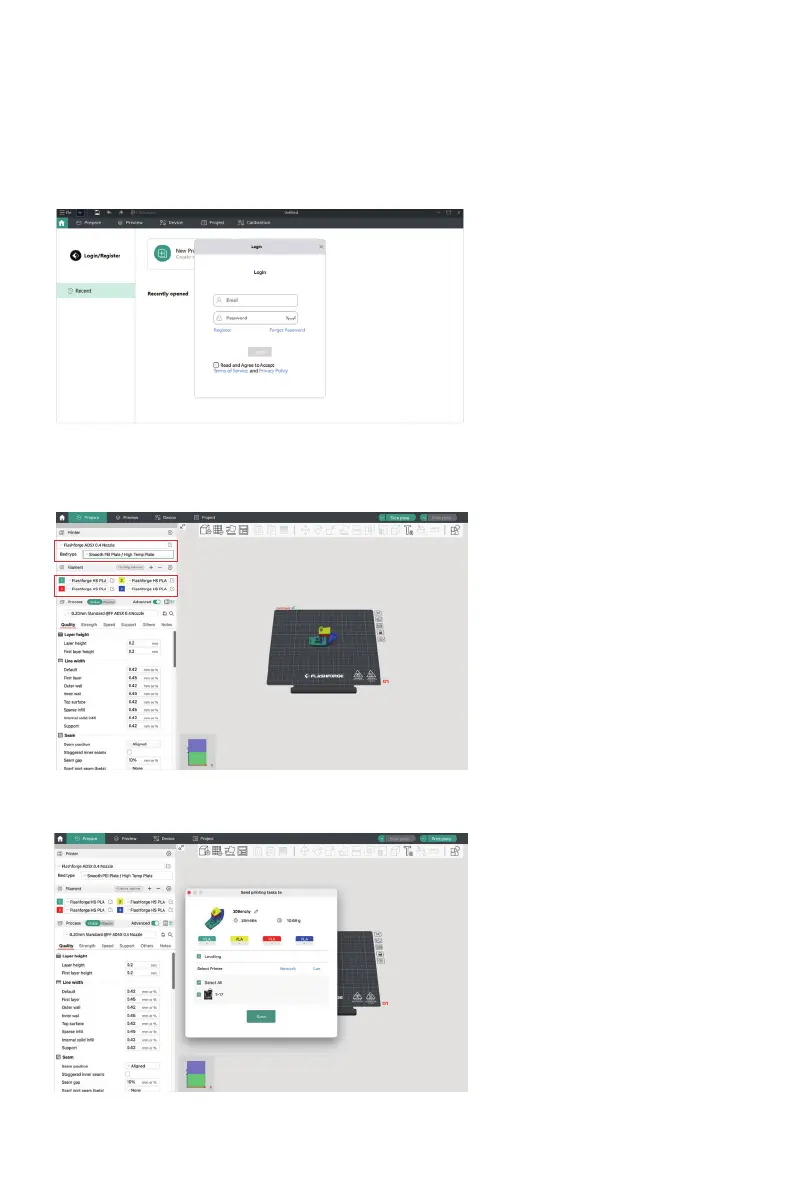
3. Account Login/Register:
Log in to Orca-Flashforge using your Flashforge account. If you don't have an account, register
one using your mobile phone number. (Note: Flash Maker and Orca-Flashforge share the same
account.)
4. Create or open a project for slicing. You can select the machine type, material, and
recommended parameters in the printer, filament, and process bars.
5. After slicing, select the printer and send for printing.
09
Select the printer
Select the filament















 To Next Page