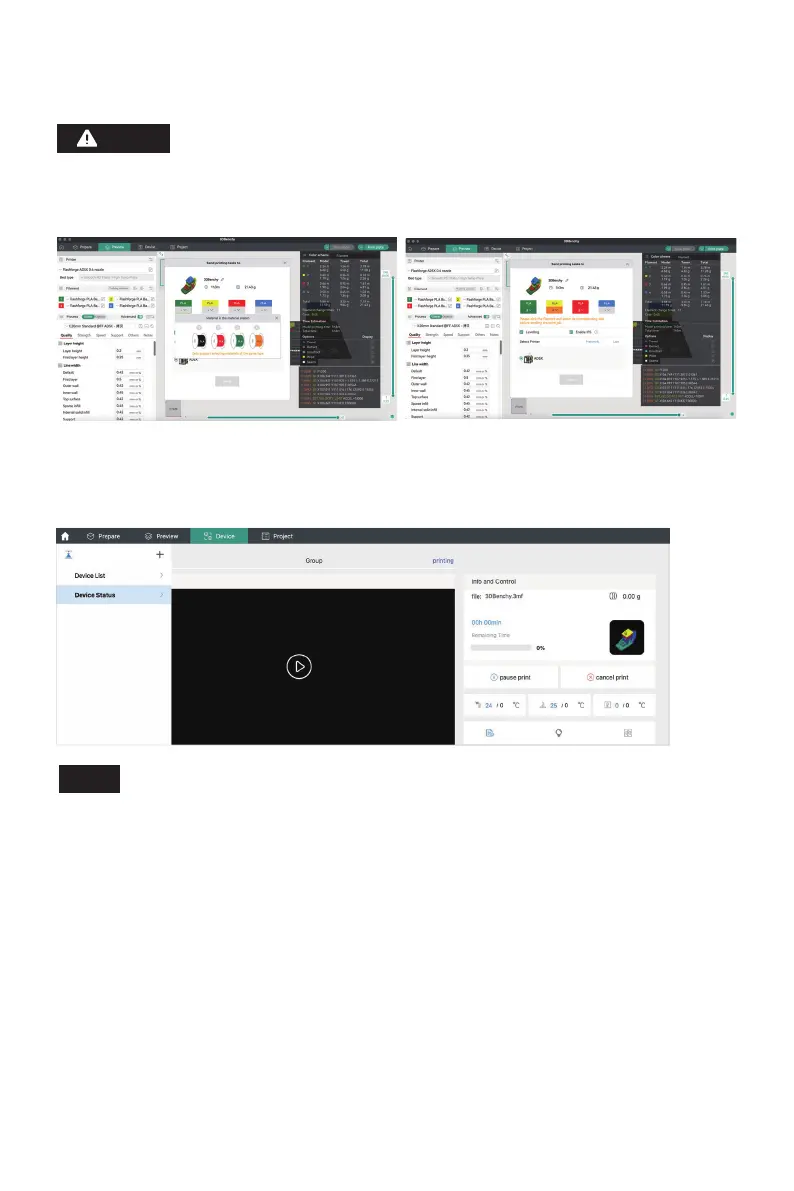
6. You can remotely monitor the printing progress and pause/stop printing when necessary on
the device interface. (Note: Real-time monitoring is only available with a camera installed and
activated. AD5X does not come with a camera by default.)
10
For multi-color printing, filament information needs to be configured manually.
Click the corresponding channel and select the filament in the matching or
similar color. (Once the IFS information is configured on the device, the slicing
software can retrieve the IFS information from that device, as shown below:)
Note
For details and tutorials on software usage, please refer to Flashforge WiKi.
(https://wiki.flashforge.com/en/home)
Tip:















 To Next Page