Q5. What to do if the nozzle position is too high (far from the bed)
or too low (hitting the bed) during printing? How to adjust it?
Please check if the bed is properly installed and there is no excessive residue on the nozzle. If these
issues exist, address them first. Then, go to the settings interface, select the leveling option, and
perform automatic leveling or enable automatic leveling before printing. If the problem persists
and your entire print is coming out poorly because the nozzle is too close or too far from the bed,
you can adjust the Z-axis offset by clicking [ ]. If the bed is too far, click the up arrow. If the bed
is too close, click the down arrow.
Q3. Is leveling/calibration required after replacing the nozzle?
Yes. It is recommended to perform automatic leveling to ensure high print quality as slight errors
may occur during nozzle installation. The device will have leveling enabled by default before each
print. A temperature calibration for the new nozzle is also required.
Q4.What to do if the extruder moves but no filament comes out
at the beginning of printing after starting the print?
1. Observe the filament guide tube to check if filament has entered the nozzle. If not, please click
the loading button until filament comes out.
2. Check if the nozzle is clogged. If so, please refer to the solution of Q1.
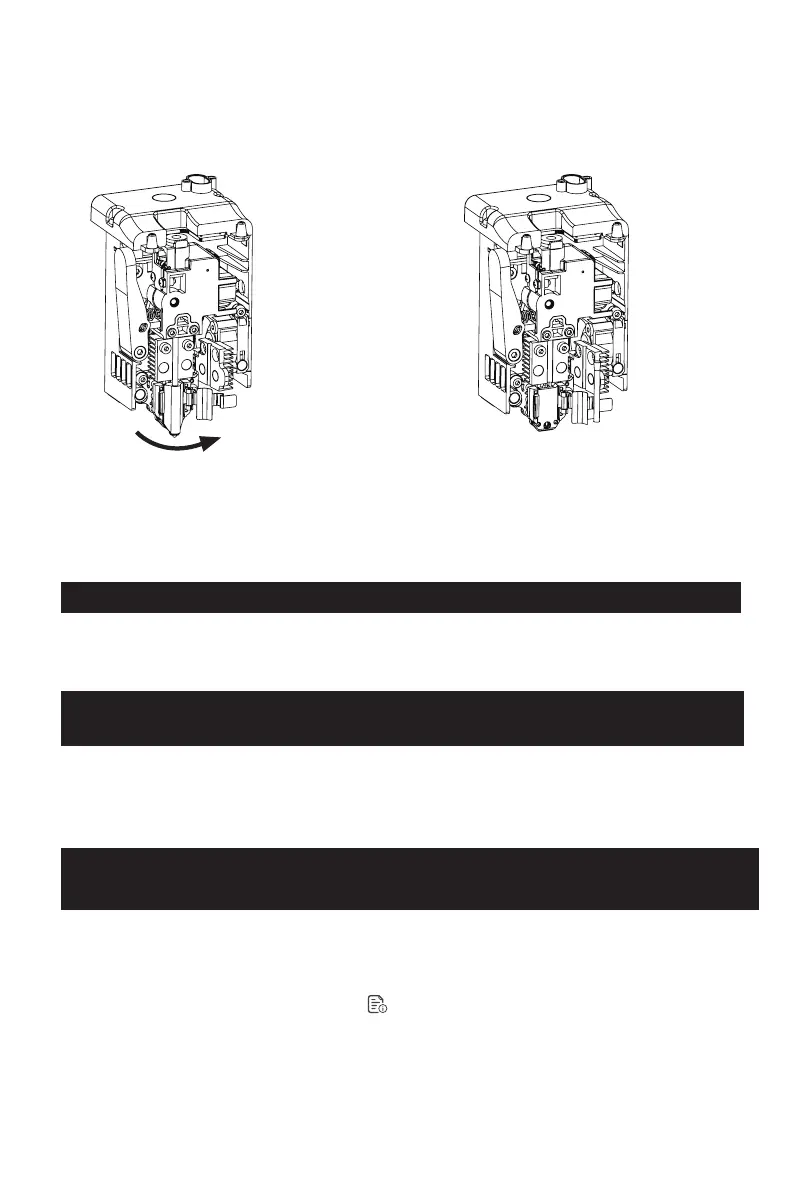
When reinstalling the nozzle, ensure it is properly aligned and securely fastened. Install the
silicone sleeve back into place. After replacing the nozzle, it's crucial to perform a nozzle
temperature calibration and bed leveling.
3. Release the heatsink clip. 4. Finally, remove the nozzle.
23















 To Next Page