Finder2.0 User Guide |
www.flashforge.com
6-19
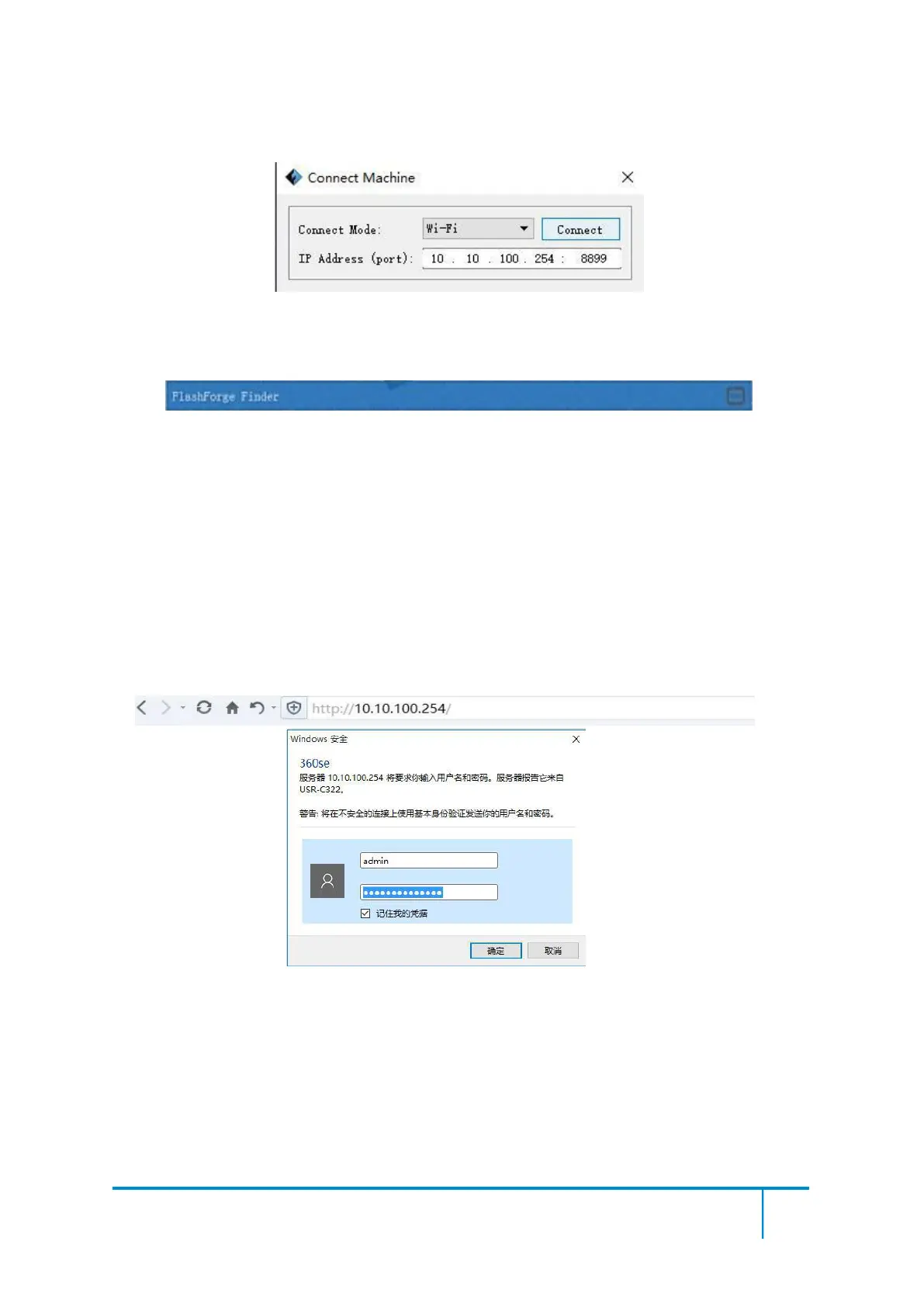
If successfully connected, you will see the following red mark.
②
Connect Finder2.0 with your PC under STA mode
a. Turn on the WIFI of Finder2.0 and connect your PC with Finder2.0 via the
WIFI. Press [ Tools ], [ Setting ], [ WIFI ], and [ WIFI ON].
b.“Finder2.0” continuous signal will be found available on the network list.
c. Once your PC is connected with your Finder2.0. Open the Internet browser and
enter “10.10.100.254” and enter the default user name(admin) and password(admin).
6-20
You will enter the WIFI setting panel, it displays as follows:















 To Next Page