Finder2.0 User Guide |
www.flashforge.com
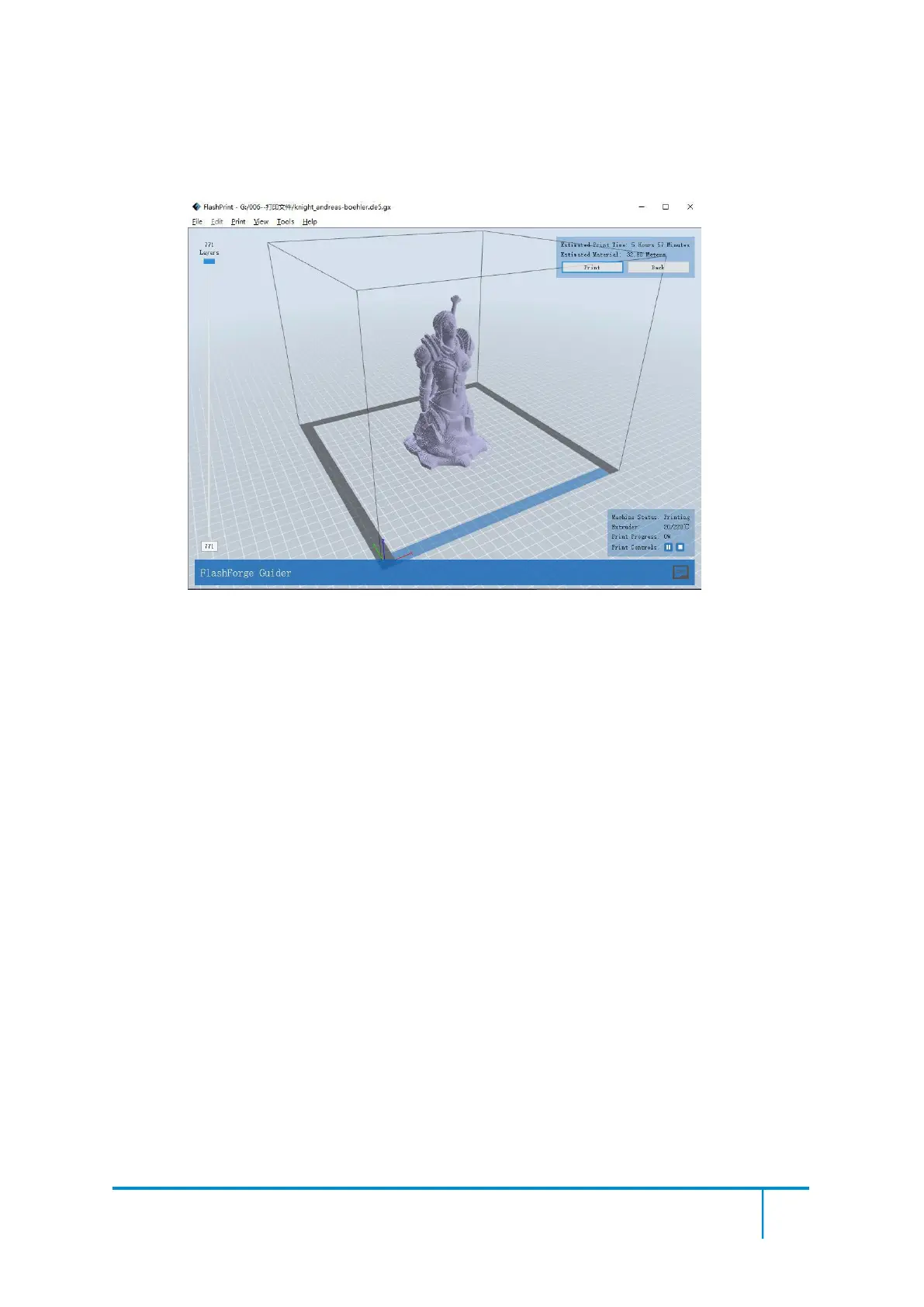
● After finishing transferring, the printer will heat up automatically. And when heating
finishes, the print will start to build the model.
7-11
7.2.3 Print from USB Flash Disk
①
Insert your USB flash disk with target .g or .gx file to your Finder2.0. .
②Turn on the Finder2.0. Make sure the build plate has been leveled and the filament is
loaded.
③Tap [Print] and then tap the SD Card icon in the middle. The file(s) will be
displayed on the screen. Select the file you want to print and tap [Print]. The file will
be transferred to the printer.
⑥And the printer will heat up the nozzle automatically and start to print after the
nozzle reaches the aimed temperature.,
Abort
:
To stop heating and printing. Once you tap [Abort], the process is irreversible.
Pause
:
To suspend the print job, you can tap it again to resume it. You can use this
function when you want to change the filament halfway.















 To Next Page