Finder User Guide | www.ff3dp.com
You can connect the Finder with your PC via a USB cable or WIFI.
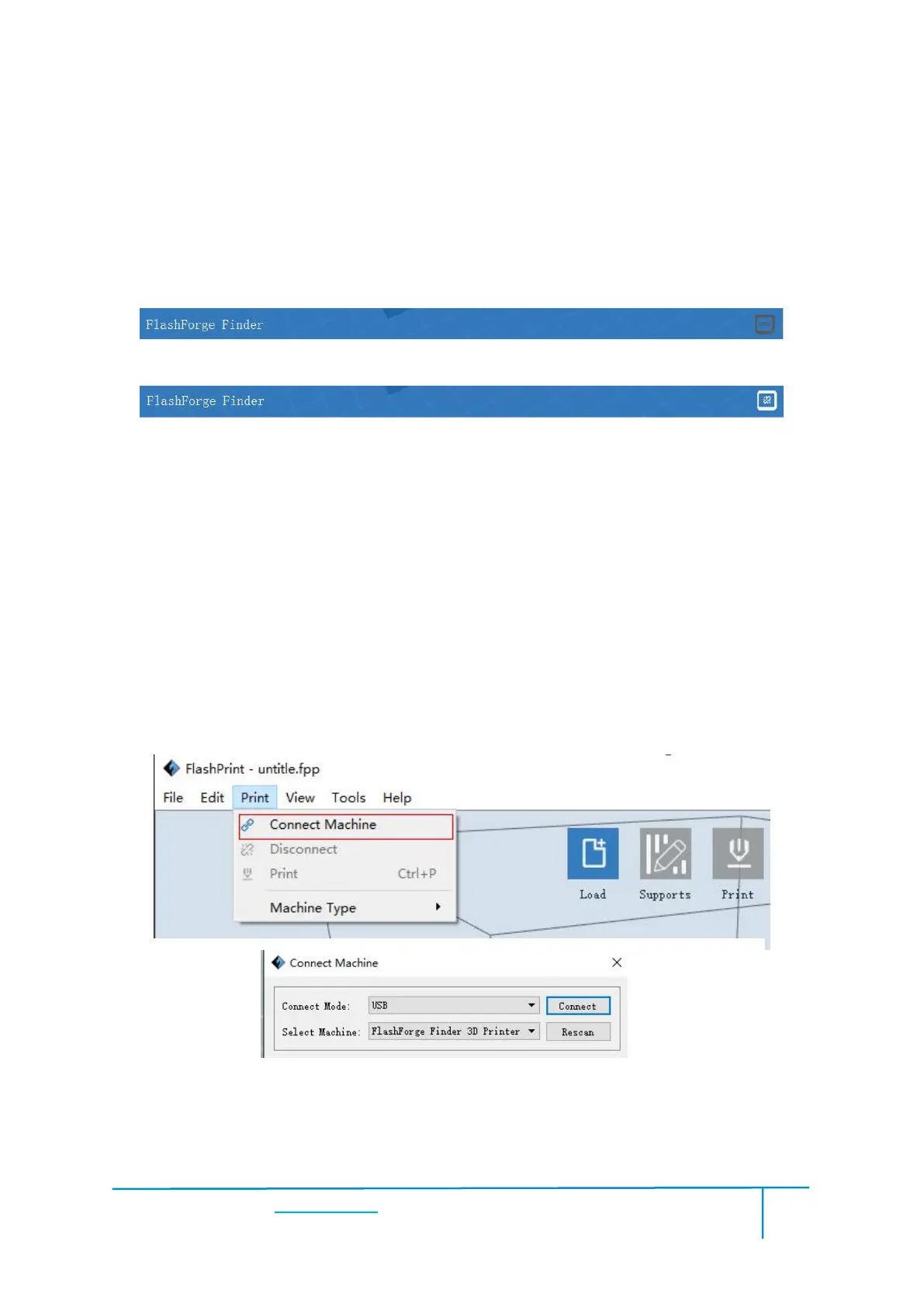
Note: The machine icon on the bottom right displays the connection status:
Method 1:Connect Via USB Cable
a. Connect your Finder with your PC via an USB cable.
b. Turn on your Finder and start Flashprint.
c.Click [Print]--[Connect Machine], then select USB in the [Connection Mode]
option and select machine you want to connect in [Select Machine] option. If you can
not find your machine, click the [Rescan] button to scan your machine and select it.
Finally click [Connect] button to connect to the printer. If you still can not find your
machine after rescan, which means you haven’t installed the driver in the software.















 To Next Page