Hunter User Guide | www.FlashForge.com 400-699-1063
You can load a model file or Gcode file into your FlashPrint by the following six
Method 1: Click the Load icon on the main interface. Then select the object file.
Method 2: Select the file for loading and drag the file to the main interface of the
Method 3: Click [File]--[Load File]. Then select the object file for loading.
Method 4: Click [File]--[Examples] to load the example files
Method 5: Click [File]--[Recent Files] to load the files opened recently.
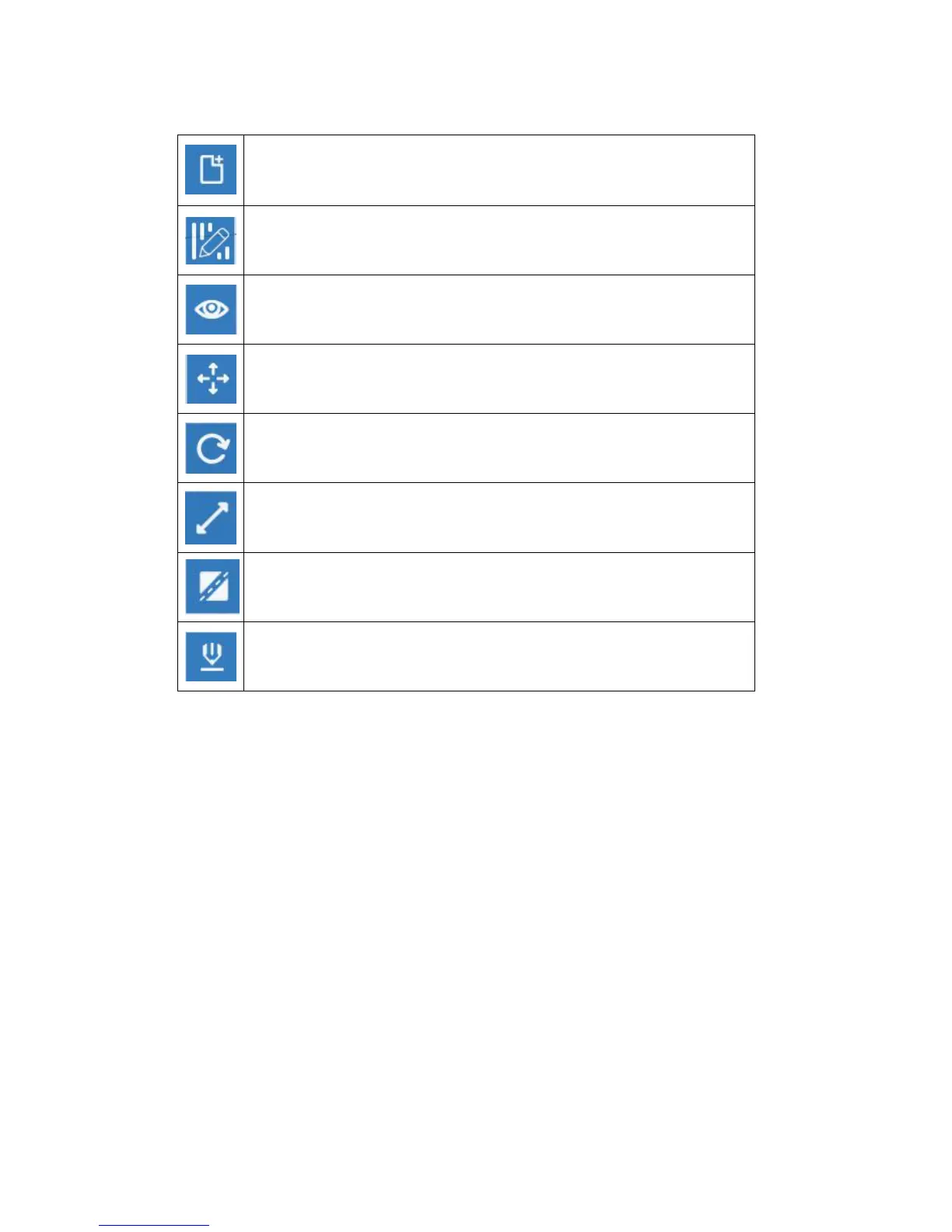
Enter the support edit mode
View FlashPrint home screen from one of six viewing angles.
Move model around on XY-axis; shift+click to move along Z axis
Turn and rotate your model
Scaling the size of your object
Cut the model into several parts
Print it directly with your Hunter or export to your USB stick.















 To Next Page