Hunter User Guide | www.FlashForge.com 400-699-1063
6. Tap [Print] and then tap the middle USB stick icon.
7. A list of file(s) will show up, press the file that you would like to print, then tap
8. The printer will now enter preheating phase and will start printing once it finishes
After the printer and computer have connected WiFi (Please refer to 5.2.13 ), load
the Gecod file in FlashPrint, then tap [Print] icon to start printing.
Notice: Please close the cover while printing.
6.3 Model Processing
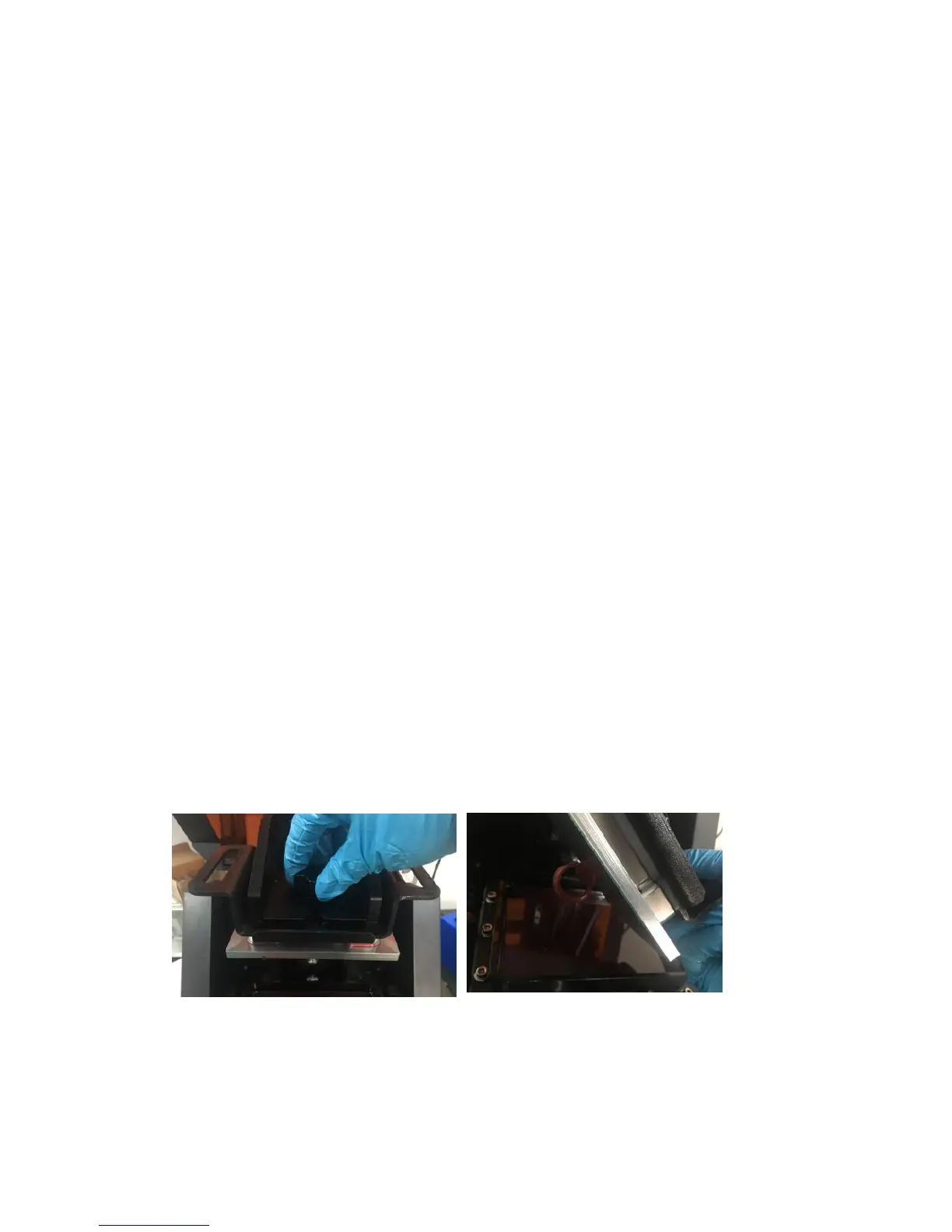
(6-6)After finish printing, please put on vinyl gloves and open the light shield,
hold the build plate and unscrew the platform screw, take out the build plate from
horizontal direction carefully.
Attention: Please put on vinyl gloves during operation,
Carefuly pour the used photopolymer resin into a clean bottle, it can
Photopolymer resin needs to be stored in a dark, dry and cool place.















 To Next Page