Inventor User Guide | www.flashforge.com 0086‐ 0579‐82273989
16
3.
(
3-3
)
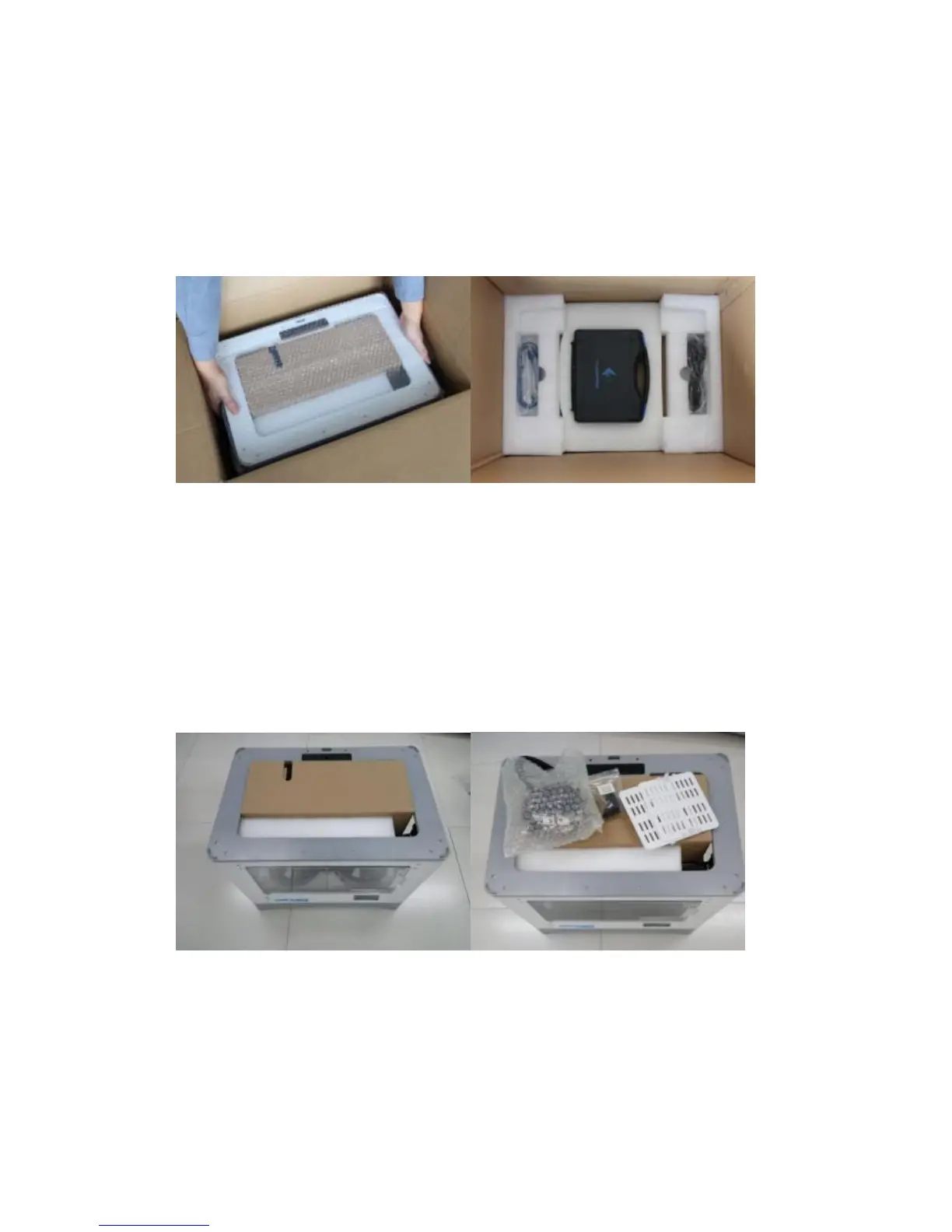
Lift the Inventor by its side openings and place it on a flat surface. Then
You will see the Expert Kit, power cord,andUSB cable in the shipping box. In the
Expert Kit, you can find a Carving K nife, a Scraper, Tweezers, a Sensor line and
a Screw Box. What's more. a SD card and some screws, Wrenches in the Box.
3-3
4.
(
3-4
)
The Inventor will have an accessory box on top of it, which will house the
extruder set. Remove the box and the foam pad from t he Inventor, and gently lay the
extruder set on the Inventor build plate.
Inside the accessory box, you will find an SD card, asidefanduct,andtwo pieces
of removable side panels.
3-4
5. (3-5) Move the build plate up ca refully.















 To Next Page