Inventor User Guide | www.flashforge.com 0086‐ 0579‐82273989
60
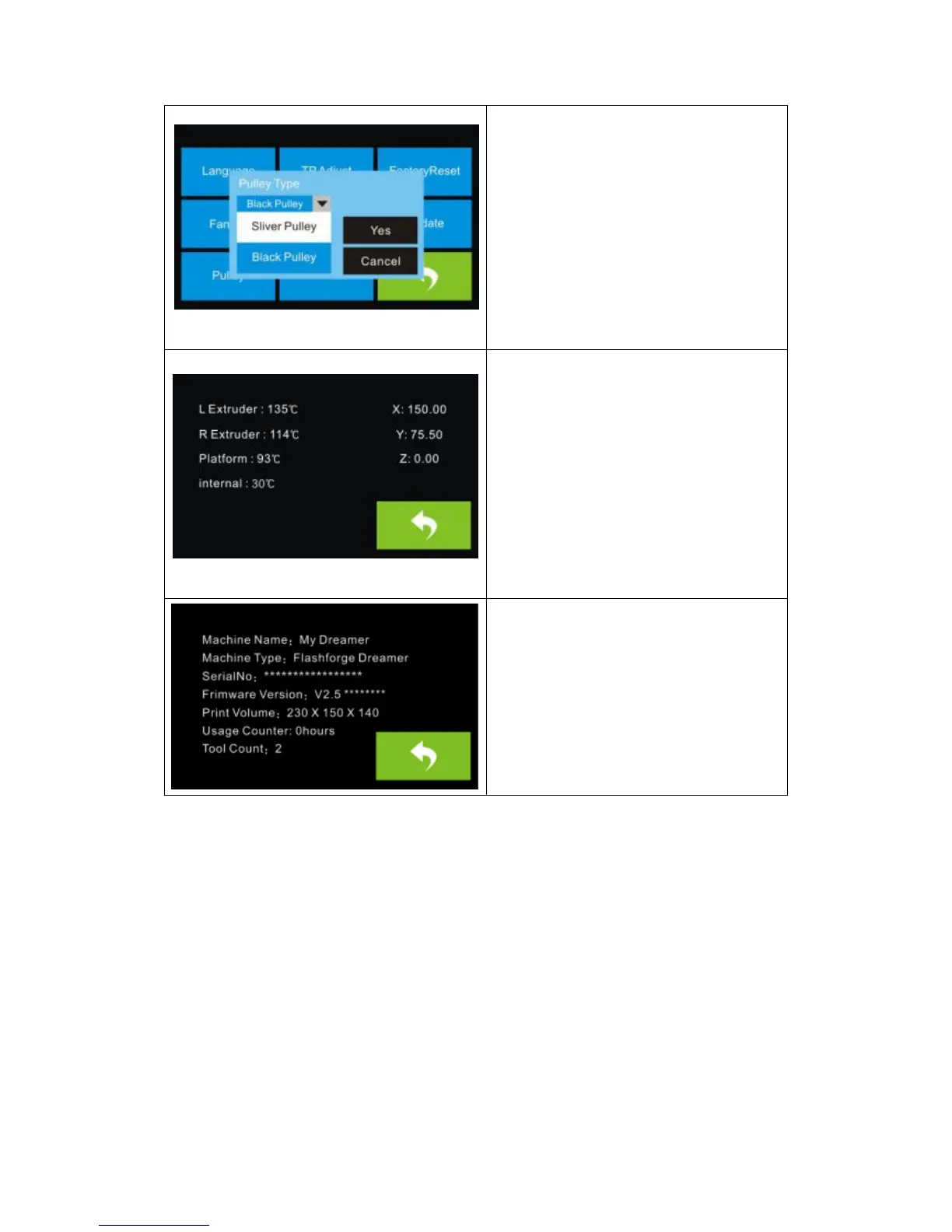
Pulley:
To select the equipped pulley type.
Status:
It displays the real-time status of the
extruder t emperature, the platform
temperature and the internal
temperature.
About:
It displays the basic information about
the device.
7.2 Methods of printing
Printing from USB
1. Connect Inventor to the computer using the included USB 2.0 cable.
2. Turn on the Inventor. Make sure the build plate is leveled and filament is loaded to
the l eft extruder.
3. Select [Print]from menu bar, then select [ Connect ].
4. Click on [ Rescan ], then [ Connect ].















 To Next Page