Inventor User Guide | www.flashforge.com 0086‐ 0579‐82273989
21
your computer. The Inventor supports USB .
4.4 Loading and Unloading Filament
Filament must pass through the extruder and into the heating block in order to be
melted. In this user guide, we will demonstrate loading and unloading filament using
the l eft side extruder.
Loading filament:
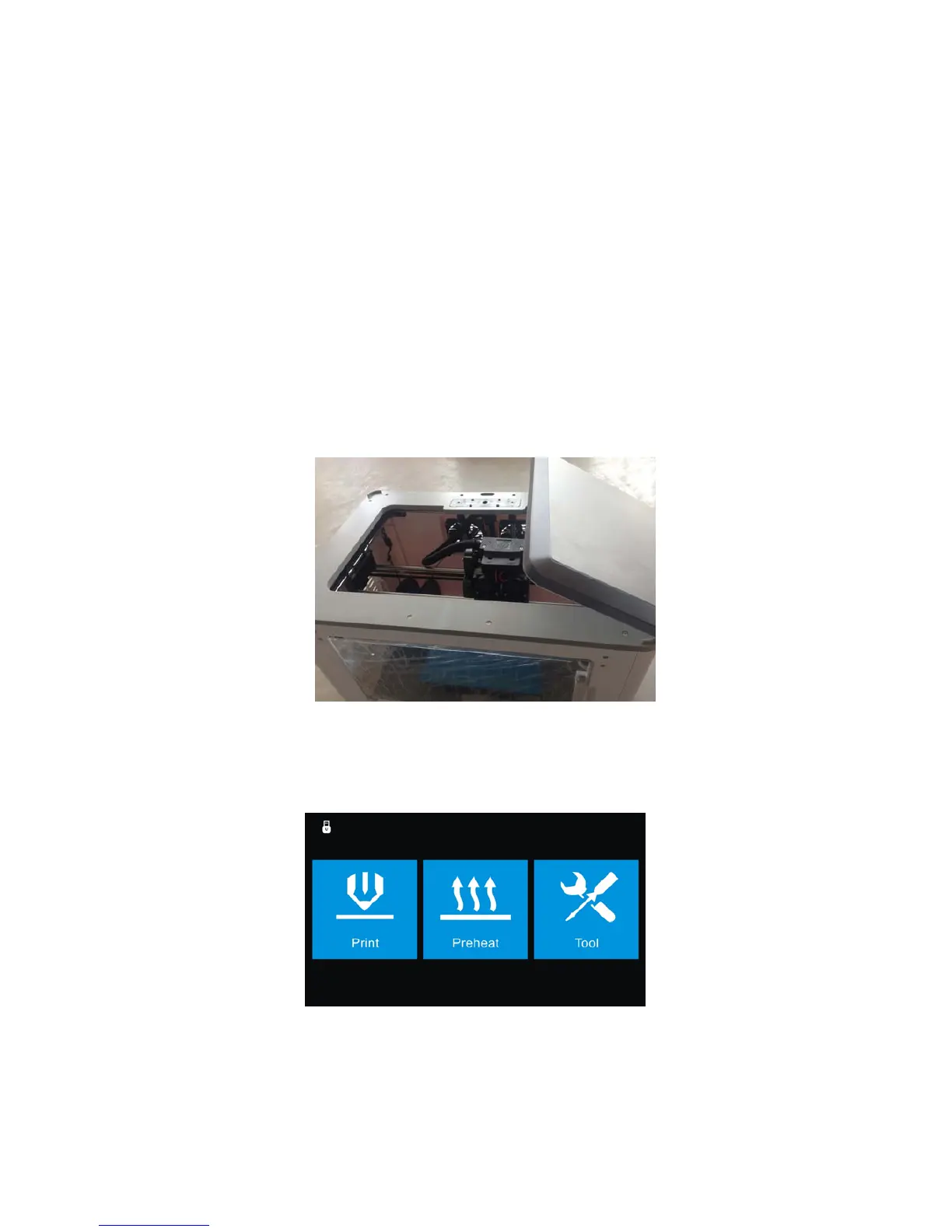
(4-8) Remove the lid of the Inventor
4-9
(4-9) From the main menu, press the right icon labeled [Tools ].
4‐8















 To Next Page