Inventor User Guide | www.flashforge.com 0086‐ 0579‐82273989
20
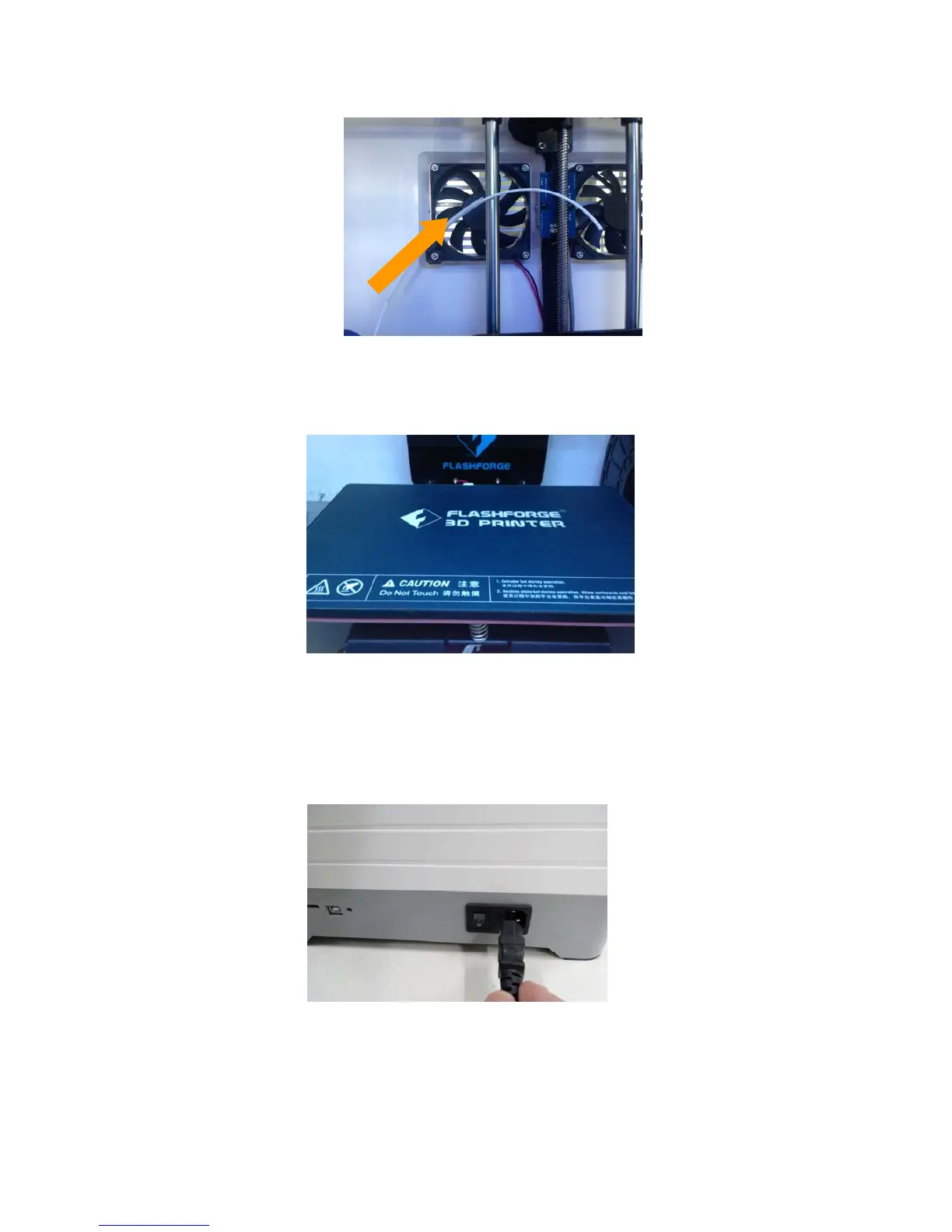
(4-5) Feed the filament through the filament guide tube. Attach t he guide tube onto
the two filament guide tube brackets.
(4-6) Stick the build sheet to the build plate after installing filament, as picture shows.
4.3 Plugging in Power Cord&USB Cable
(4-7) Locate the power cord, and plug it into the Inventor.
Optional: Locate the USB cord and plug one end into the Inventor and the other into
4‐5
4‐6
4‐7















 To Next Page