Inventor User Guide | www.flashforge.com 0086‐ 0579‐82273989
19
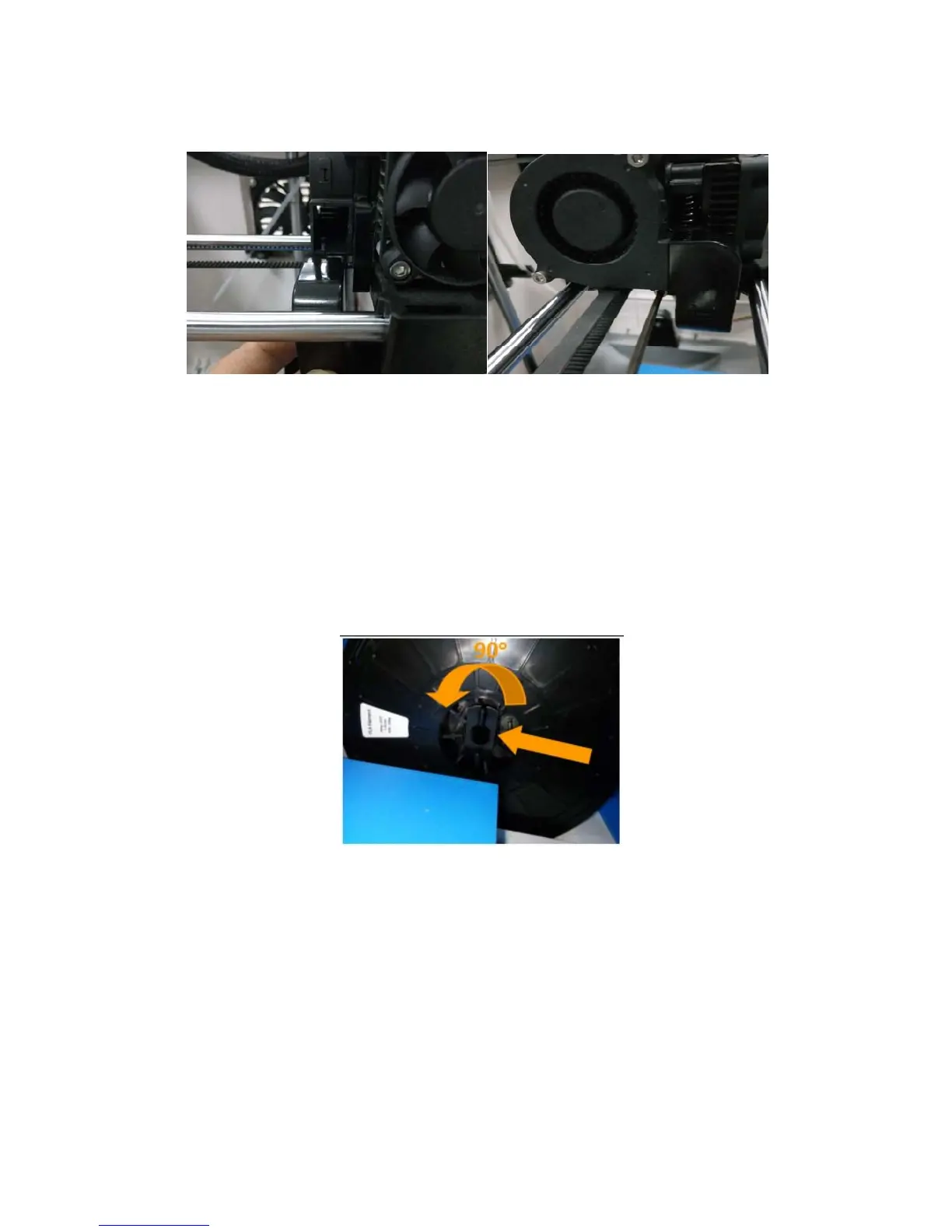
(4-3) Install the side fan duct. To do this, find the side fan duct and attach it onto the
left side of the extruder s et. Secure it with the supplied M3x8 screw.
Tip: place the M3x12 screw through the mounting hole of the extruder seat first.
Afterwards, align the extruder set and tighten.
4.2 Installing Filament
(4-4) Lock the filament in place by securing it with the filament s pool holder and
turning it counter-clockwise.
4‐3
4‐4















 To Next Page