Inventor User Guide | www.flashforge.com 0086‐ 0579‐82273989
18
Chapter 4 . Hardware Assembly
The Inventor comes pre-assembled and is almost ready-to-print (ARP). All you need
to do is set the appropriate voltage, mount the extruder set, and install the filament. It
will only take between 5 to 10 minutes before you can fire up the Inventor and
prepare for your first 3D print!
4.1 Mounting the Extruder Set
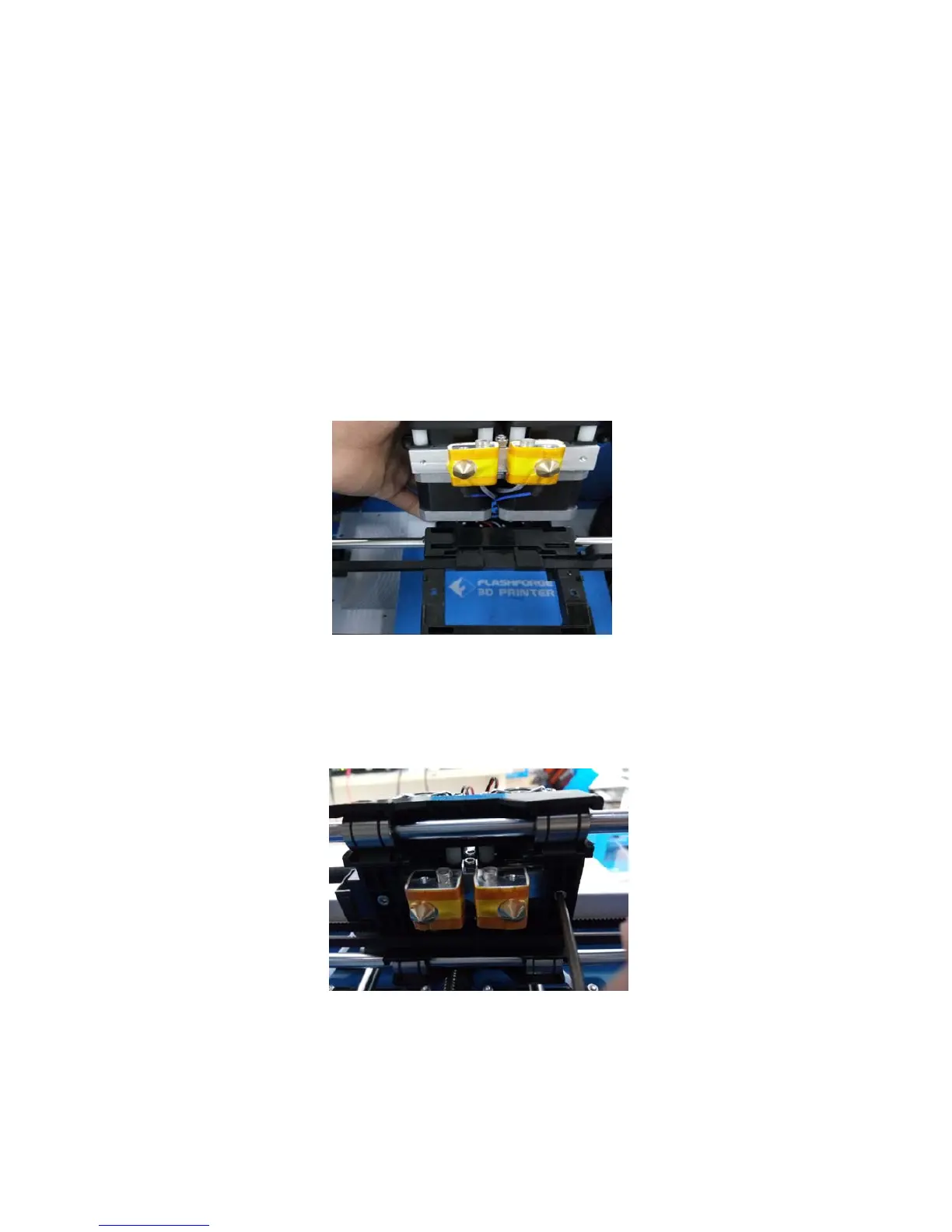
4-1
(4-1) Lay the extruder set on top of the extruder seat with the two extruder fans facing
the front.
(4-2) Secure the extruder set onto the extruder seat by using two M3x12 from the
bottom up.
4‐2















 To Next Page