Inventor User Guide | www.flashforge.com 0086‐ 0579‐82273989
80
Left click the [Delete] button and then left click the supports needed deleting. And the
support will be deleted.
8.2 Control over Printing Q uality
①
Enhance t he build plate adhesiveness
● Leveling the build plate
● Keeping the build plate smooth and tidy
● Using the build tape or glue
②
Adjusting the printing speed
● Low (Fast) (Print Speed 80mm/s Travel Speed 100mm/s)
● Standard (Print Speed 60mm/s Travel Speed 80mm/s)
● High (Slow) (Print Speed 50mm/s Travel Speed 70mm/s)
● Hyper (Print Speed 50mm/s Travel Speed 70mm/s)
8.3 Skills of Model Placement
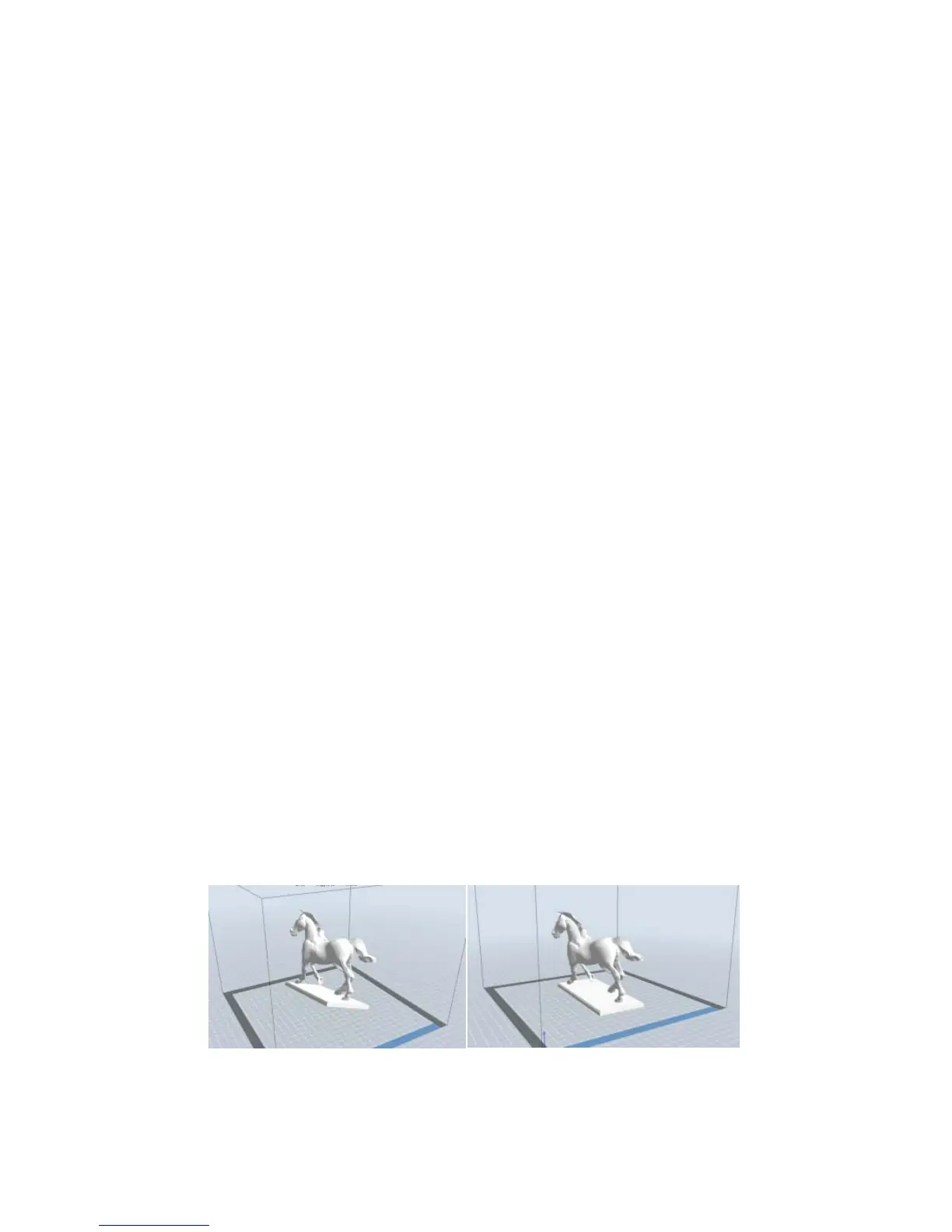
Not all the models are in the right positions after being loaded. Therefore, you need to
place it in an appropriate position for better print quality. Such as t he models below,
you need to put one of the surfaces onto the platform.(Please refer to 5.1.12-
⑦
Surface
to Platform)
①
Improper Proper
8‐12















 To Next Page