Inventor User Guide | www.flashforge.com 0086‐ 0579‐82273989
81
②
③
Further Reading
:
Cut Function
Left-click on the model to select it and double-click on the Cut icon to set the cut
plane. The direction and position are available for setting.
E.g
:
As for a big model or an irregular model, you need to cut it into several parts so as to
reduce t he printing limitation and to better the print quality. Look at the model below:
Picture 8-15 is the preview of the model’s original placement and Picture 8-16 is the
preview of t he model with support structure.
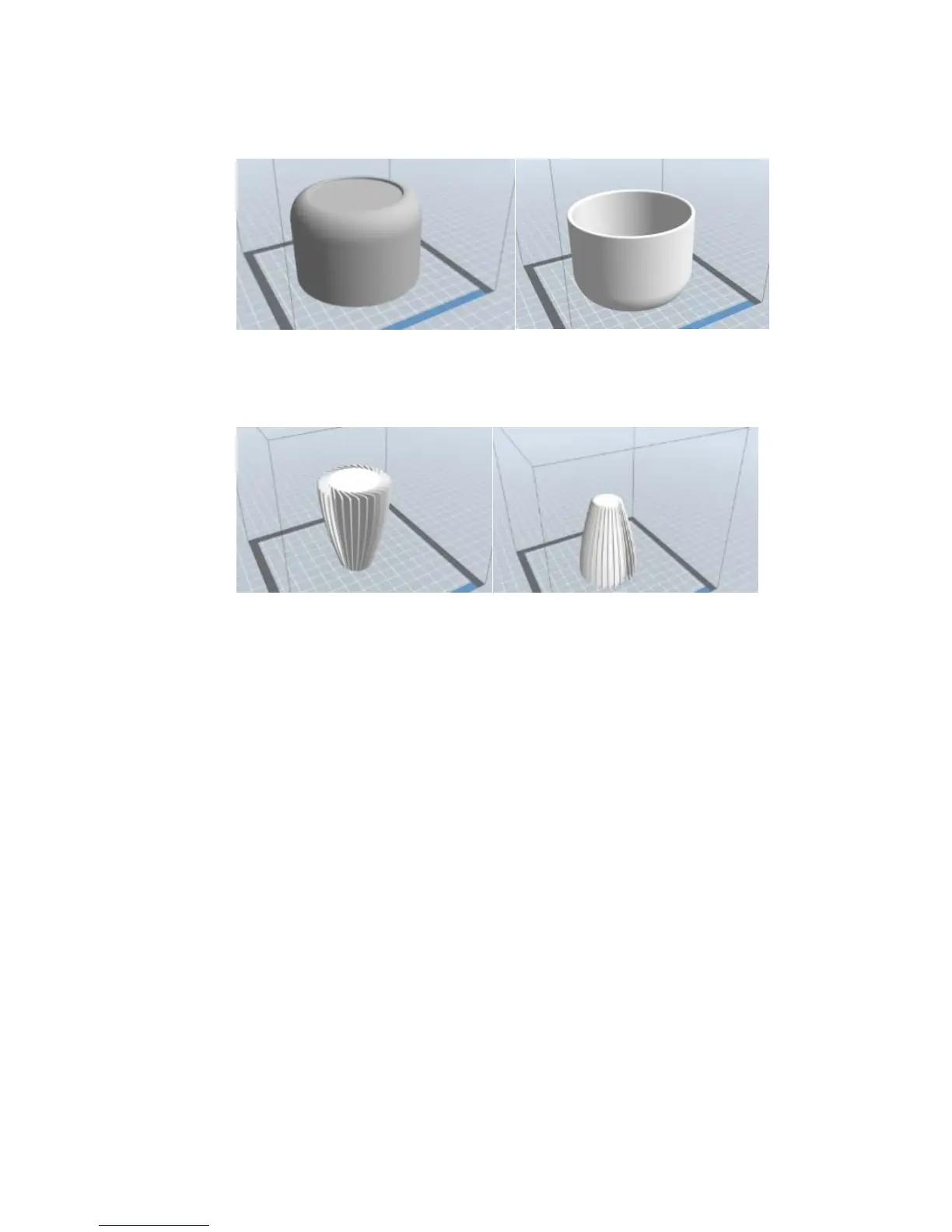
Improper Proper
8‐14
Improper Proper
8‐13















 To Next Page