Inventor User Guide | www.flashforge.com 0086‐ 0579‐82273989
59
Update: To update the firmware
Pulley: To choose the pulley type
Return arrow
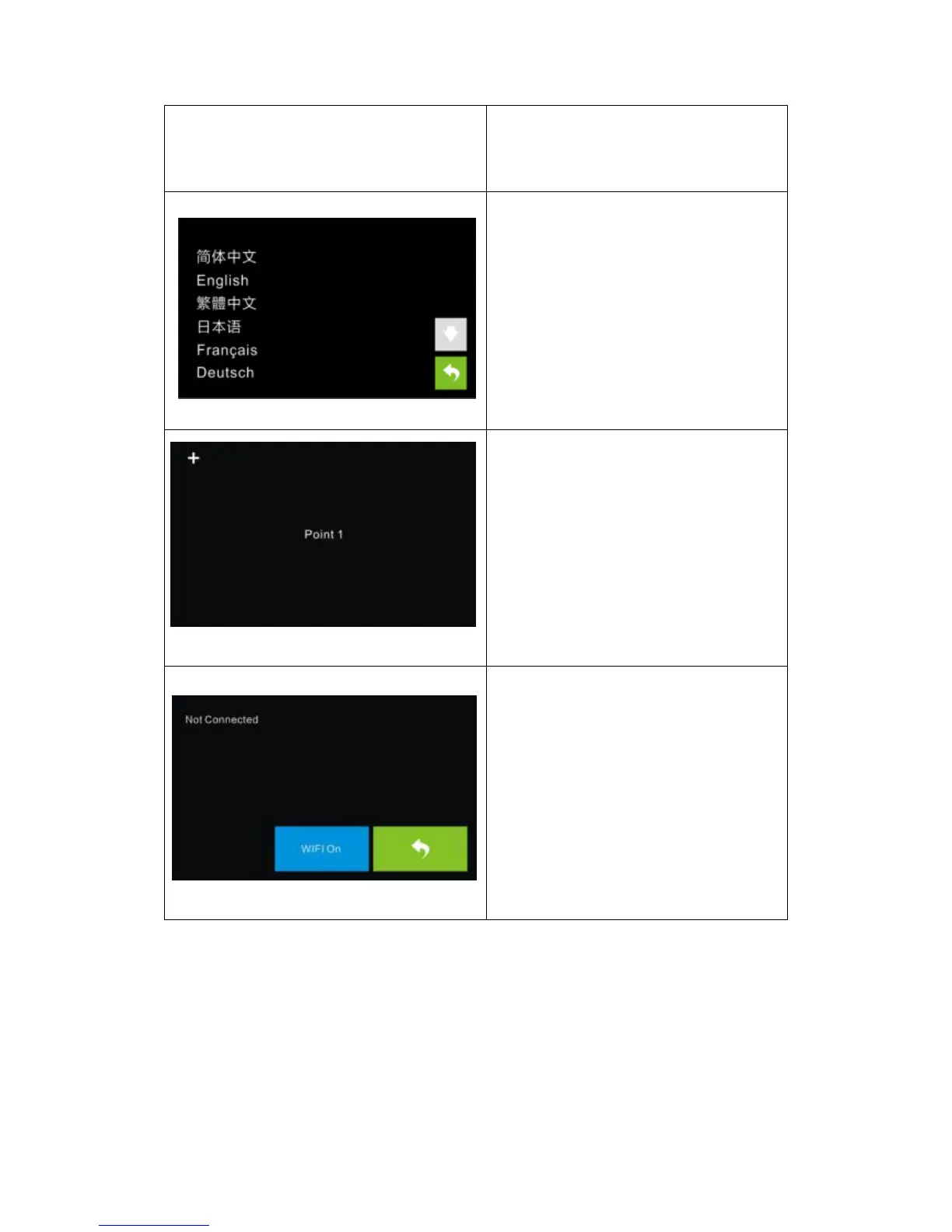
Language:
User can select corresponding language
as required.
TP Adjust
To tap the “+” on the touch screen to
adjust the touch screen.
WIFI:
Turn on the WIFI:Turnonthewifi,
release the wifi hotspot and set the wifi
on computer
Return arrow















 To Next Page