Inventor User Guide | www.flashforge.com 0086‐ 0579‐82273989
37
Method 2: Click the [Rotate] icon on the left, and then enter into rotating
angel values in X /Y/Z axes positioning. Click [Reset] to reset rotating angel values.
6.2.7 Scale
Select the target object and scale the object by the following two methods:
Method 1: Click the [Scale] icon on the l eft, hold down the left mouse button
and scale t he model. The corresponding values will display near the object..
Method 2: Click the [Scale] icon on the left and then enter into scale values
in X/Y/Z axes positioning. Click the [Maximum] button to get largest size possible
for building. Click [Reset] to reset the size of model.
Note: If the [Uniform Scaling] radio button is clicked, it will scale the model in equal
proportion when changing value in any positioning of the model. Otherwise it will
only change the value of the corresponding positioning.
6.2.8 Cut
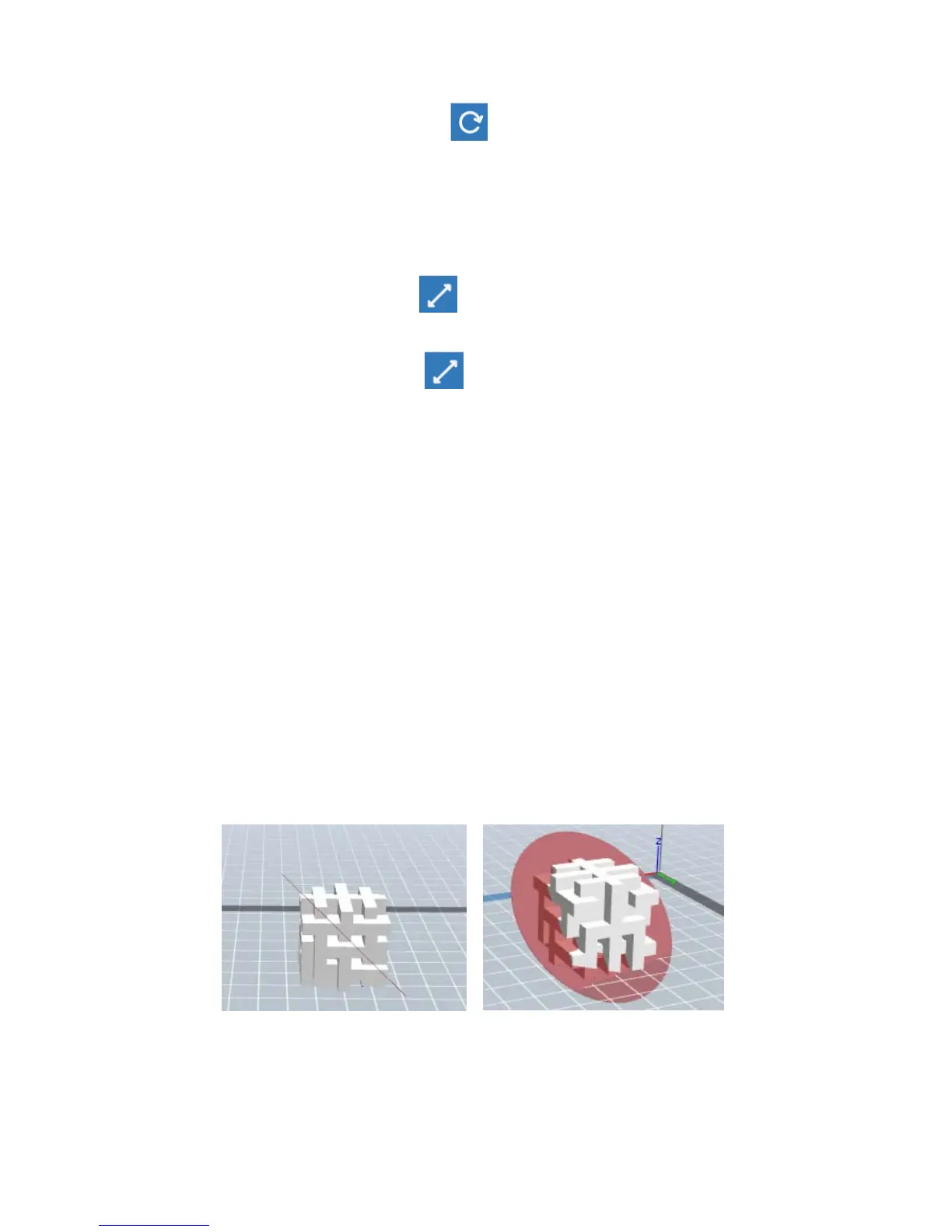
Left-click on the model to select it and double-click on the Cut icon to set the cut
plane. The direction and position are available for setting.
①
Draw with Mouse















 To Next Page