Inventor User Guide | www.flashforge.com 0086‐ 0579‐82273989
62
left extruder
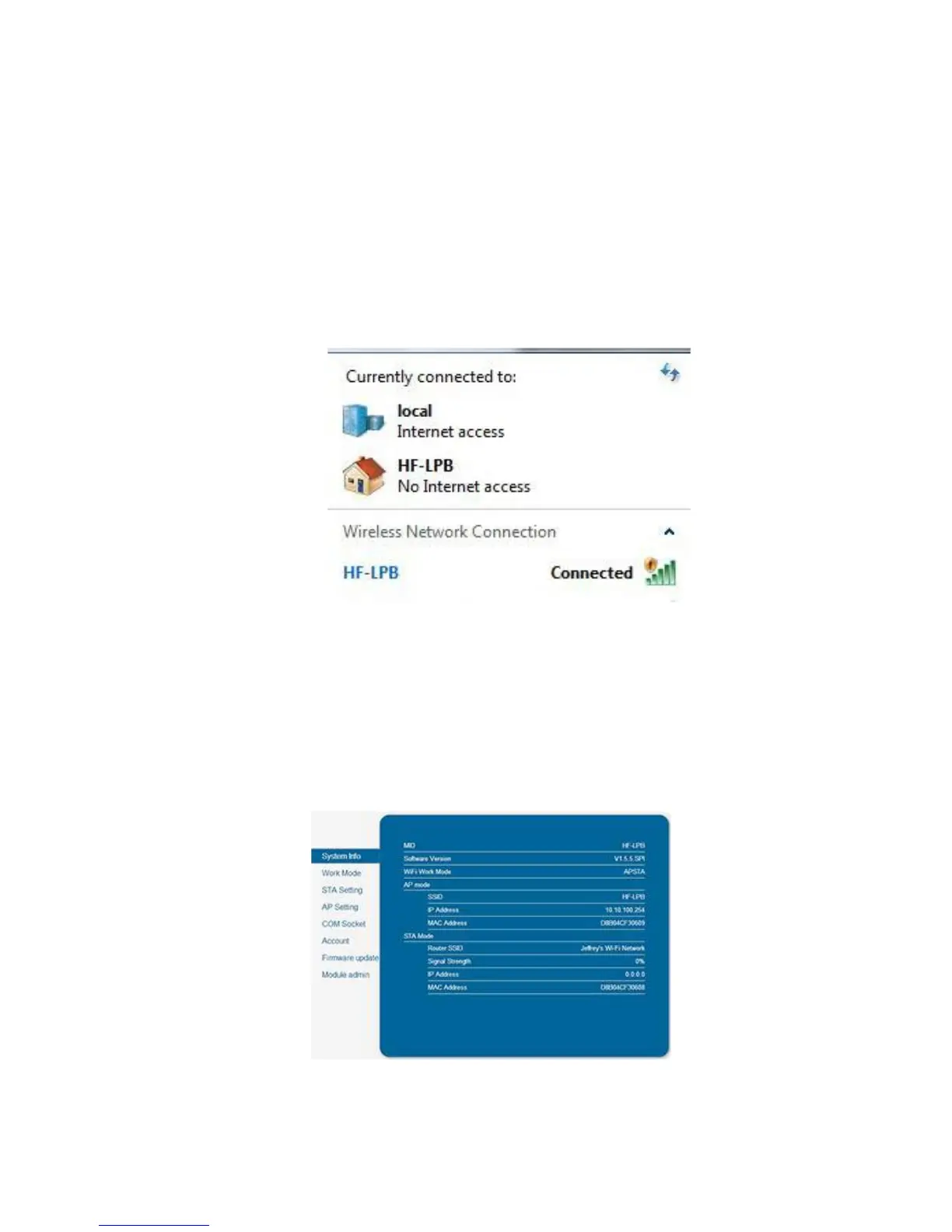
2. Turn on Wi-Fi on the Inventor. To do this, press [Tools], [Setting], [WIFI],
and [WIFION].
3.A connection called“HF-LPB” can be found on the list of available networks.
Connect to this network.
7-1
4. Open your Internet browser. Type in “10.10.100.254” and hit [Enter]on your
keyboard. Enter the username and password to login. The default username and
password are both “admin.” The control panel will appear after a successful login.
7-2















 To Next Page