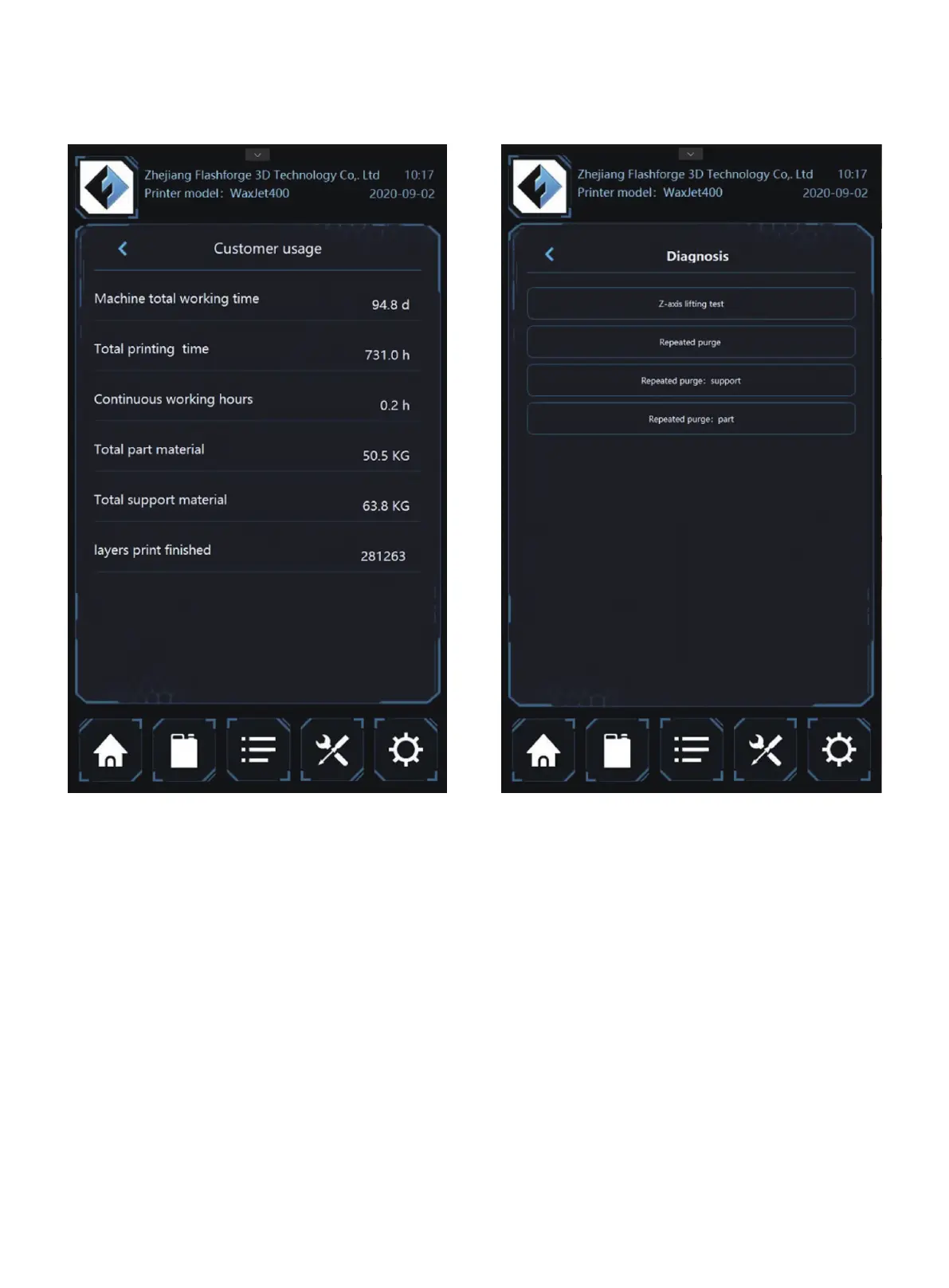
Diagnosis: click the <diagnosis> to enter the procedures.
Diagnosis Lists: the diagnosis interface will appear after
clicking the <diagnosis> under the <tools>, where users can
operate and maintain the printers as requested.
Z-axis lifting test: to check the normal operation of the moving
parts.
Repeated purge: to clear the printhead regularly.
Repeated purge: part: Diagnostic test procedure - run after
the request of after-sale representatives.
Repeated purge: support:Diagnostic test procedure - run
after the request of after-sale representatives.
01 02 03 04 05 06 07 08
09 10 11 12 13 14 15 16 17
18 19 20 21 22 23
24 25 26
27 28 29 30 31 32 33 34 35
36 37 38 39 40 41 42 43
44 45 46 47 48 49 50 51
52 53 54
55 56 57 58 59 60 61
62 63 64 65 66 67 68 69
70 71 72 73 74 75 76 77
78 79 80 81 82 83 84 85
86 87 88 89 90 91 92 93
94 95 96 97 98 99 100 101
102 103















 To Next Page