Page 13
Programming a Time Clock Regeneration System
3. Extended Programming Mode
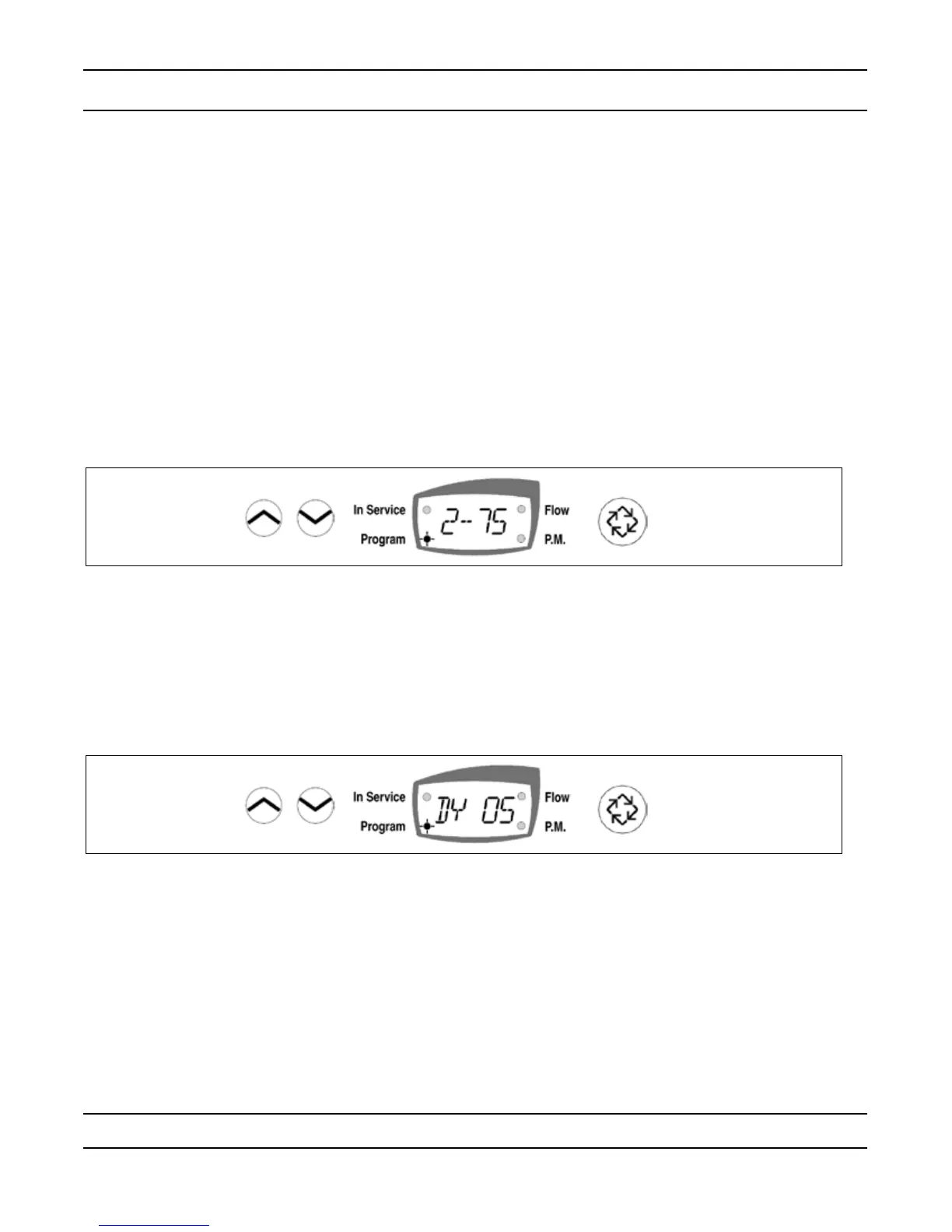
Regeneration Cycle Step Programming (Display Code 1 – 6)
This Program Step is used to program the Regeneration Cycle step times. The Regeneration Cycle Step
being programmed is displayed in the rst digit of the display. Each display is used to set the duration time in
minutes of that specic step in the Regeneration cycle.
Example:
Cycle Step dF dFFF FLtr
1 10 = Backwash 12 = Fill 10 = Backwash
2 60 = Brine Draw 60 = Brine Making 10 = Rapid Rinse
3 5 = 2nd Backwash 10 = Backwash
10 = Rapid Rinse 60 = Brine Draw
5 12 = Rell 5 = 2nd Backwash
6 10 = Rapid Rinse
— Use the Set Up and Set Down buttons to adjust this value.
— Press the Extra Cycle button once to proceed to the diagnostics.
4. Extended Diagnostics Mode (Viewable Only)
(Dy xx) Display Code xx = days since last Regeneration.
— Press the
Extra Cycle button once to advance to the next diagnostics.
(xxxx) No Display code xxxx = the volume used since the last Regeneration
— Press the Extra Cycle button once to Exit Extended Setup Programming Mode.
Control Programming Complete


 To Next Page