Page 12
Programming a Meter Immediate Regeneration System
3. Extended Diagnostics Mode (Viewable Only)
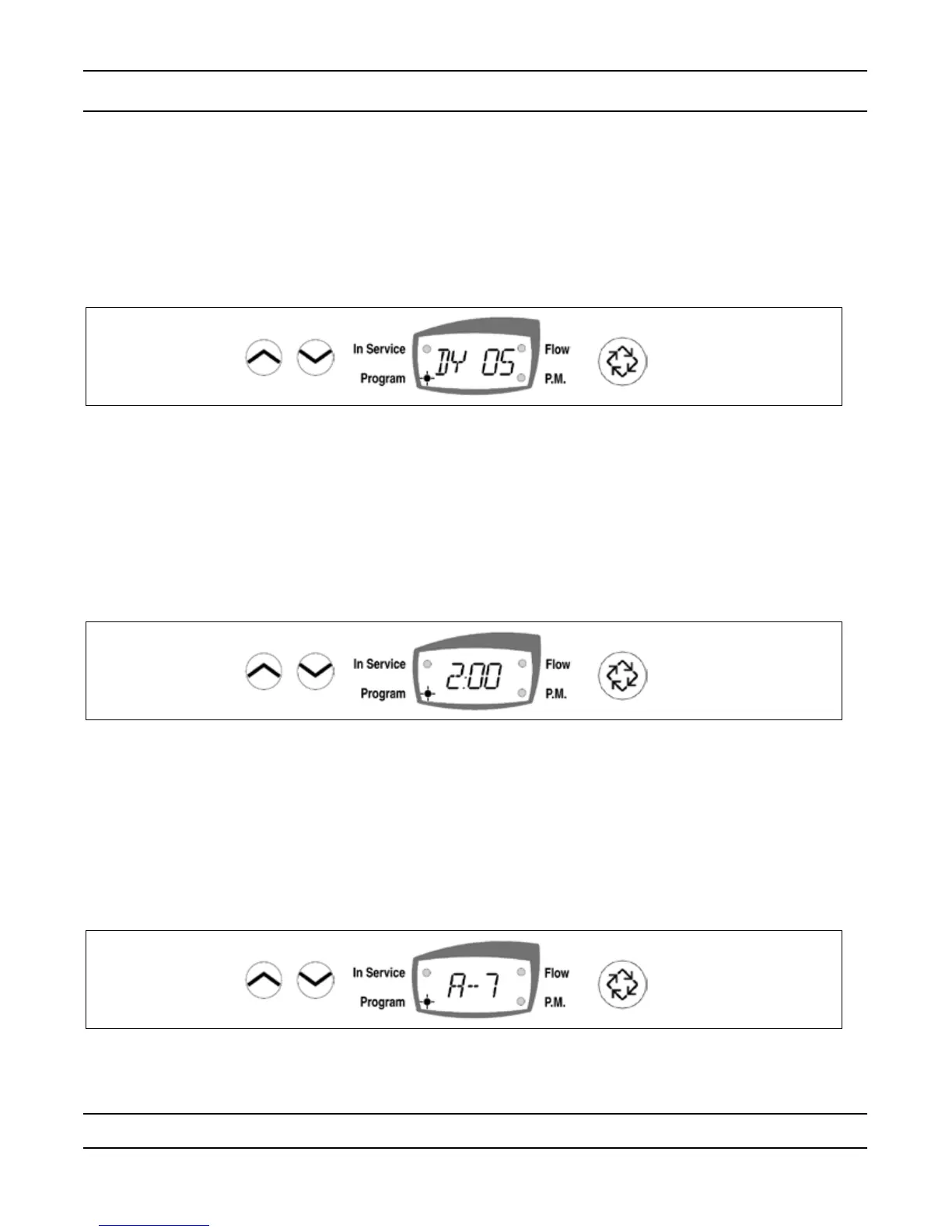
(Dy xx) Display Code xx = days since last Regeneration
— Press the Extra Cycle button once to advance to the next diagnostics.
(xxxx) No Display code xxxx = the volume used since the last Regeneration
— Press the Extra Cycle button once to Exit Extended Setup Programming Mode.
Control Programming Complete
Programming a Time Clock Regeneration System
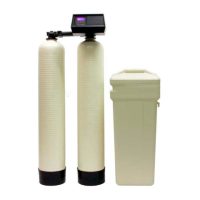
1. Regeneration Time (No Display Code)
The Regeneration Time display can be identied by observing a non-ashing colon between two sets of
numbers. Set the desired time of day that you want Regeneration to occur.
Example: 2 o’clock A.M. regeneration time: [ 2:00 ] (P.M. Indicator Dot Off)
— Use the Set Up and Set Down buttons to adjust this value.
— Press the Extra Cycle button to proceed to the next step.
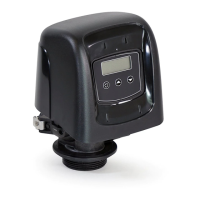
2. Regeneration Day (Display code A)
Use this display to set the number of days between Regeneration cycles. This setting is identied by
observing the letter “A” in the rst digit. In the Time Clock regeneration mode, the system regenerates at the
time set in Step 1 on the programmed number of days.
Example: Regeneration every 7 days [A -- 7]
— Use the Set Up and Set Down buttons to adjust this value.
— Press the Extra Cycle button once to Exit Setup Programming Mode or press and hold the Set Up and
Set Down buttons simultaneously for ve (5) seconds to enter the extended setup programming mode.


 To Next Page