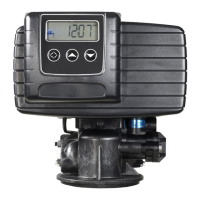
1. Feed water hardness (Display Code H).
NOTE: The feed water hardness setting only displays when the system is set to operate as a Meter
Immediate or Meter Delayed system type.
— Press the Set Up or Set Down buttons to set the amount of feed water hardness in grains/gallon
(U.S.) or degrees (metric). The system automatically calculates treated water capacity based on the
feed water hardness and the system capacity preset in the Master Programming mode. “Calc” is
displayed during calculations.
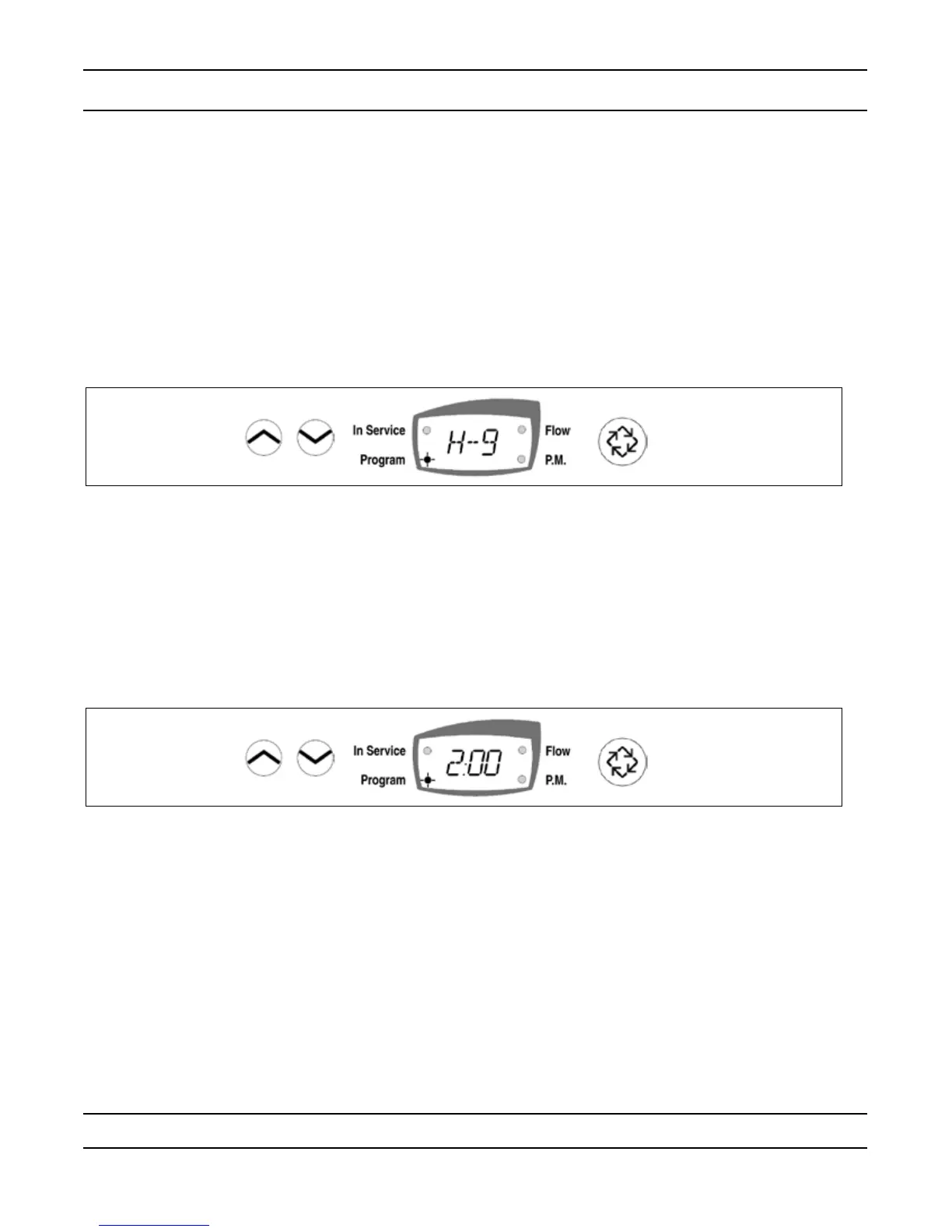
Example: Range: 4 – 199 U.S. and metric
— To program 9 grains / gallon (U.S.) or 9 degrees (metric) [ H -- 9]
— Press the Set Up and Set Down buttons to adjust this value.
— Press the Extra Cycle button once to advance to the next step.
Programming a Meter Delayed Regenerated System
Page 9
2. Regeneration Time (No display Code)
NOTE: The Regeneration Time setting does not display in Meter Immediate Regeneration Mode since the
system regenerates immediately when the available capacity reaches 0.
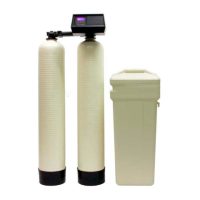
Identify the Regeneration Time display by observing a non-ashing colon between two sets of numbers. Set
the desired time of day for Regeneration to occur.
Example: 2 o’clock A.M. regeneration time: [ 2:00 ] (P.M. Indicator Dot Off)
— Press the Set Up and Set Down buttons to adjust this value.
— Press the Extra Cycle button to exit the programming mode or press and hold the Set Up and Set Down
buttons simultaneously for ve (5) seconds to enter the Extended Setup Programming Mode.


 To Next Page