FOM16 Installation Description
FOM16-V2.0-20021114
-19-
6.2.8 Protection Switch Menu
PATH: CONFIGUREÆ PROTSW
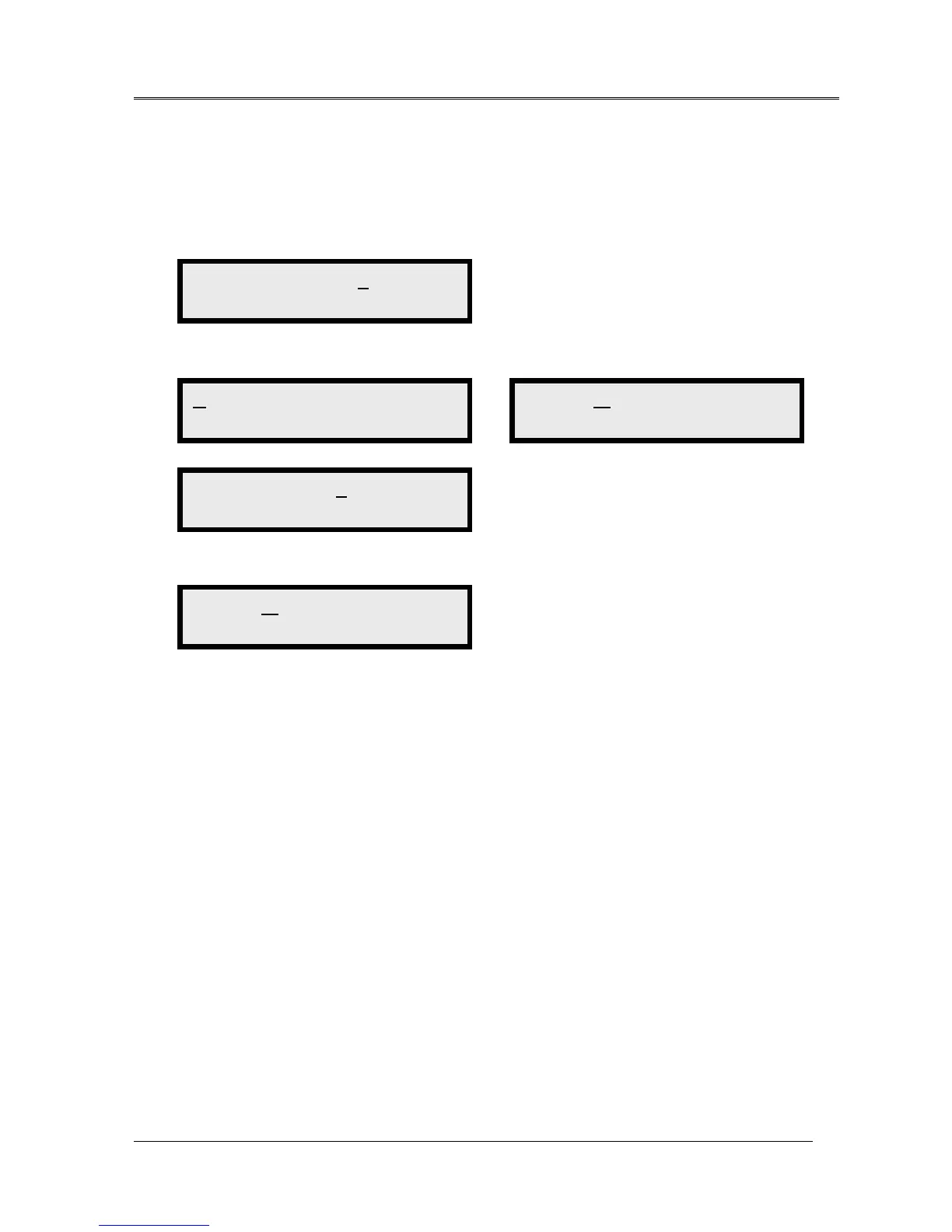
1. Use the ◄ key and ► key to cycle through to a proper channel and press the Enter key to
select the function.
2. Use the ◄ key and ► key to cycle through to a proper channel and press the Enter key to
select the option.
3. When completed , the bottom line shows “ -- -- OK -- -- “ message.
LPBK RLSLPBK PROTSW <
Protect Switching
AUTO WORK PROT
Auto Switching
AUTO WORK PROT
-- -- OK -- --
AUTO WORK PROT
Switch to W(Line1)
AUTO WORK PROT
Switch to P(Line2)



 To Next Page