FOM16 Installation Description
FOM16-V2.0-20021114
-34-
7. Management Options
7.1 Introduction
The use of a terminal is optional for configuration, monitoring and maintenance operations.
The FOM16 provides two management interfaces (FOM16 Console and FOM16 SNMP).
Section 7.2 focus details on FOM16 Console. Form details on FOM16 SNMP, please refer to
FOM16 SNMP User’s Manual.
7.2. Graphical User Interface
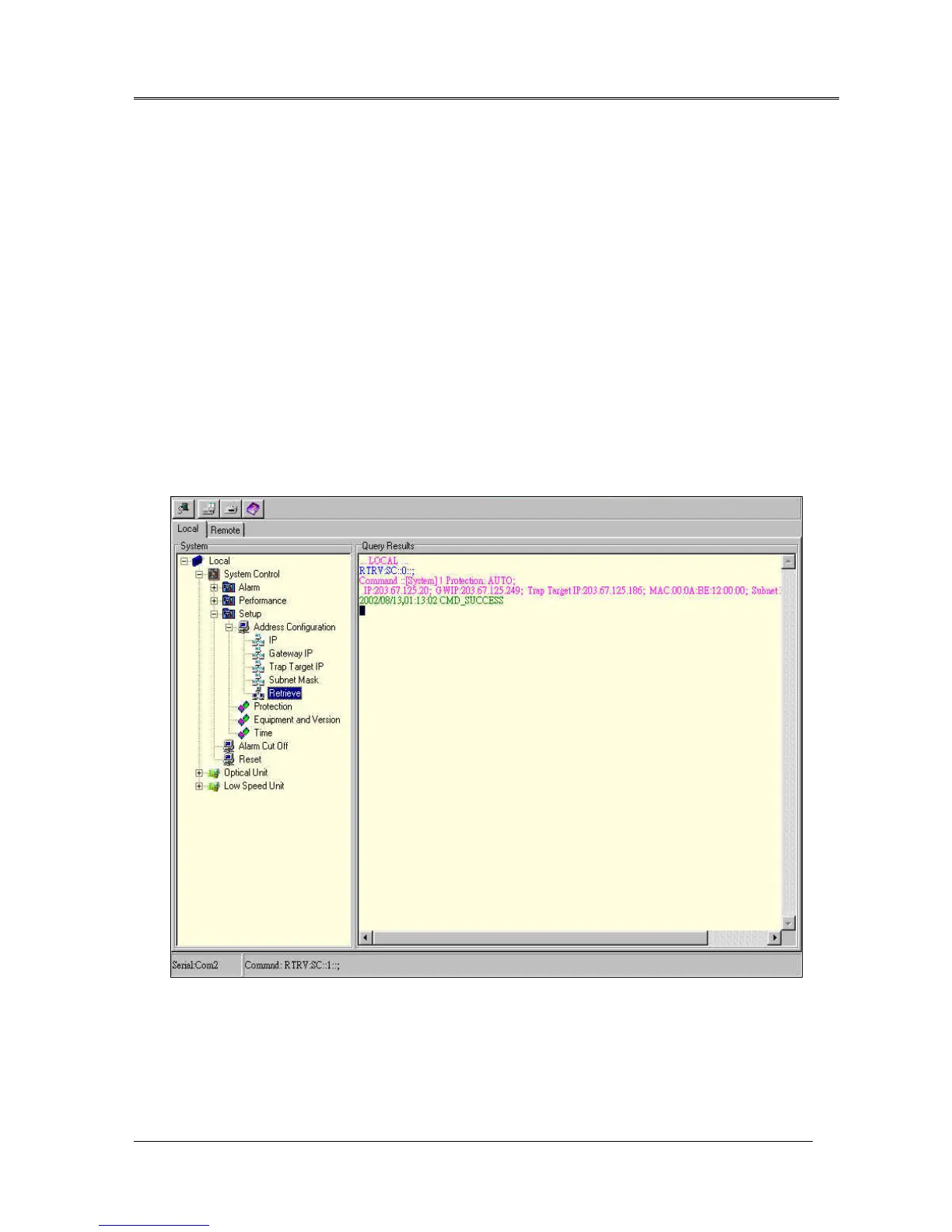
Graphical User Interface is a user-friendly program in the PC by PC COM port connected to the CID
connector of FOM16. The application program is installed by executing SETUP.exe of FOM16 Console
Port Disks. The complete form is shown in Fig.1. The form is consisted by four parts: Toolbar, System
tree menu, Query Results, and status bar.
Fig.15 FOM16 Console



 To Next Page