FOM16 Installation Description
FOM16-V2.0-20021114
-24-
6.3.5 Version Status Menu
PATH: STATUSÆVERSION
1. Use the ◄ key and ► key to cycle through to a proper channel and press the Enter key to
select the address item.
2. The system reponses the setting message at bottom line.
6.3.6 Equipment Status Menu
PATH: STATUSÆEQP
1. Use the ◄ key and ► key to cycle through to a proper channel and press the Enter key to
select the address item.
2. The system reponses the setting message at bottom line.
[OPT: 2] means there are two fibers equipped in this system.
[LS: 16] means there are 16 low-speed channels equipped in this system.
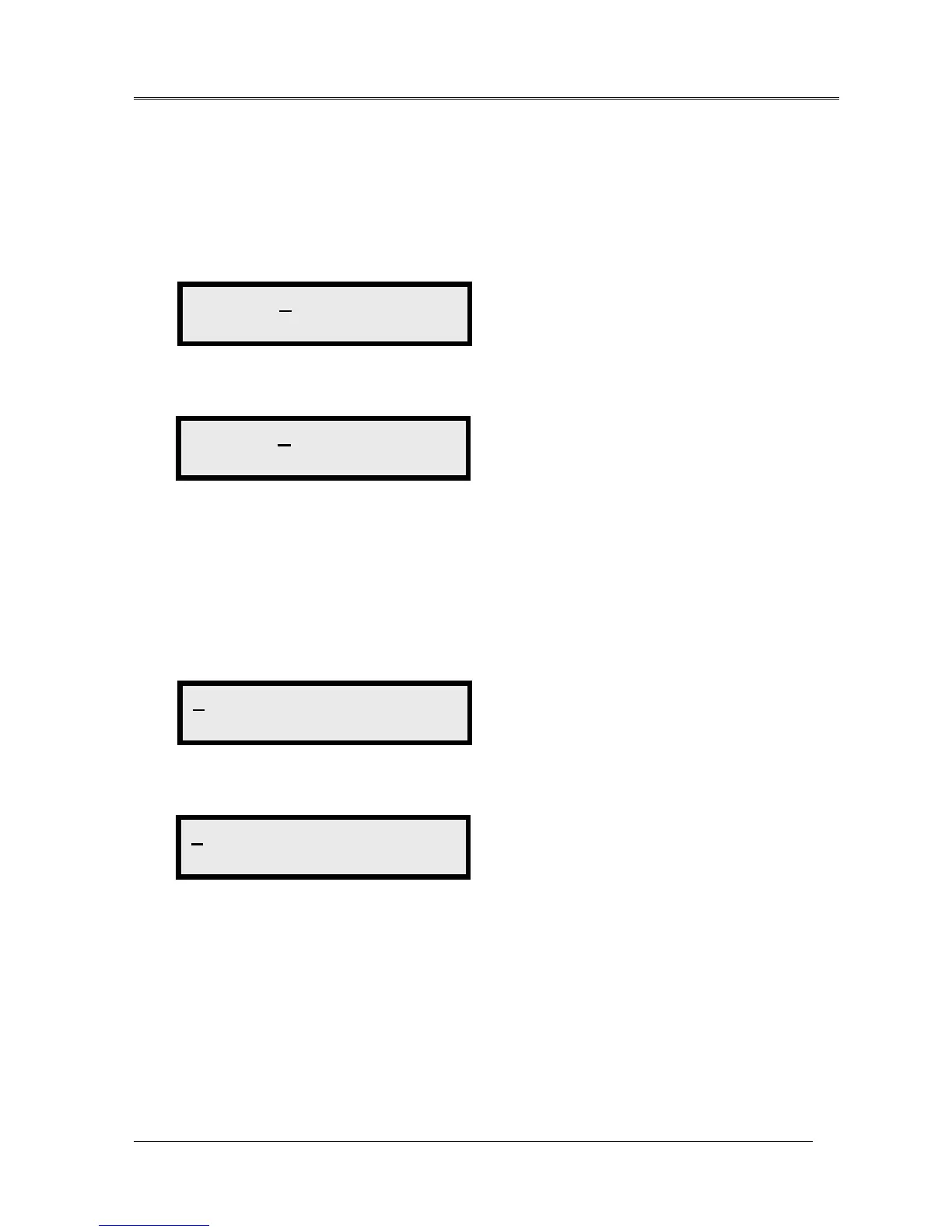
ADDRESS VERSION >
Software Version
ADDRESS VERSION >
S1112/h20
EQP <
Equipment
EQP <
OPT:2 LS: 16



 To Next Page