FOM16 Installation Description
FOM16-V2.0-20021114
-26-
PATH: ALARMÆCURÆSYS
1. Use the ◄ key and ► key to cycle through to a proper channel and press the Enter key to
select the module.
2. LCD shows the system alarm message at bottom line.
6.4.2 Get History alarm Menu
PATH: ALARMÆHISÆLS
1. Use the ◄ key and ► key to cycle through to a proper channel and press the Enter key to
select the module.
2. Use the ◄ key and ► key to cycle through to a proper channel and press the Enter key to
select the channel.
3. Use the ◄ key and ► key to cycle through to a proper channel and press the Enter key to
select the record.
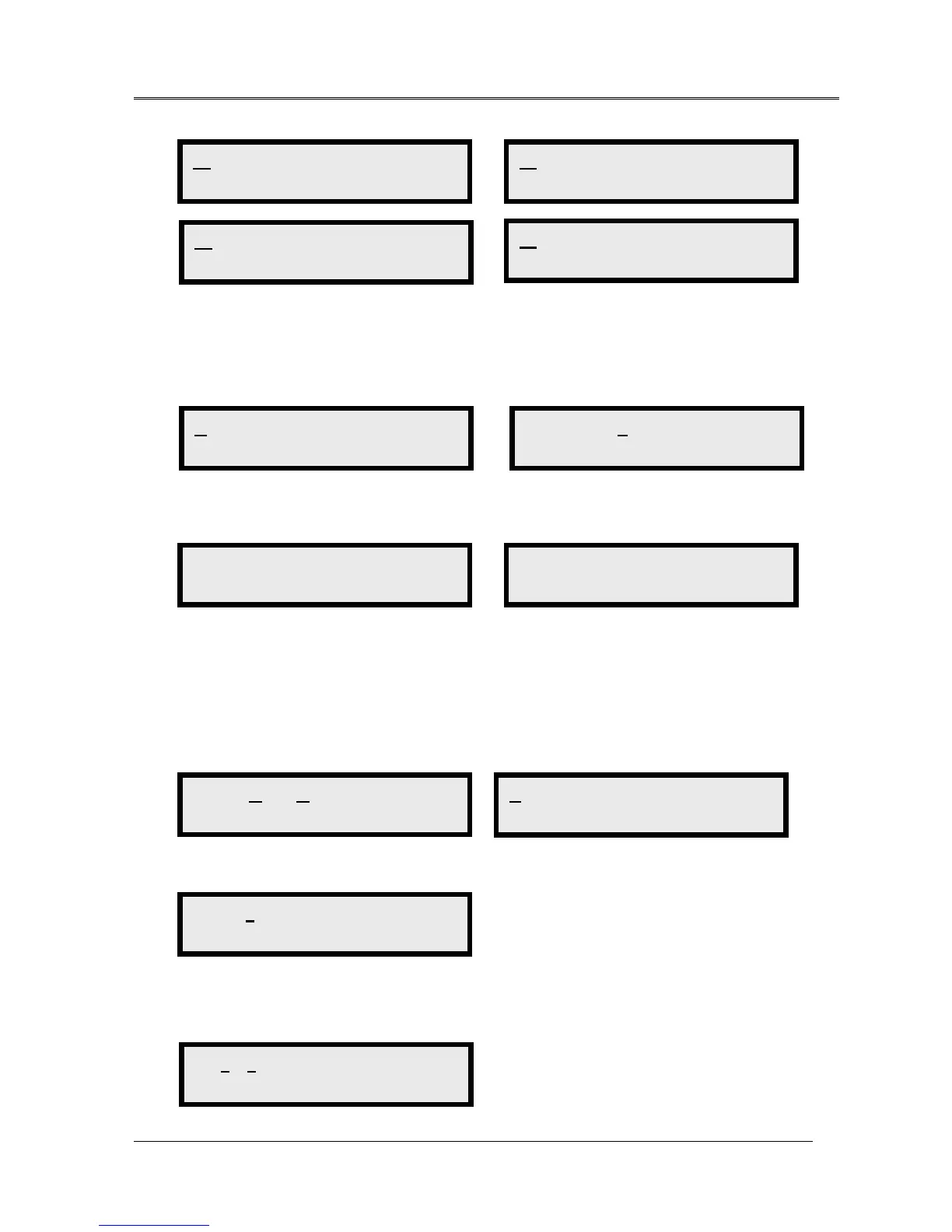
WORK PROT
LOS
WORK PROT
LOF
WORK PROT
FERF
WORK PROT
LFIN
CUR HIS CLR_HIS
Get Current ALM
LS OPT SYS
System
SYS
MJ MN NE FE
SYS
NO ALARM
CUR HIS CLR_HIS
Get History ALM
LS OPT SYS
Low-Speed
1 2 3 4 5 6 7 8 >
Record 2
1 2 3 4 5 6
>



 To Next Page