FOM16 Installation Description
FOM16-V2.0-20021114
-27-
There are total 30 records.
4. The system reponses the alarm message at bottom line.
Then LCD shows the time of alarm occurred.
PATH: ALARMÆHISÆOPT
PATH: ALARMÆHISÆSYS
The getting history alarm of optical module and system module is the same as above.
6.4.3 Clear history alarm Menu
PATH: ALARMÆCLR_HIS
1. Use the ◄ key and ► key to cycle through to a proper channel and press the Enter key to
select the option.
2. When completed, the button line shows “ -- -- OK -- -- “ message.
6.5 Performance Menu
The performance group includes G_C15, G_C1H, G_C1D, G_P15, G_P1D, C_C15, C_C1H,
C_C1D, C_P15, C_P1D and C_ALL. Use the ◄ and the ►keys to cycle through to a proper
item and pressing the Enter key to select the underlined item.
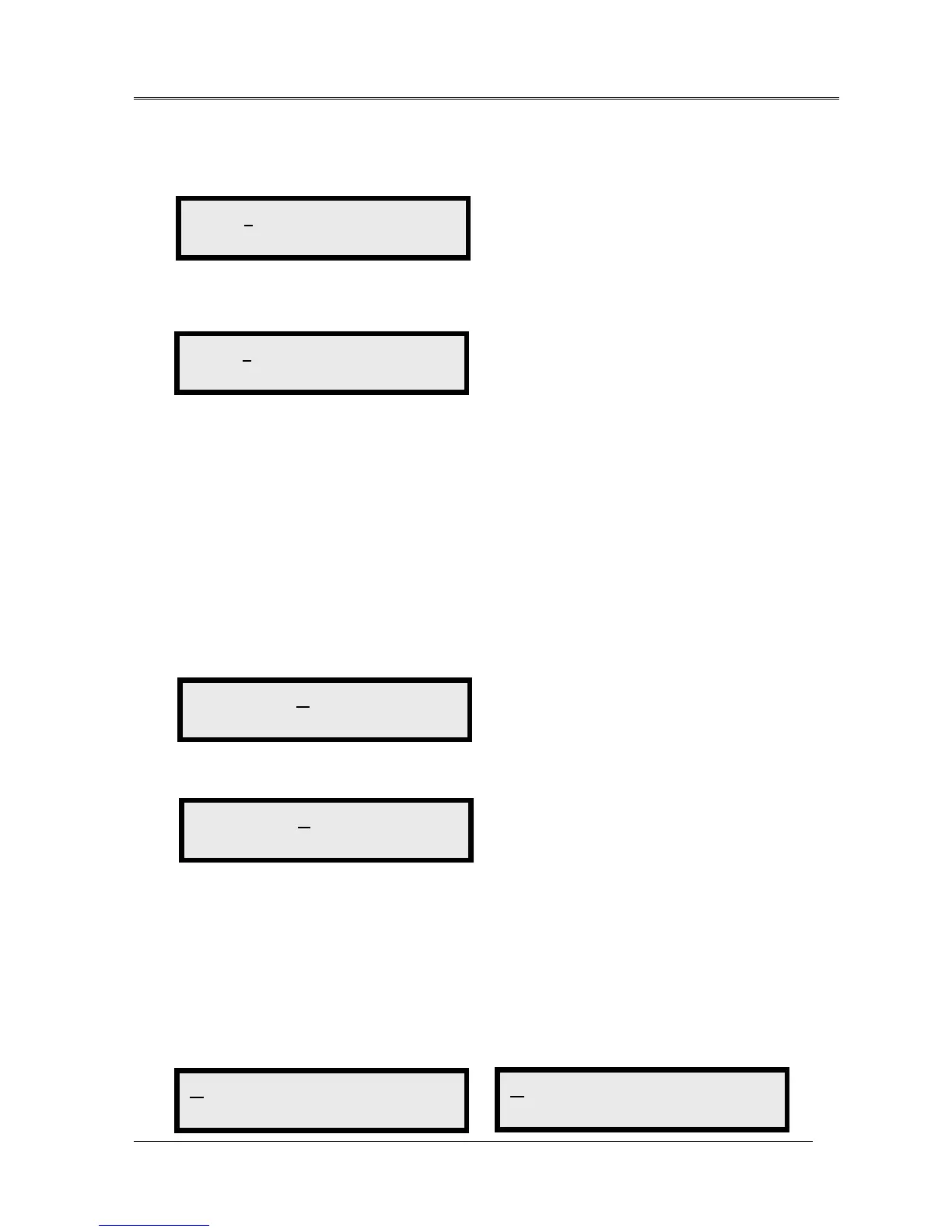
1 2 3 4 5 6 7 8 >
LOS
1 2 3 4 5 6 7 8 >
2 0 0 2 / 0 3 / 2 2 , 1 5 : 1 6 : 2 3
CUR HIS CLR_HIS
Clr History ALM
CUR HIS CLR_HIS
-- -- OK -- --
G_C15 G_C1H G_C1D >
Get Current 15Min
G_P15 G_P1D >
Get Previous 15Min



 To Next Page