FT-112(D) Panel Weighing Indicator, Technical Manual, Rev.1.0.0, May 2019 Page 111 of 170
Format for minimum 26 or more characters printer:
EPL Format
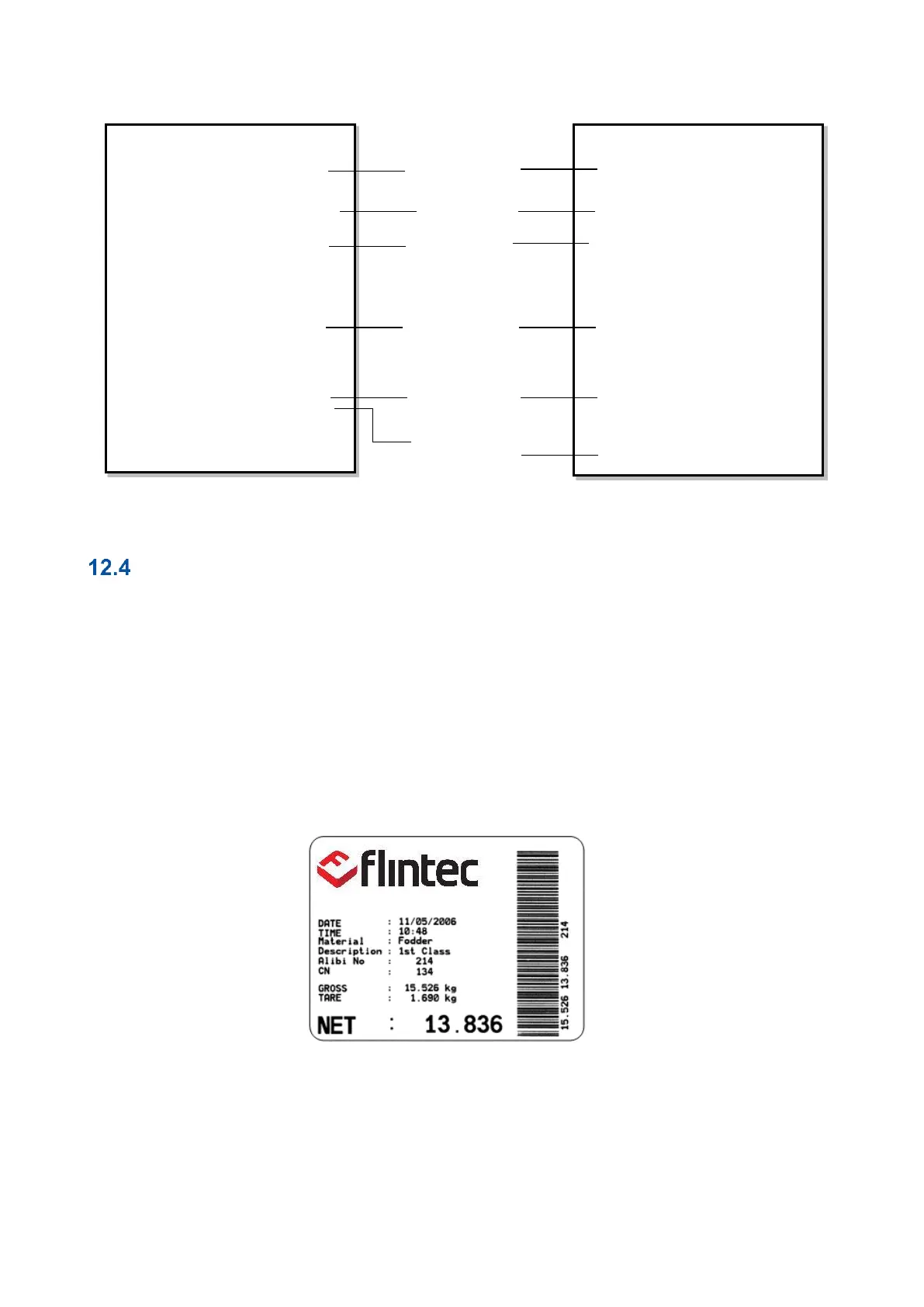
The EPL format of the data output in Print mode is selected to print the label data in graphical format EPL.
You can design your label in EPL format by using the printer label design software and Flintec software as
describe below.
1. Connect FT-112(D) Panel weighing indicator to Indface2x set up PC software.
2. Enter EPL print format window. You will find the command table which includes commands to get data
from weighing in the label design.
3. Open label design software of the printer. Design your label by using the commands in item 2.
4. Save/Compile/ Convert your design to EPL format in Label design software.
5. Import the EPL file into Flintec set up PC software window.
6. Load this file into weighing indicator.
Figure 12.1- Sample of the label printout of FT-112(D) Panel which is designed in EPL format.



 To Next Page