FT-112(D) Panel Weighing Indicator, Technical Manual, Rev.1.0.0, May 2019 Page 140 of 170
CC-Link
After setting related parameters you can communicate with FT-112(D) Panel via CC-Link network. Supported
CC-Link version is v1.10 and baud rates are 156 kbps (default), 625 kbps, 2,5 Mbps, 5 Mbps and 10 Mbps.
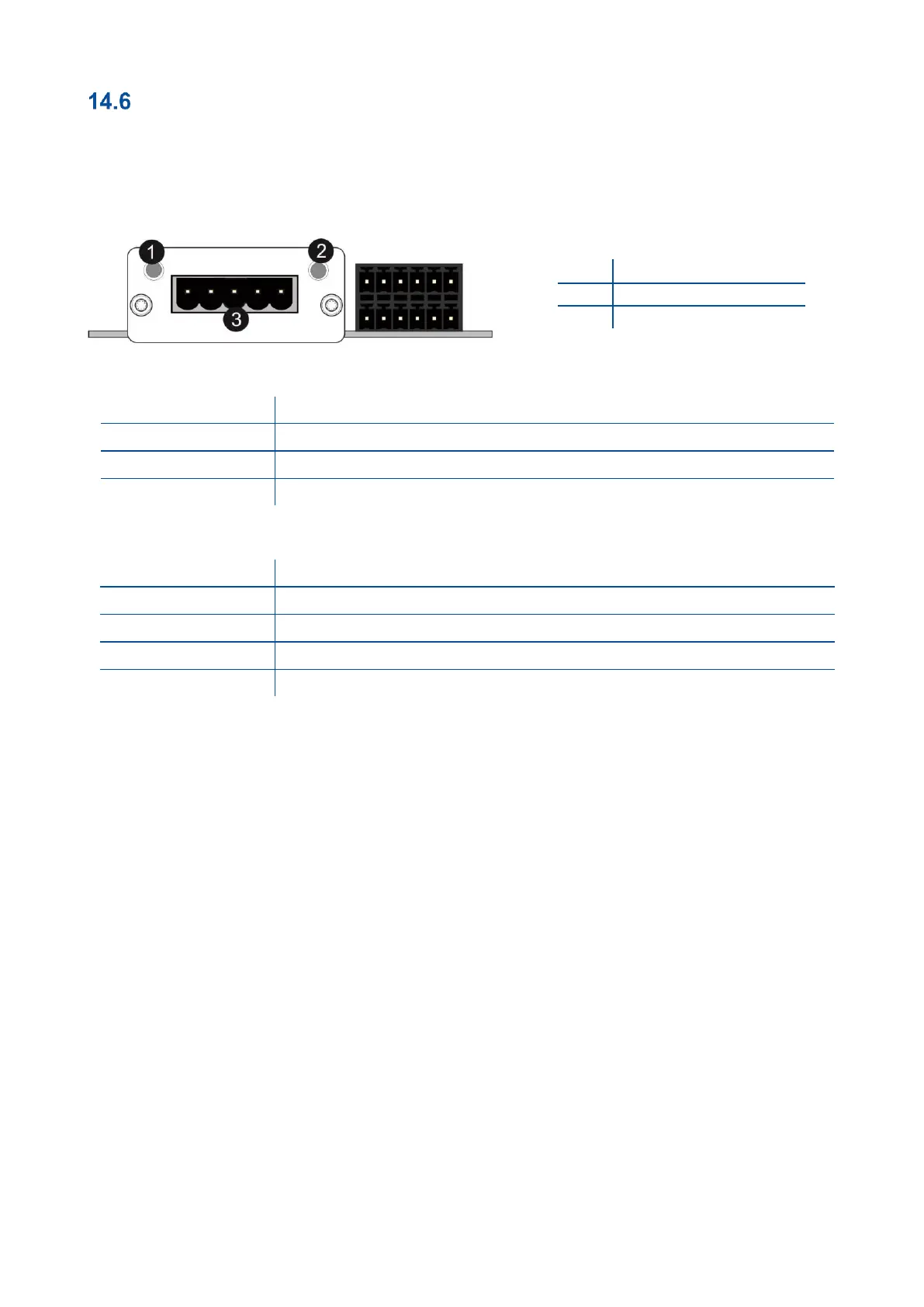
There are 2 LED’s near the CC-Link connector which are;
(A) Run LED
No network participation, timeout status (no power)
Participating, normal operation
Major fault (FATAL error)
No error detected (no power)
Major fault (Exception or FATAL event)
CRC error (temporary flickering)
Station Number or Baud rate has changed since startup (flashing)
In the case of red LED warning, check cabling, configuration and station number. Power off the instrument and
reenergize the instrument 30 seconds later.
14.6.1 Data Format
Data format of weight value can be programmable for Floating point (IEEE 754) or Integer. Refer to parameter
[ 191 ].
14.6.2 CC-Link Configuration
The weighing indicator has occupied one station area on CC-Link network and station type of weighing
indicator must be programmed as ‘Remote device station’ in the PLC software. CC-Link configuration for PLC
programmers is shown in Figure 14.8.



 To Next Page