STRADA PAL – MAINTENANCE MANUAL
17/149
4. PRESENTATION AND ACCESS TO THE OPERATING /
MAINTENANCE MENU
4.1 Sales mode
In sales mode, the terminal displays a home screen that differs depending on the sales
options and other functions (access to the parking mode as a visitor or other profile,
access to the service mode, choice of user type, plate number entry, etc.).
The terminal enters the screen-saver mode:
after 20 seconds of inactivity on the home screen (can be modified in the
customisation),
after 10 seconds of inactivity if no means of payment is entered,
after 40 seconds of inactivity if no action is performed after a means of payment
is entered.
4.2 Off-sales mode
In case of malfunction with a means of payment (for instance, coins payment unavailable
because the coin box is full):
if other means of payment are available, the terminal suggests them and stays in
operation,
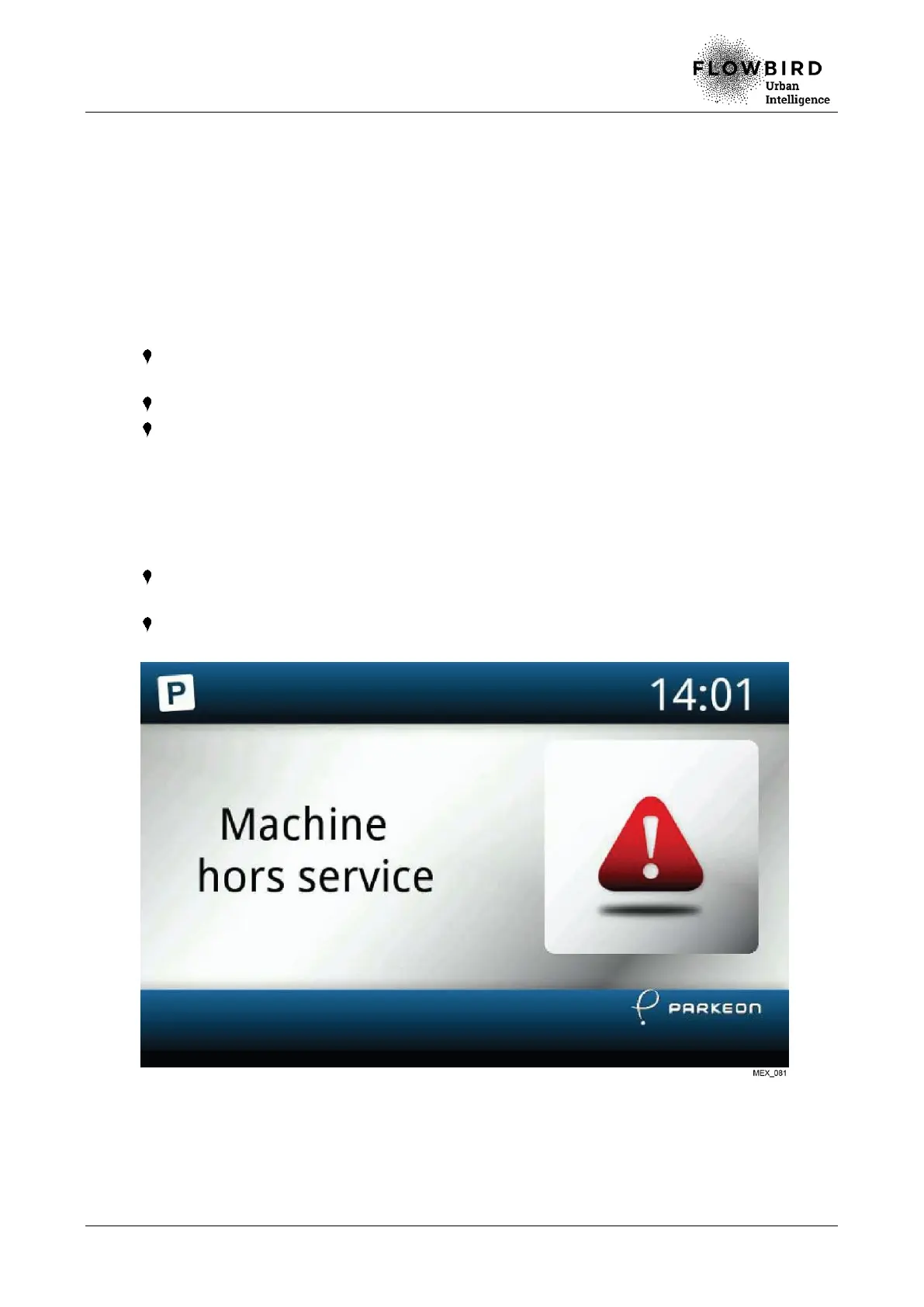
if no means of payment is available, the terminal switches to off-sales mode and
displays an unavailability message.
Example: Terminal in off-sales mode



 To Next Page