STRADA PAL – MAINTENANCE MANUAL
37/149
7.5 Replacing the batteries
The battery voltage test does not make it possible to determine whether only one
of the batteries is discharged.
Always replace bothe batteries at the same time.
7.5.1 Preliminary operations
A. Prepare the batteries in workshop with the battery connection strand the batteries
connection strands
B. Open the maintenance door
C. Turn off the terminal
Failure to follow the power-off procedure before disconnecting the battery may
result in the loss of stored data.
To avoid any writing data problem, wait a few seconds after the complete
shutdown of the screen before disconnecting the battery.
7.5.2 Procedure
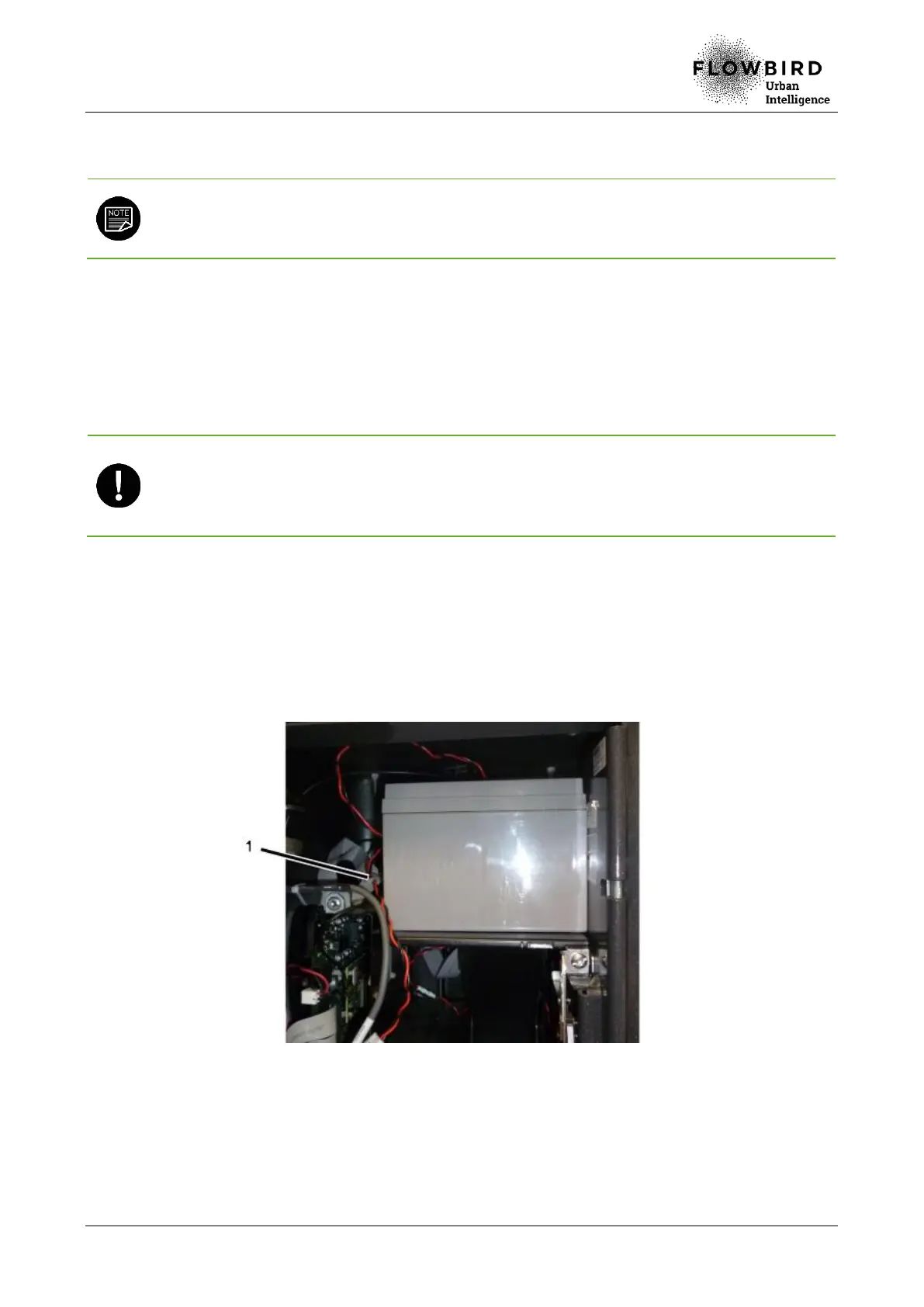
7.5.2.1 Replacing the maintenance compartment battery
A. Disconnect the battery strand (1) of the charger board located in the maintenance
compartment.
B. Remove the used battery.
7.5.2.2 Installing the maintenance compartment battery
A. Install the new and prepared battery, terminal oriented at the back.
B. Connect the battery strand to the charger board.



 To Next Page