STRADA PAL – MAINTENANCE MANUAL
29/149
6.5 Powering off / up the equipment
Failure to follow the power-off procedure before performing some operations on the terminal
may result in the loss of stored data.
Do not disconnect the batteries or the battery strands when the terminal is powered.
To avoid any data writing issue, wait for a few seconds after the screen is completely off (red
LED of the touchscreen controller at the back of the screen off) before operating on the
terminal or disconnecting the strands.
6.5.1 Preliminary operations
A. Open the maintenance door
6.5.2 Procedure (Normal mode)
6.5.2.1 Power off
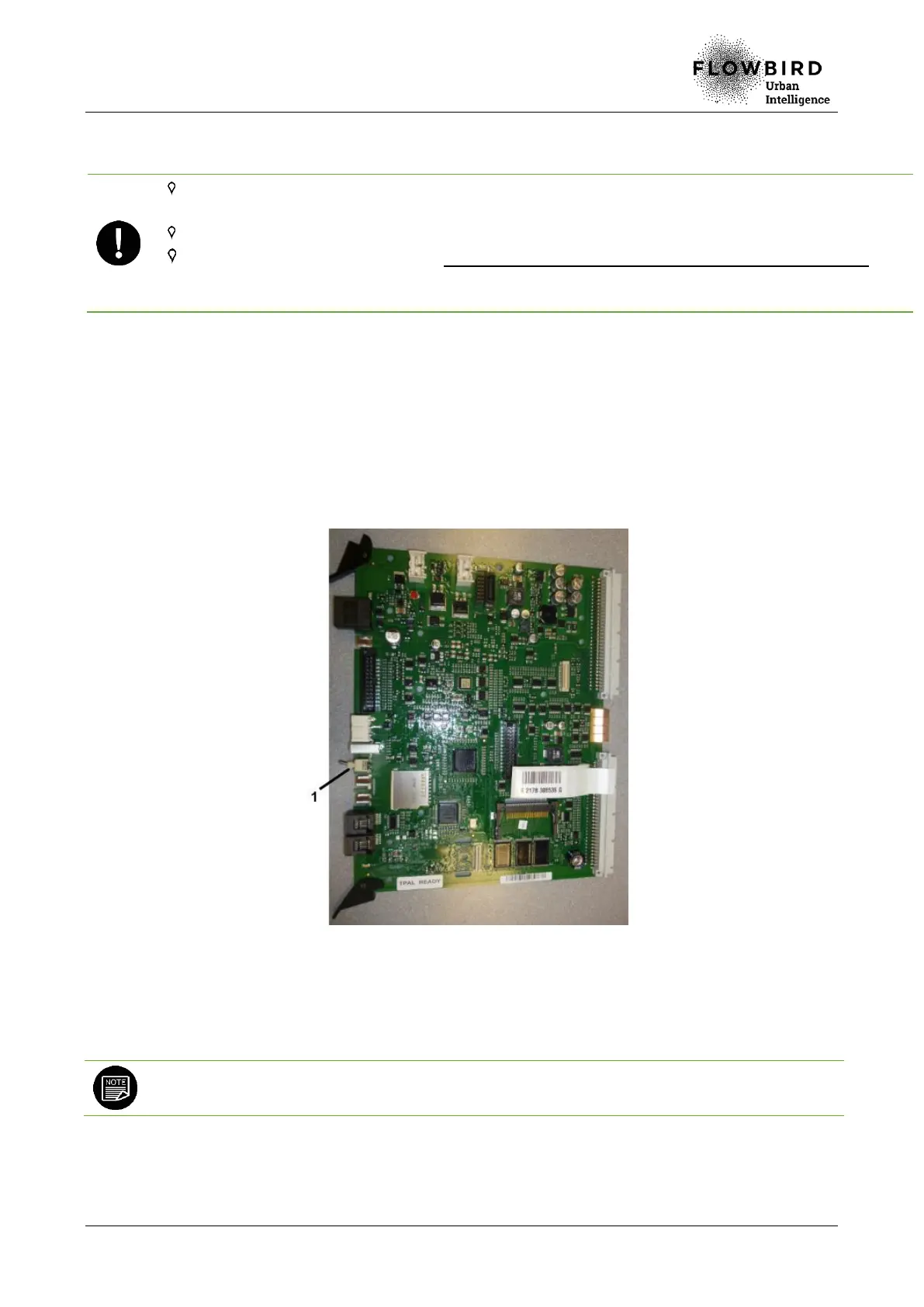
A. Switch the ON/OFF switch of the main board to the OFF position.
6.5.2.2 Power up
A. Switch the ON/OFF switch of the main board to the ON position.
At power up, the terminal can take about 2 minutes to start.
6.5.2.3 End of procedure
A. Close the maintenance door



 To Next Page