STRADA PAL – MAINTENANCE MANUAL
19/149
4.4 Navigating the operating / maintenance menu
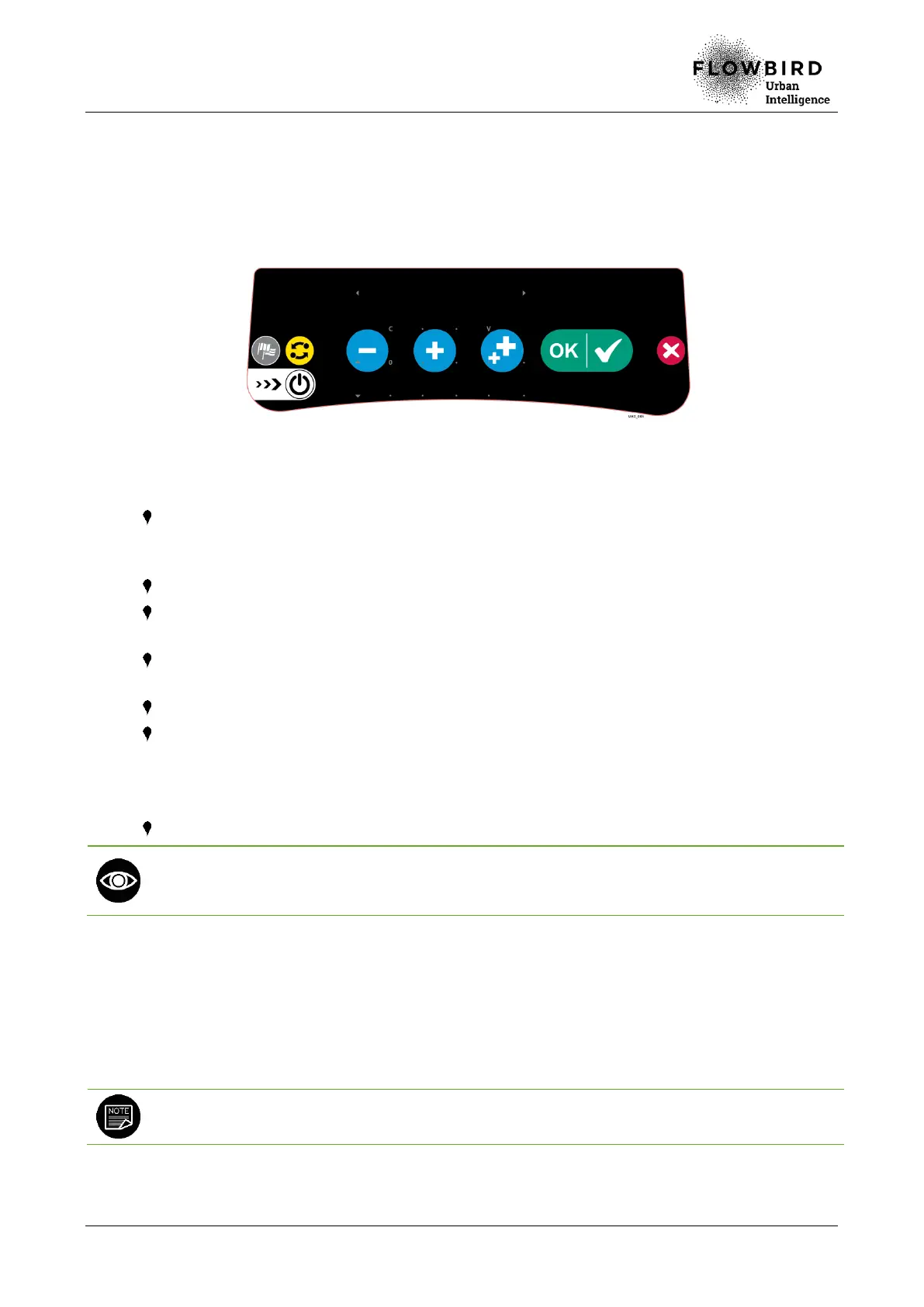
Use the integrated keys of the extended keyboard to navigate the operating / maintenance
menu.
Example of extended keyboard with integrated navigation keys
The left and right arrows are used to navigate horizontally through the menus as
well as navigate in the menus with their numerical value (going from menu 001 to
002, 003, etc.).
The up and down arrows are used to navigate vertically through the menus.
The C key is used to go up one level in the menu structure (to exit the current
menu) or to cancel a function.
When the main menu is displayed, the C key is used to exit the maintenance
mode.
The V key is used to confirm a selection or an entry or to enter a menu.
The numeric keys are used to enter a maintenance function code. The operator
can then validate it with the V key.
This method avoids browsing the maintenance menu when the operator knows
the function code.
The numeric keys are also used to enter numbers in the menus.
The maintenance function code is displayed on the top left of the screen, which allows the
maintenance operator to memorise the codes of the most frequently used functions for a
quicker access at subsequent interventions.
4.5 Navigating the reduced operating / maintenance menu
It is possible to use the reduced version of the maintenance menu without opening the
maintenance door. It limits access to the maintenance compartment for a category of
operators.
Refer to section Accessing the operating / maintenance menu for the access to the
complete menu.
All the functions are then accessible with the door closed or open after introduction of a
maintenance card (provided the card reader is configured to accept maintenance cards).



 To Next Page