STRADA PAL – MAINTENANCE MANUAL
18/149
4.3 Accessing the operating / maintenance menu
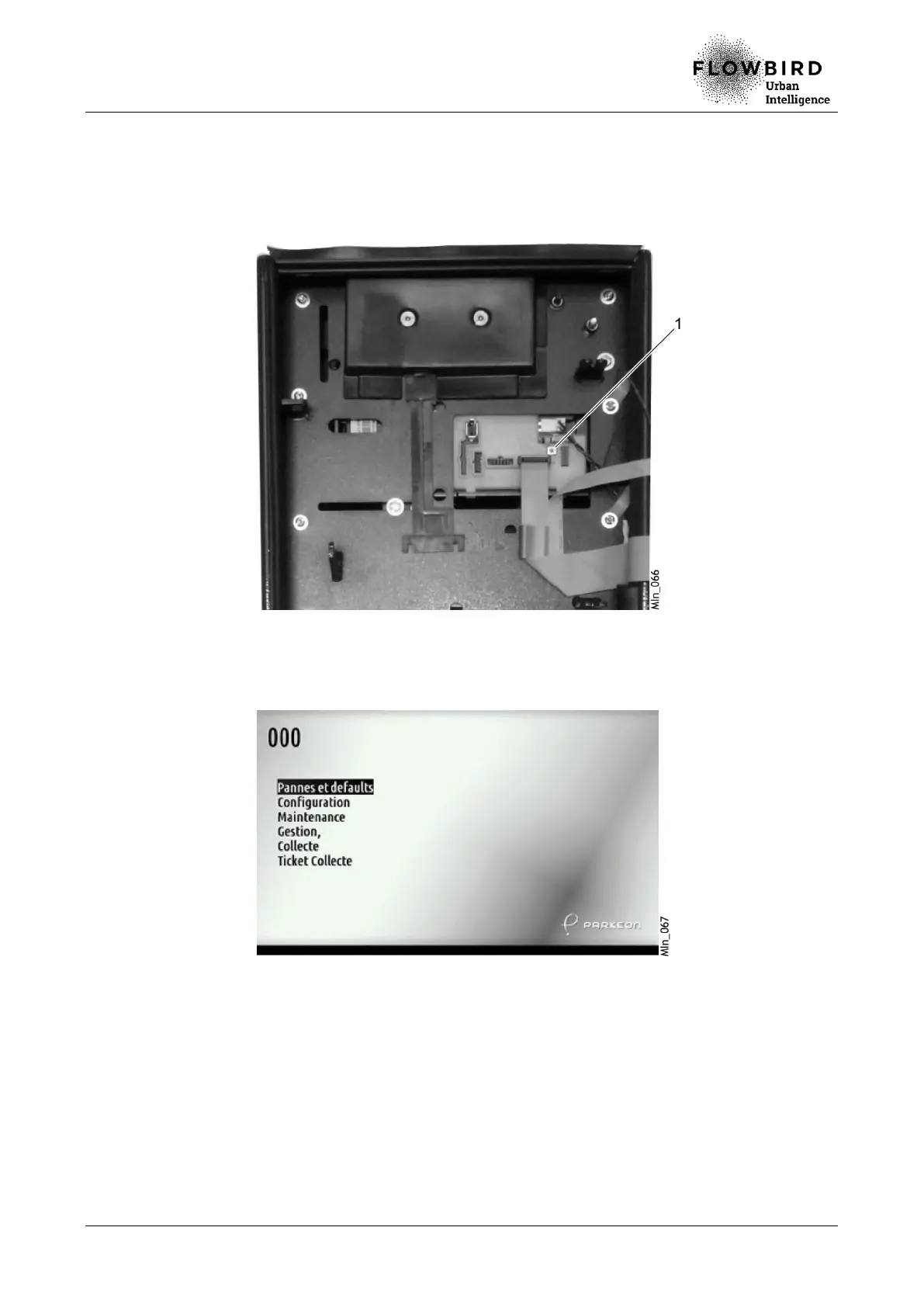
Open the maintenance door A.
Press the Maintenance Mode button (1) at the back of the display module. B.
The terminal displays the complete main maintenance menu in the language C.
selected when customising the terminal.



 To Next Page