STRADA PAL – MAINTENANCE MANUAL
24/149
D. Put the maintenance card in the card slot.
When a maintenance card is detected, the terminal switches automatically to maintenance
mode.
E. If the maintenance card requires the identification code, enter it and validate
F. If necessary, enter the identification code with the user keypad and validate with the
V key.
When the identification is successfully done, the maintenance menu ("reduced" version) is
displayed on the screen.
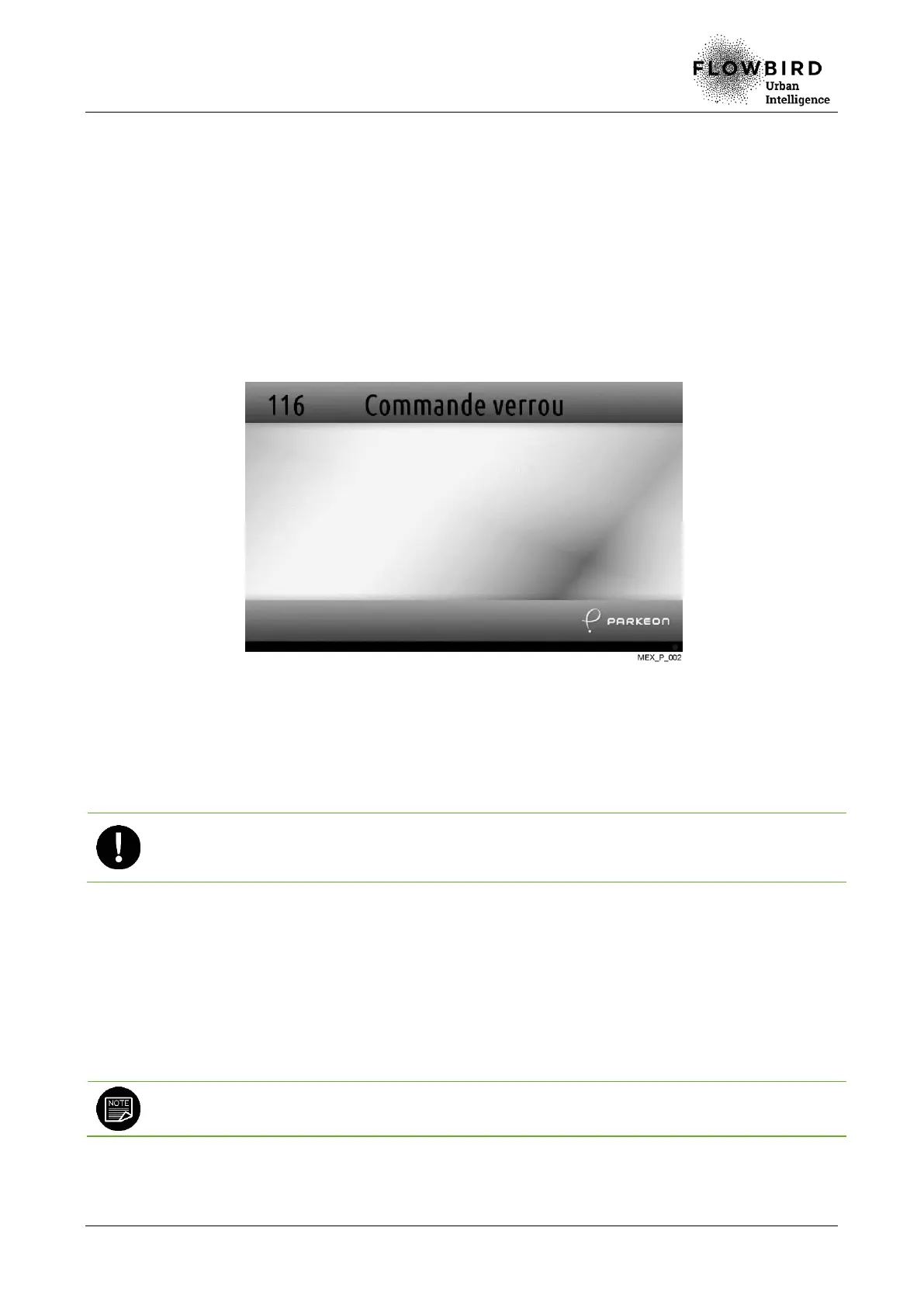
G. To unlock the door, select the Padlock command function of the Maintenance
menu (function 116).
H. Remove the maintenance card from the reader.
I. Operate the bolts with the square key. Open the maintenance door and hold the
bolts in raised position for a few seconds until the electronic lock actuator gets back
in position (the operator hears a spring noise).
Holding the bolts in raised position with the square key for a few seconds after opening the
door is necessary to avoid some technical issues associated with an incorrect repositioning
of the electronic lock actuator.
6.1.2.2 Closing the maintenance door
A. Select the Padlock command function of the Maintenance menu (function 116).
The terminal displays a message prompting maintenance door closing.
B. Close the maintenance door and operate the bolts with the square key.
When the terminal detects that the door is closed, it is automatically locked.
If the maintenance menu is activated, select the Cancel function to trigger the locking
function and leave the maintenance menu.



 To Next Page