STRADA PAL – MAINTENANCE MANUAL
75/149
8.2.21 Replacing the maintenance door
8.2.21.1 Preliminary operations
A. Open the maintenance door
B. Turn off the terminal
8.2.21.2 Replacement
A. Remove all door components:
a. The keypad card and its cover
b. The bank card keypad (if present)
c. The upper front panel and lower front panel
d. The screen assembly
e. The coin bowl
f. The ticket bowl
g. The other components on the door (cables ties, etc.)
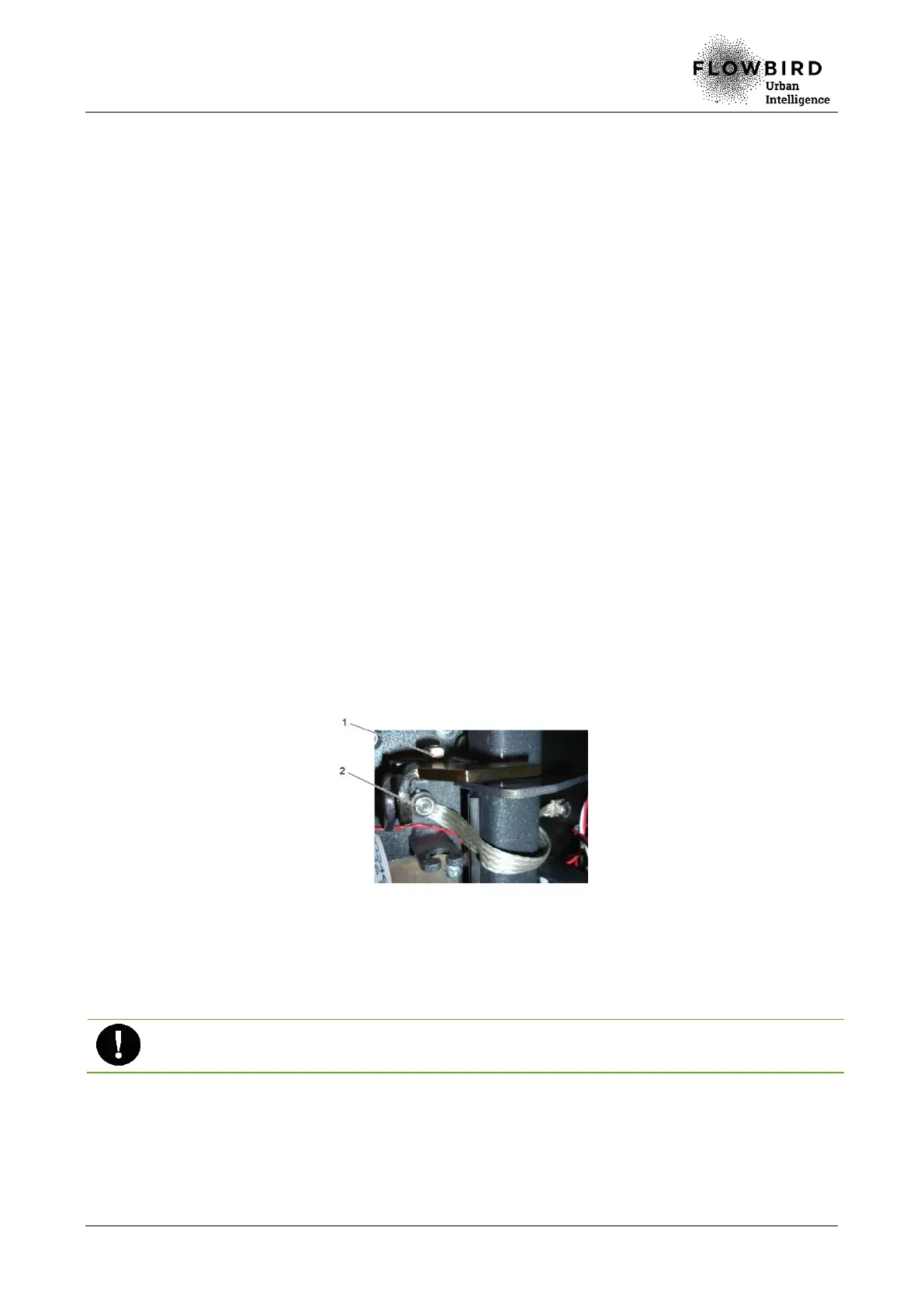
B. Untighten the clamping nut from the upper earth braid (2) and from the lower earth
braid (keep the 4 washers).
C. Disassemble the 2 or 3 anti-tear systems by unscrewing the clamping nuts (1).
D. Remove the protective top
E. Lift the maintenance door to remove the rotation axes.
Replacing the maintenance door
2.21.3 Installation
A. Repeat the previous steps in reverse.
Ensure that the washers are correctly put back in place when fixing the earth
braids.
8.2.21.4 End of procedure
A. Turn on the terminal
B. Run a funtion test of all disassembled components.
C. Close the maintenance door



 To Next Page