STRADA PAL – MAINTENANCE MANUAL
90/149
8.3.14 Replacing the maintenance rack
8.3.14.1 Preliminary operations
A. Open the maintenance door
B. Turn off the terminal
C. Remove the main board
D. Remove the coin selector
E. Remove the escrow
F. Disassemble the printer
G. Disassemble the bank card reader
H. Unplug and remove the 27 Ah battery
I. Unplug the cables connected to the relay board.
J. Cut the ties that hold the cables (other than the main ones) on the rack.
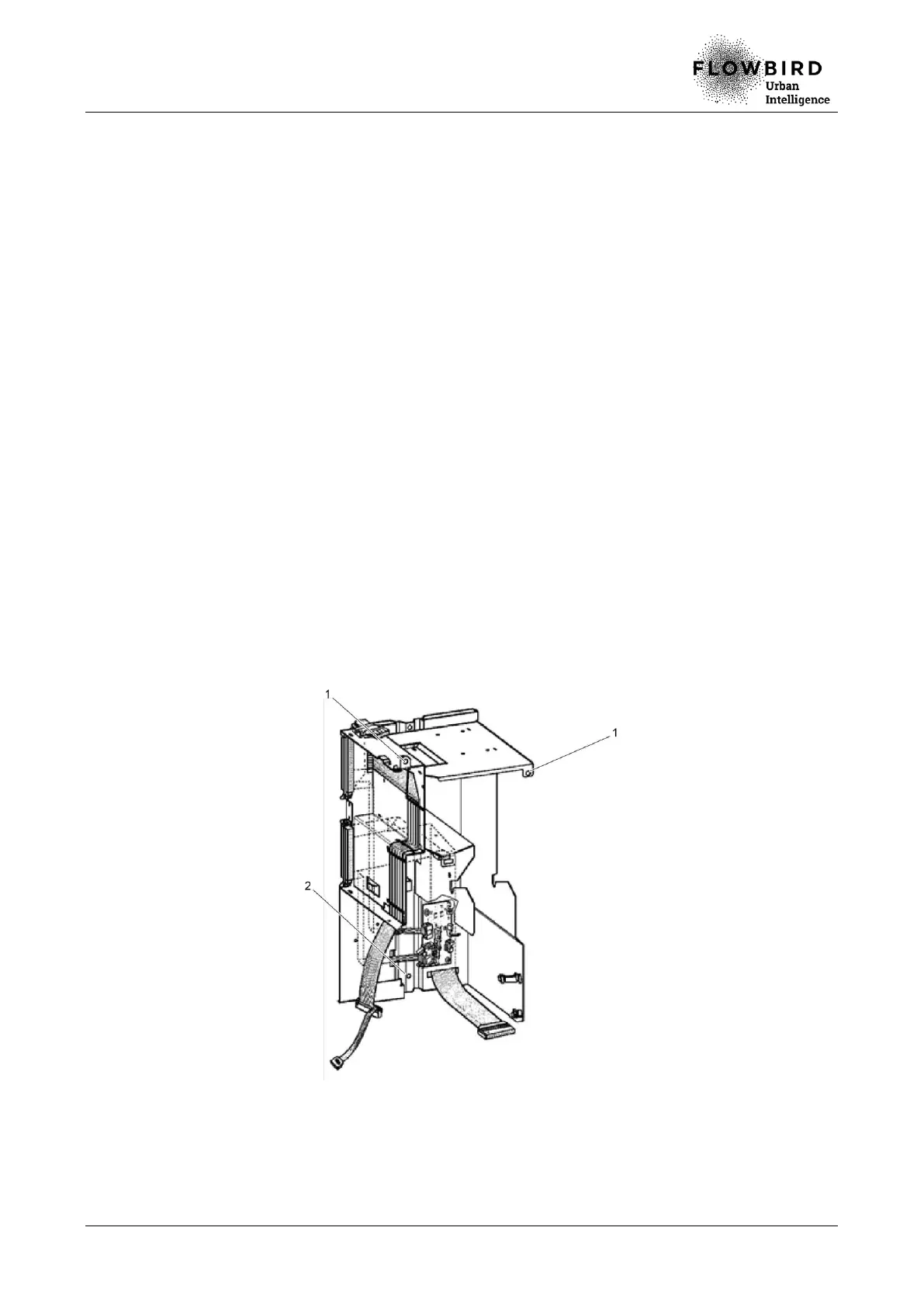
8.3.14.2 Replacement
A. Loosen the 2 screws (1) that hold the rack to the front of the terminal, using a Torx
30 screwdriver.
B. Loosen the nut (2) that hold the rack to the bottom of the terminal, using wrench 10.
C. Remove the pre-equipped rack of the terminal.
8.3.14.3 Installation
A. Repeat the previous steps in reverse.



 To Next Page