Chapter 3: Operation
Start the Hyperion Imaging System
34 Hyperion Imaging System: User Guide
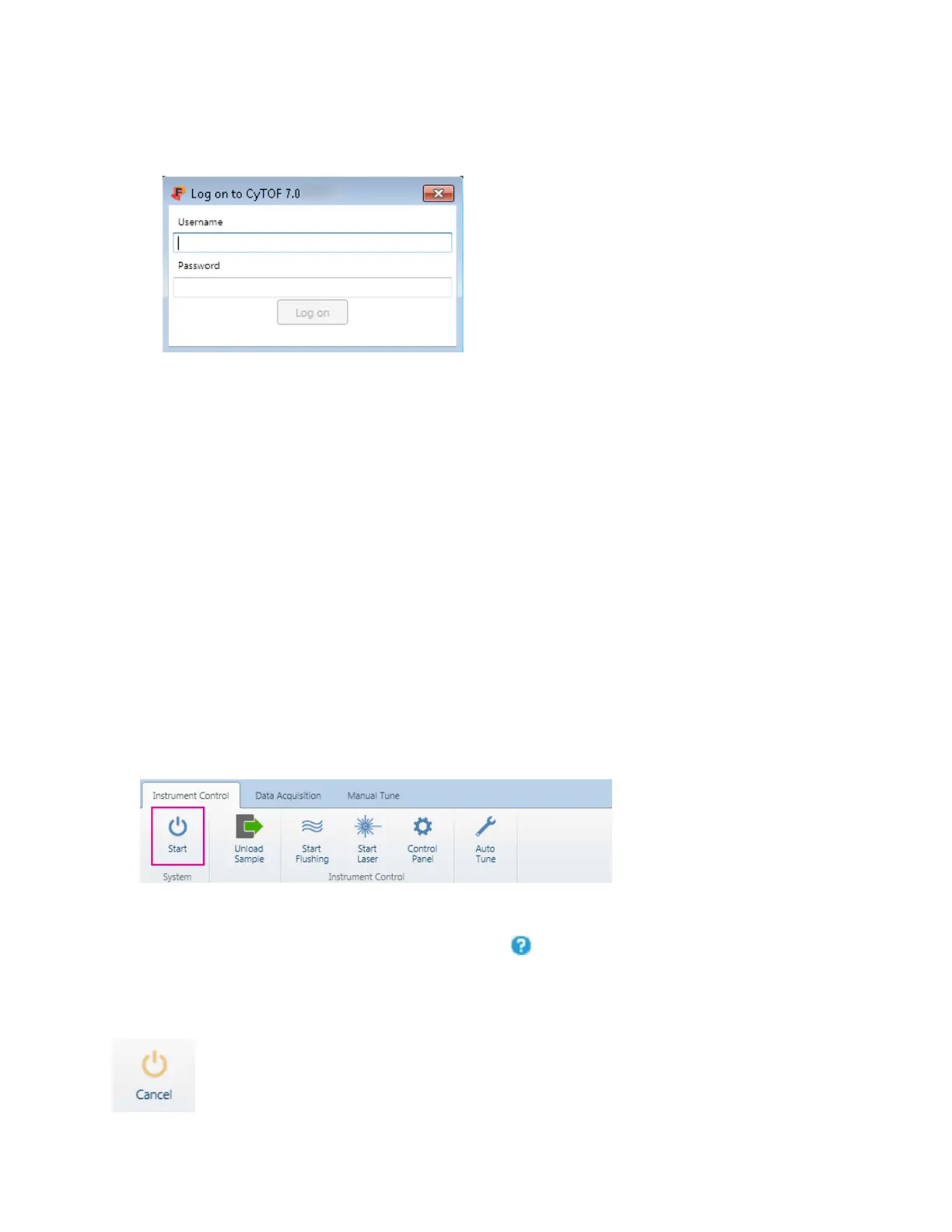
b If you already have a CyTOF user account, enter the your username and password.
Click
57TLog on57T.
c If you are a new user, in the
57TUsername57T text box, enter Administrator. Leave the
Password text box empty. Click
57TLog on57T.
The system takes approximately 30 seconds to initialize.
• If CyTOF Software is in cell suspension mode, set the Acquisition Mode to Imaging.
o Under
57TSystem57T, click 57TControl Panel57T.
o On 57TControl Panel57T, click the 57TDevices57T tab, and under 57TAcquisition Mode57T, click
57TImaging57T.
o On
57TControl Panel57T, click 57TSet Configuration57T. CyTOF Software restarts and
the log on dialog box is displayed. Enter your account credentials to log on
to the software and continue to Step 3.
2 After initialization is complete, start the system. On the
57TInstrument Control57T tab, click
57TStart57T.
NOTE It takes approximately seven minutes for the system startup sequence to complete.
During this time the ablation chamber is flushed with helium, plasma is ignited, and
hardware components are initialized.
NOTE Allow the system at least 30 minutes to warm up before tuning. Refer to the
software Help for information about tuning, acquisition, and instrument control. Help is
started from the upper right corner of the screen, click .
NOTE The button now displays Cancel. If you want to cancel the system startup sequence,
click Cancel.



 To Next Page