Chapter 3: Operation
Disconnect the Hyperion Tissue Imager from Helios
Hyperion Imaging System User Guide
39
Disconnect the Hyperion Tissue Imager from Helios
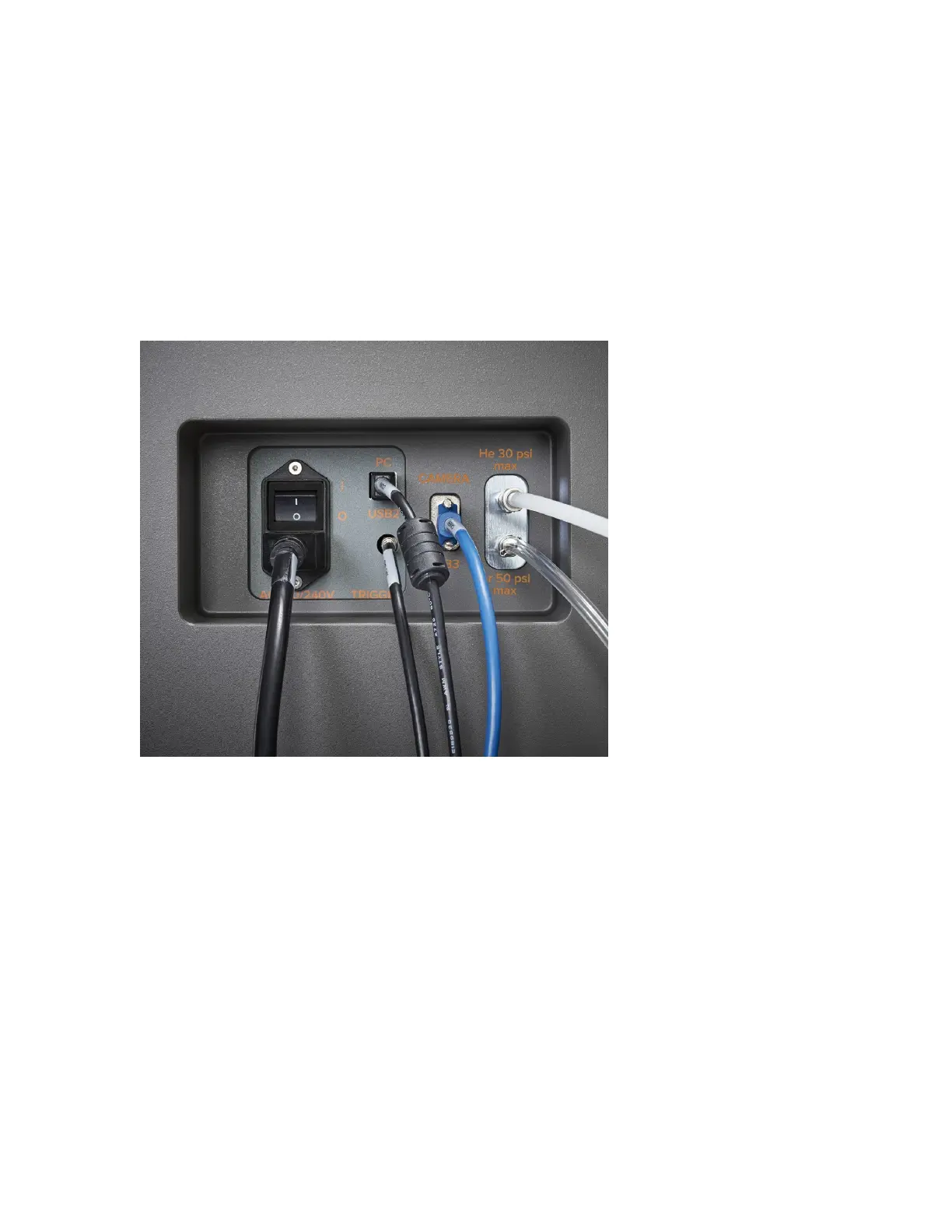
Disconnect Cables and Coupling Tube
1 Disconnect communication cables and gas lines including USB 2.0 connection, USB 3.0
connection, trigger, argon, and helium gas lines.
2 On the Hyperion Tissue Imager ablation chamber, loosen the black nut on the coupling
tube. Disconnect the coupling interlock.



 To Next Page