Chapter 3: Operation
Disconnect the Hyperion Tissue Imager from Helios
Hyperion Imaging System User Guide
41
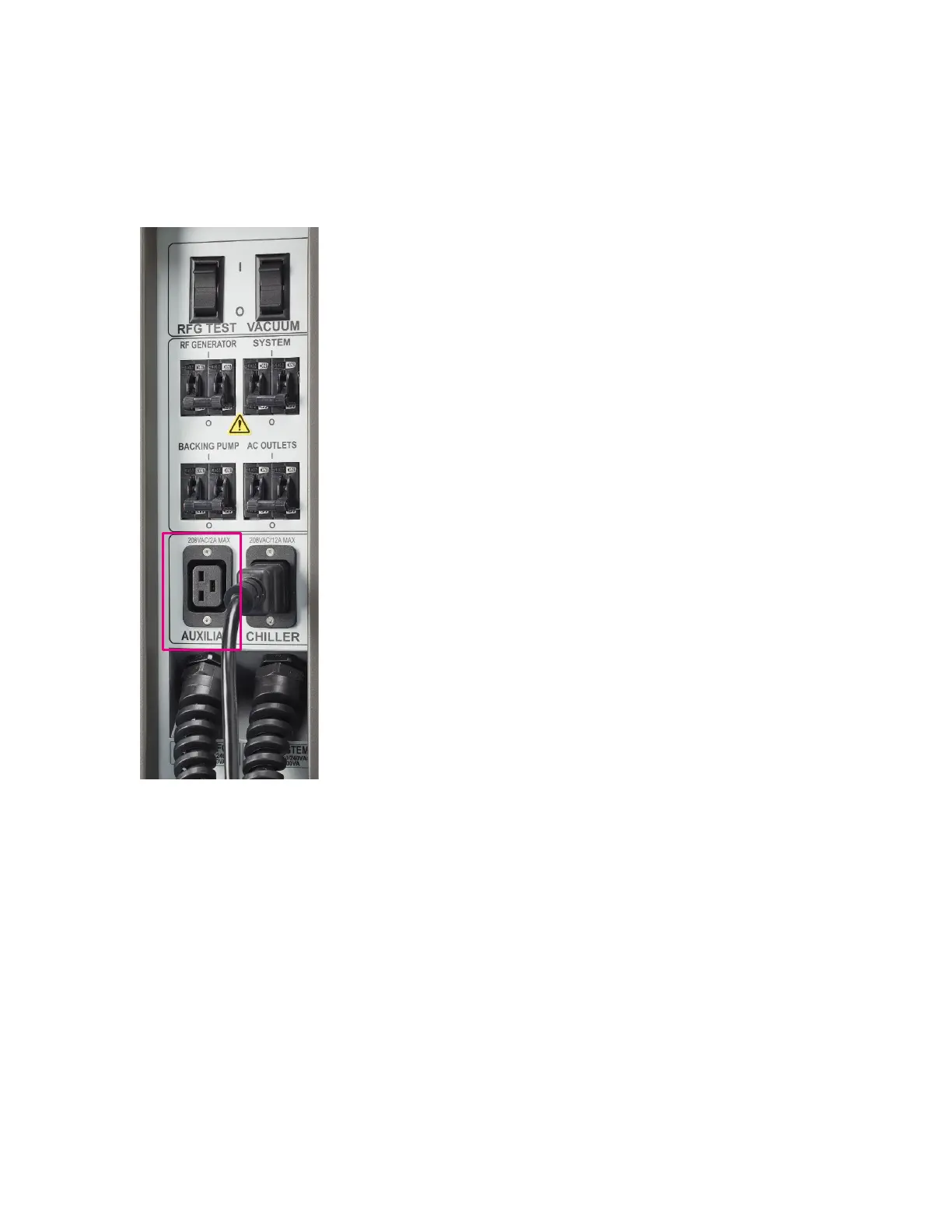
4 Turn off the radio frequency (RFG) circuit breaker on the on the right side of the Helios
instrument. Disconnect the AC power cord from the AUXILIARY connection panel.
5 Carefully roll the Hyperion Tissue Imager to a safe area in the laboratory using the
instrument castors.
6 Re-connect the instrument power to a wall receptacle and use the instrument wheel
retraction switch to lower the instrument and secure it in place.
Switch to Cell Suspension Mode
IMPORTANT Ensure that the nebulizer, torch, injector, spray chamber, cones and load coil
on the Helios system are clean and correctly installed and aligned on the instrument. Check
the condition of the interface pump oil in the visual inspection window of the Helios
instrument. Refer to the Helios, a CyTOF® System User Guide, Chapter 6: Maintenance (PN
400250) for more details.



 To Next Page