Chapter 3: Operation
Unload and Load the Tuning Slide or Sample Slide
Hyperion Imaging System User Guide
35
Unload and Load the Tuning Slide or Sample Slide
CAUTION Finger cut hazard. Broken glass may cause injury or cutting of fingers
or hands. Caution when loading and unloading the sample slides.
3 Obtain the 3-Element Full Coverage Tuning Slide (PN 201088).
IMPORTANT It is recommended that you store the tuning slide and the sample slide in a
slide holder between uses to prevent dust buildup.
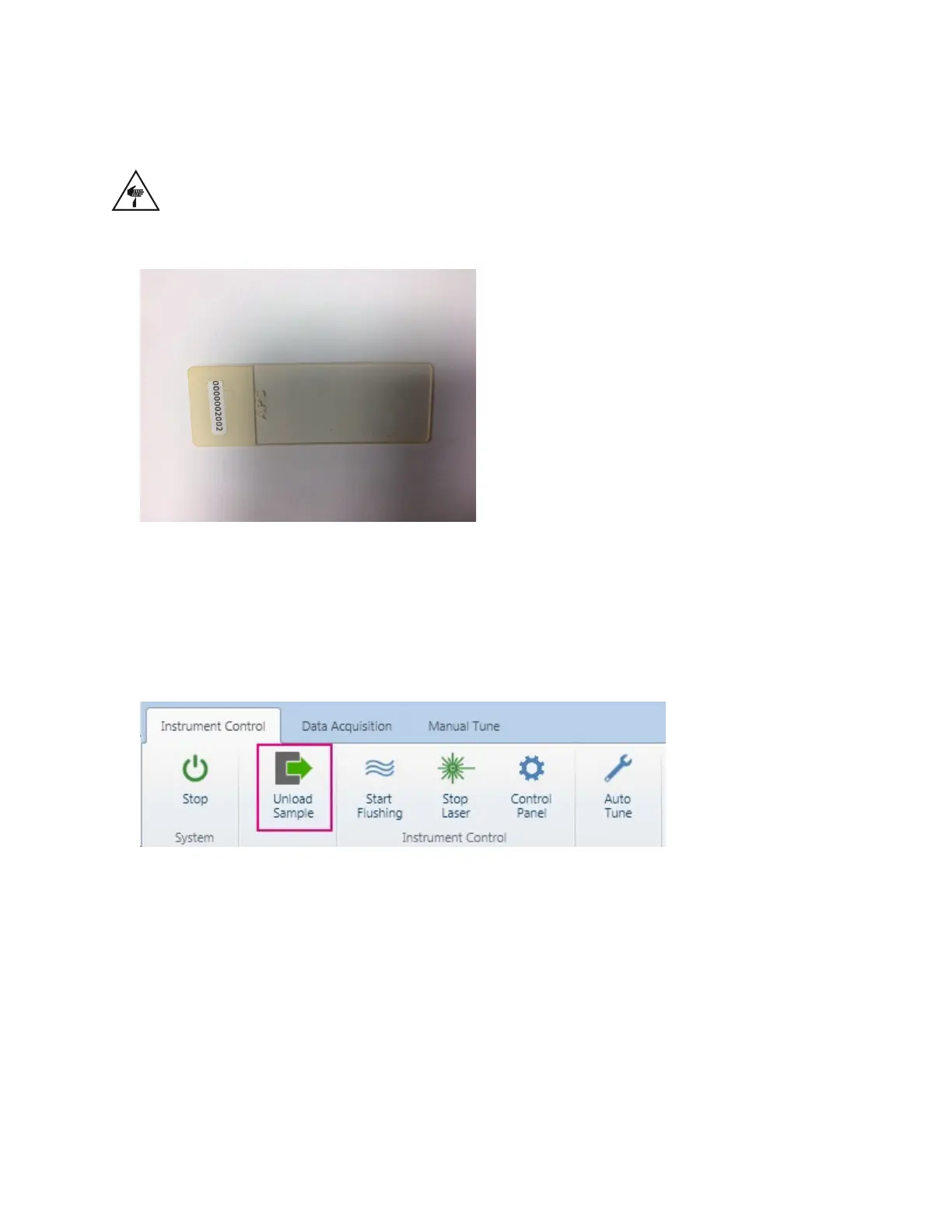
1 On the Instrument Control tab, click Unload Sample.
2 After the stage on the Hyperion™ Tissue Imager fully extends, open the sample window
and, if necessary, remove the previously loaded slide.



 To Next Page