Chapter 3: Operation
Unload and Load the Tuning Slide or Sample Slide
36 Hyperion Imaging System: User Guide
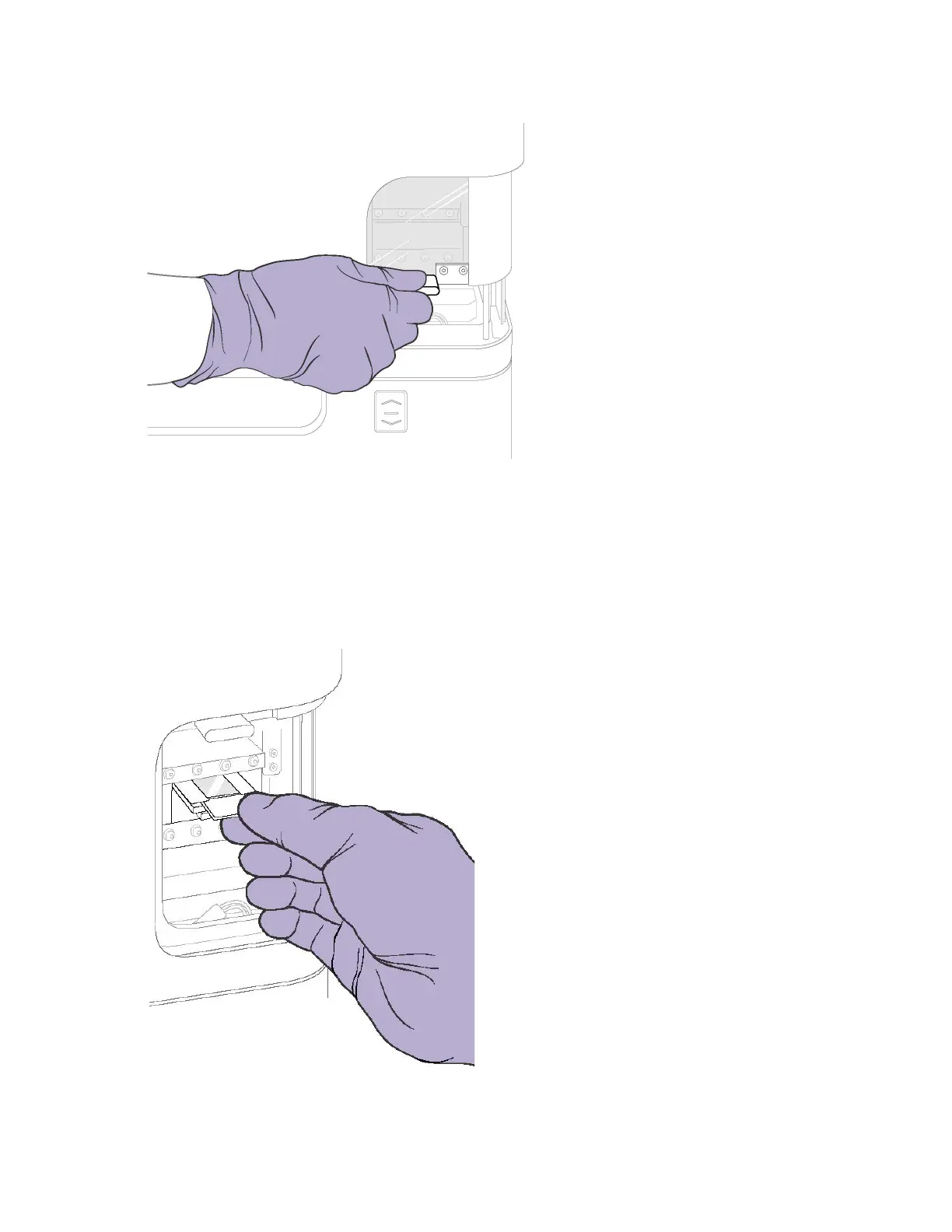
3 When the stage is fully extended, carefully insert the slide into the ablation chamber
stage with tuning film facing up.
IMPORTANT Gently grip the slide with your thumb and index finger to ensure that you
are not pushing down on the slide. Place the slide in the grooves on the stage and
insert.
4 Push the slide until it is firmly seated. A loud noise occurs if the slide is inserted
incorrectly.



 To Next Page