Chapter 4: Maintenance
Periodic Maintenance
Hyperion Imaging System User Guide
57
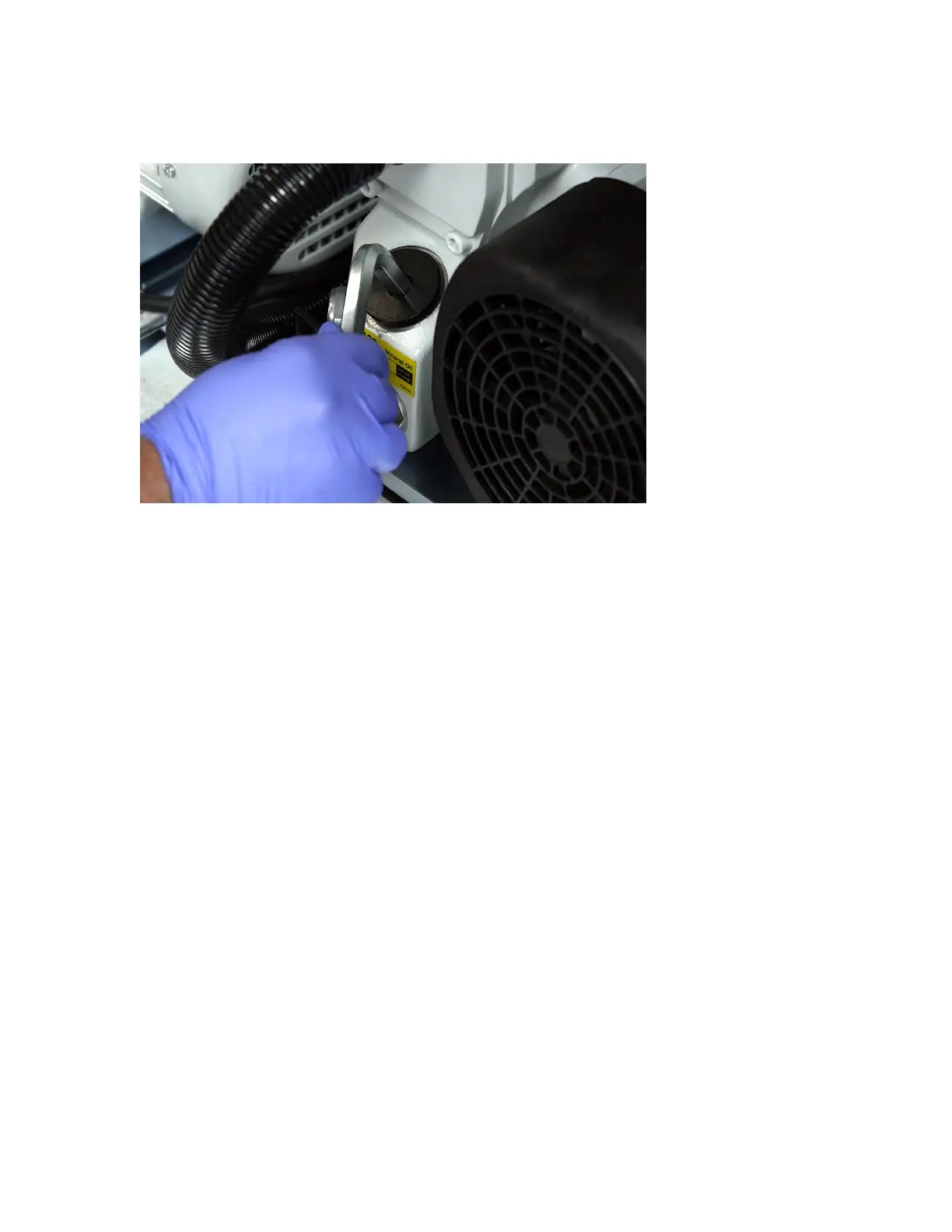
10 Unscrew the top cap, using the Allen key provided.
11 If the oil is very dirty, add 100 mL of fresh Vacuum Pump Oil (PN 101810) to allow the oil
to drain freely, and then drain using the drainage tubing before proceeding to the next
step.
12 Using the funnel and drain tube provided, fill the oil slowly until it reaches ¾ full by
viewing the oil inspection window.
13 Replace the top cap and tighten with the Allen key. Do not overtighten.
14 Close the lower left and right instrument doors and the front access door of the Helios
system.
NOTE Dispose of the oil in accordance with applicable local, regional, and national
regulations.
74BChange the Oil on the Backing Pump
NOTE The backing pump oil is changed annually by the Fluidigm field service engineer
(FSE) as part of the preventive maintenance of the instrument. Contact Fluidigm technical
support if you believe the oil in the backing pump requires changing.



 To Next Page