CertiFiber Pro Fiber Optical Loss Test Set
Users Manual
94
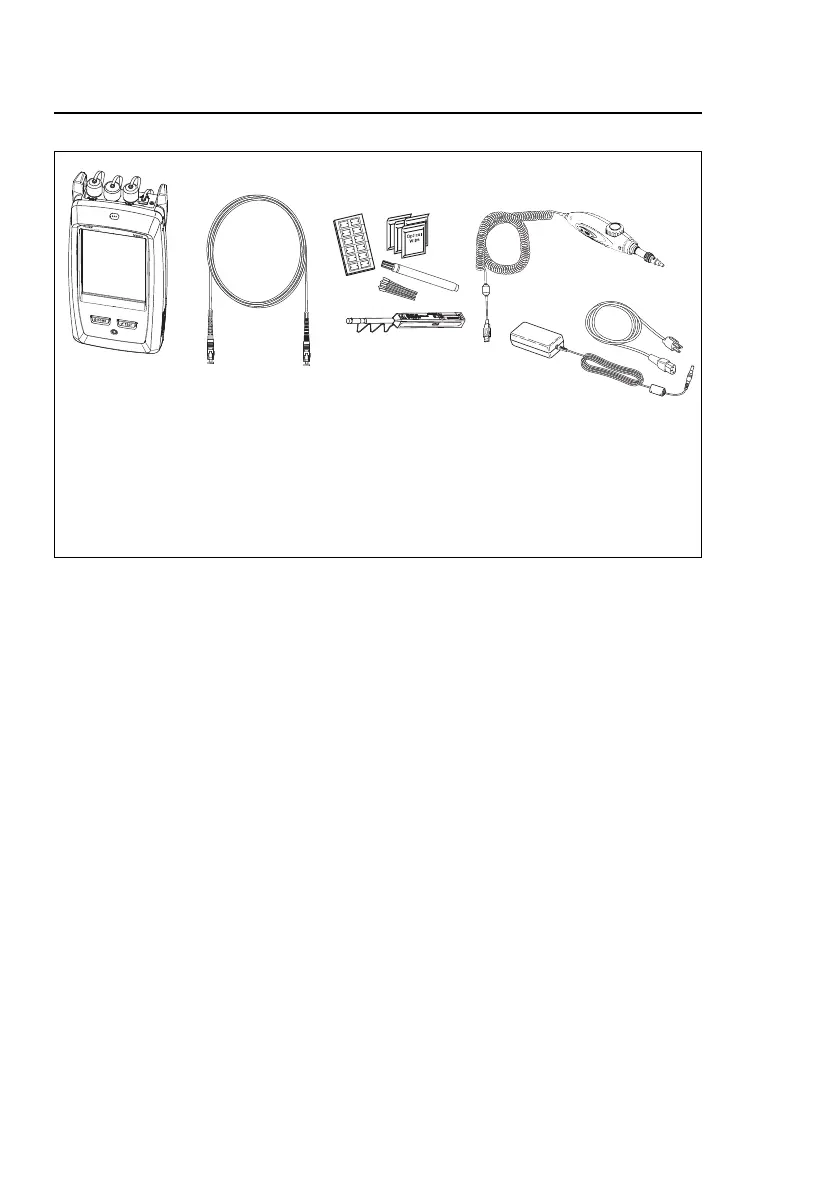
Figure 30. Equipment for Power Meter Measurements
To monitor power
1 Clean and inspect the tester’s input port and the connectors
on the source and test reference cord.
2 Connect the tester to the source, as shown in Figure 31.
3 Turn on the source. On a CertiFiber Pro module, hold down
the button adjacent to the VFL port for 3 seconds.
4 On the home screen, tap TOOLS, then tap Power Meter /
Light Source.
5 The default mode for the power meter is Auto CertiFiber Pro.
If the source is not a CertiFiber Pro tester, tap to select the
correct mode.
Figure 32 shows the power meter and its controls.
GPU137EPS
Versiv main unit with CertiFiber
Pro module installed
One test reference cord
Fiber cleaning supplies
Video probe with USB connector
(DI-1000 shown)
AC adapter with line cords
(optional)










 To Next Page