15
Und e r t h e state of t h e i n itial
pic t u r e,pres s M E N U key forl o n g ,
acc e s s t he main me n u .
Und e r t h e state of t h e i n itial
pic t u r e,pres s M E N U key forl o n g ,
acc e s s t he main me n u .
Pre s s U P /DOWN ke y c h o o se to dup-
lic a t e t h e sou r c e o r dup l i c a te
the d e s t inatio n
Press " -" or " +" key c hoos e to dupl i-
c a t e t h e s o u r c e o r d u p l i c a t e
conc rete user s of left and righ t
side s of the dest inat ion.
Press " -" or " +" key sele ct to chan ge
the lcd volu e .
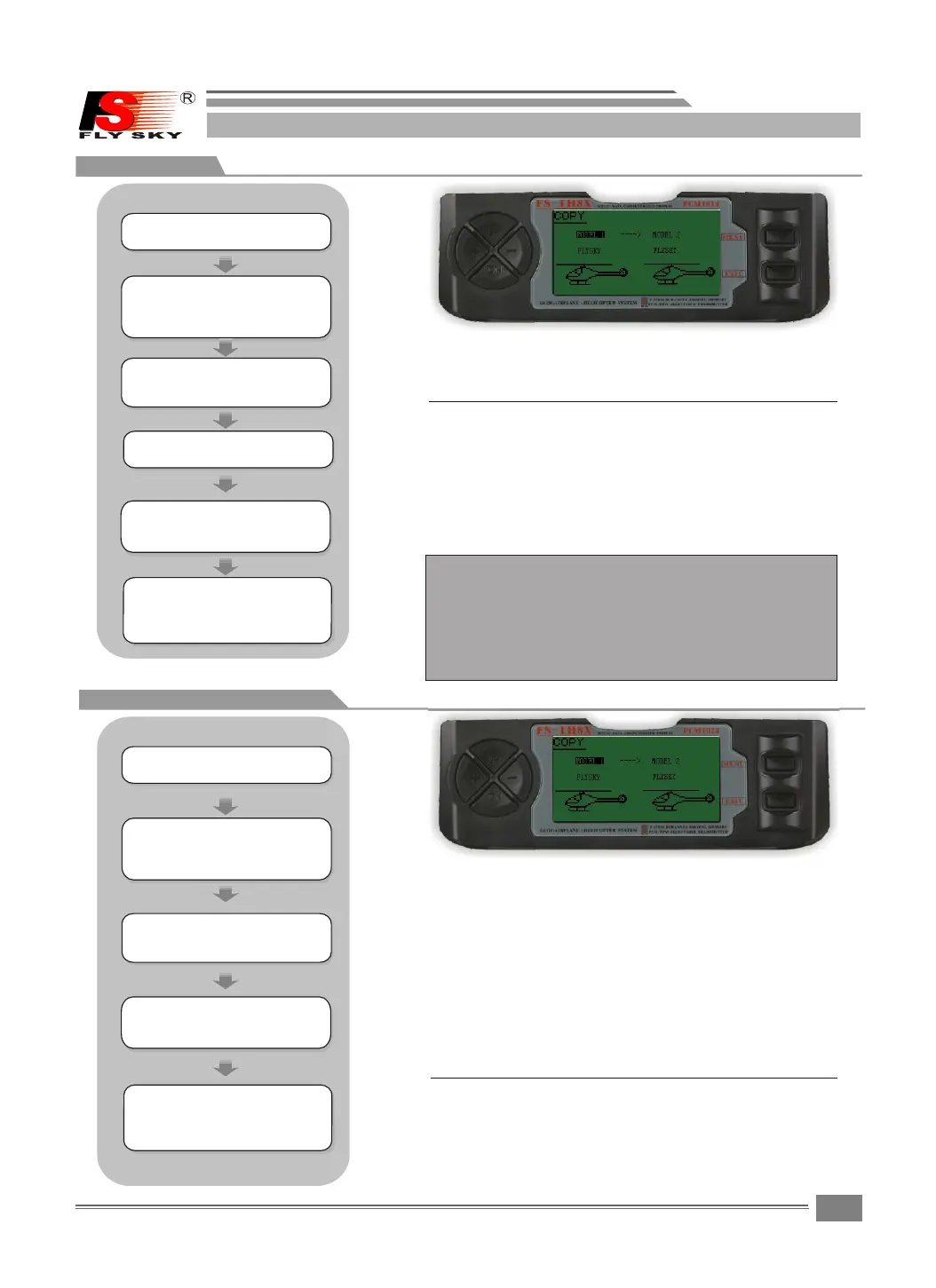
7.6COPY
7.7LCD ADJUST
MODEL COPY:
Copies t he c u r r e n t m o d e l data in t o another
model m e m ory.The name of t h e mo d e l me m o r y
you are copying into is di s p l a y e d f or clarity.
Duplicate source inc l u d e s t o b e a s follows,
MODEL1 -----MODEL8 , H E L 1 , A C R O
NOTE:
Duplicate the purpos e t o c o n t a i n: MODEL1----
MODEL8, ALL
ALL,show duplicati n g b y s o u r c e with establishment
copy to MODEL1 --- MODEL 8 ,
Press the MEN U key to save and ret u r n l a s t m e n u
Press the EXIT k e y to not keep and return las t
menu
Pres s UP or DOWN key choo se to dupl icat e the sour ce
or dupl icat e the dest inat ion
Pre ss " - " or " + " ke y cho os e to du pl ic at e th e so ur ce or
du pl ic at e co nc re te us er s of le ft an d ri gh t si de s of th e
de st in at io n.
SYSTEM SETTING
SYSTEM SETTING
Pre s s U P /DOWN ke y s e l e ct the SYS T E M
SET T I N G m enus,a n d p r e s s M ENU key
for s h o r t into nex t s u b m enu.
Pre s s U P /DOWN ke y s e l e ct the SYS T E M
SET T I N G m enus,a n d p r e s s M ENU key
for s h o r t into nex t s u b m enu.
Pre s s U P /DOWN ke y t o s e l ect the
COP Y m e n u ,and pres s M E N U k e y
for s h o r t into nex t s u b m enu.
Pre s s U P / D O WN k ey t o s e l ect the
ADJ C O N T RAST men u , a n d press ME N U
key f o r s h ort into n e x t s u bmenu.
Pre s s M E NU key for s h o r t t o keep
res u l t a nd retur n l a s t m enu.
pre s s E X IT key for s h o r t t o not
kee p a n d t reurn to l a s t m e nu.
Pre s s M E NU key for s h o r t t o keep
res u l t a nd retur n l a s t m enu.
pre s s E X IT key for s h o r t t o not
kee p a n d t reurn to l a s t m e nu.
FS-TH9X
LCD ADJ CONTRAST:
Press "+"or"- " key to ch a n g e t h e l c d volue.
Press the UP o r DOWM key to sele c t t h e D / R & E X P
screen.
Press the MEN U key to save and ret u r n l a s t m e nu
Press the EXIT k e y t o not keep and return las t
menu
The lcd adjust contras t f u n c t i o n is useto lcd
screen light adjust.
STEPS:
STEPS:


 To Next Page