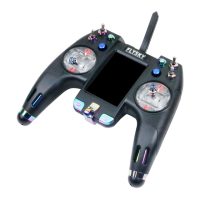
FS-TH9X
19
Und e r t h e state of t h e i n i tial
pic t u r e,pres s M E N U k ey forlo n g ,
acc e s s t he main me n u .
Und e r t h e state of t h e i n i tial
pic t u r e,pres s M E N U k ey forlo n g ,
acc e s s t he main me n u .
Pre s s U P /DOWN ke y c h o o se THRO HO L D m e nu,
pre s s M ENU k e y f o r shor t a n d enter t h e
pag e t o e s tablis h .
Pre s s U P /DOWN ke y c h o o se AUX-C H m e n u,
pre s s MENU k e y for sh o r t and e n t e r the
pag e t o e s tablis h .
Pre s s U P /DOWN ke y t o c h o ose the T H E O H O LDM scre e n .
Pre s s U P /DOWN ke y t o c h o ose the A U X - C H screen .
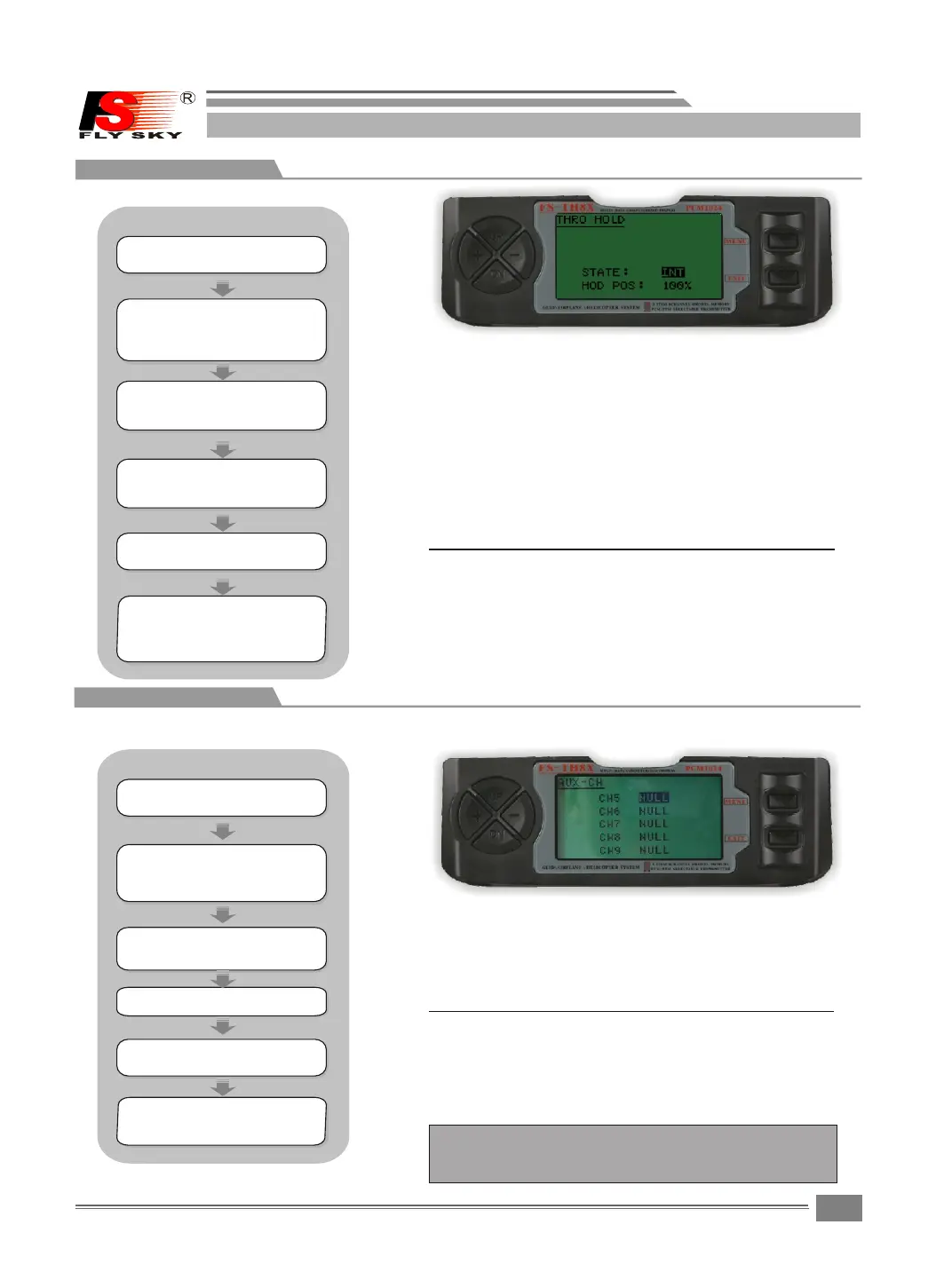
8.6THRO HOLD
THRO HOLD:
The Th r o t t l e hold function i s used to pr a c t i c e
autorotation and is often use a s a safety switch
for electric he l i c o p t e rs,olding the t h r o t t l e
in the off position.Wh e n t h e t h r o ttle hold switc
is activated t h e t h r o ttle hold func t i o n h olds
the throttle s e r v o / E S C in a specif i c p o s i tion
(normally low o r o f f throttle)whi l e a l l other
servos function norm a l l y .
Press "+"or"- " key to se l e c t t h e s t ate(INT OR ACT)
and change the throttl e h o l d v a l u e..
Press "+"or"- " key to se l e c t i n p u t channels.
Pre s s " + "or"-" k e y t o s e lect the
sta t e ( INT or ACT ) a n d c h ange the
thr o t t le hold va l u e . .
Pre s s " + "or"-" k e y t o s e lect inp u t
cha n n e ls..
Press the UP o r DOWM key to sele c t t h e T H R O H OLD
screen.
Press the UP o r DO WM k e y t o select the AUX-CH
screen.
Press the MENU k e y t o save and return last me n u .
Press the MEN U key to save and re t u r n l a s t m enu
Press the EXIT k e y to not keep and return las t
menu.
Press the EXIT k e y t o not keep and return las t
menu
8.7AUX-CH
AUX- CH:
Defines the relation s h i p b e t w een the transmi-
ttercontrols and the receiver output for cha-
nnels 5-9.Al s o , t h e ch9 servo r e v e rse is us e d
to change the ch9 servo di r e c t i o n .
Note t h a t t h e c h 9 f u nctions are only visib l e i n t h e
AUX-CH s c r een w h e n PCM modulation is s e l e c t ed.
The ch9 is not supported i n P P M m o d u l ation.
STEPS:
STEPS:
Pre s s U P /DOWN ke y s e l e ct the FUN C
SET T I N G menus , a n d press M E N U key
for s h o r t into nex t s u b m enu.
Pre s s U P /DOWN ke y s e l e ct the FUN C
SET T I N G menus , a n d press M E N U key
for s h o r t into nex t s u b m enu.
Pre s s M E NU key for s h o r t t o keep
res u l t a nd retur n l a s t m enu.
pre s s E X IT key for s h o r t t o not
kee p a n d t reurn to l a s t m e nu.
Pre s s M E NU key for s h o r t t o keep
res u l t a nd retur n l a s t m enu.
pre s s E X IT key for s h o r t t o not
kee p a n d t reurn to l a s t m e nu.
HELICOPTER
HELICOPTER


 To Next Page